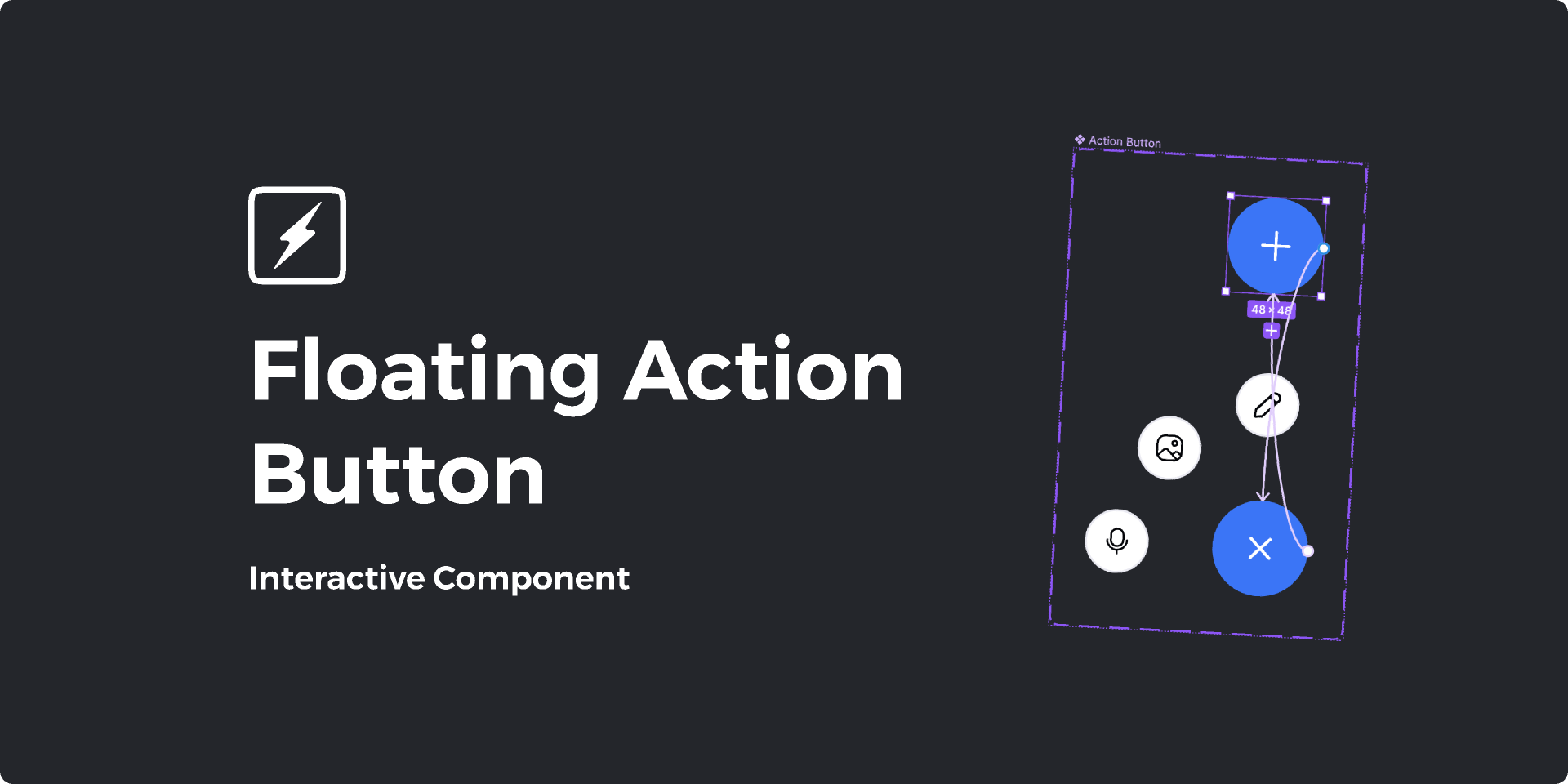
Floating action buttons represent more than simple interface elements; they embody sophisticated design thinking that prioritizes user accessibility, visual hierarchy, and interaction efficiency. These components appear prominently in successful applications across industries, from social media platforms to e-commerce websites, demonstrating their universal value in creating engaging user experiences that drive business results and user satisfaction.
The strategic implementation of floating action buttons requires deep understanding of user behavior patterns, accessibility standards, and responsive design principles. Professional developers recognize that these elements must seamlessly integrate with existing interface architectures while providing clear calls-to-action that guide users toward desired outcomes. This comprehensive approach to interface design significantly impacts career prospects in the competitive technology sector.
Modern users expect intuitive, responsive interfaces that anticipate their needs and provide effortless interaction pathways. Floating action buttons fulfill these expectations by offering persistent access to primary actions while maintaining visual clarity and reducing cognitive load. Mastering these design patterns positions developers for success in roles requiring advanced user experience expertise and technical implementation skills.
Understanding the Strategic Value of Floating Action Buttons
Floating action buttons serve critical functions in contemporary digital interfaces by providing users with immediate access to primary actions without cluttering screen real estate or disrupting content consumption experiences. Their strategic positioning and visual prominence guide user attention toward intended interactions while maintaining aesthetic balance and functional clarity across different device contexts.
The psychological principles underlying effective floating action button implementation involve understanding visual hierarchy, attention patterns, and decision-making processes that influence user behavior. Professional designers leverage color theory, positioning strategies, and animation techniques to create buttons that feel natural and inviting while clearly communicating their intended purposes and outcomes.
Research in user experience design consistently demonstrates that floating action buttons increase engagement rates, improve task completion percentages, and enhance overall user satisfaction when implemented thoughtfully. These performance improvements translate directly into business value, making floating action button expertise highly valuable for developers seeking advancement into product development, user experience design, or technical leadership positions.
The versatility of floating action buttons extends across numerous application types and industry contexts. E-commerce platforms use them for cart access and checkout initiation, social media applications implement them for content creation and sharing, productivity tools leverage them for task creation and navigation, while educational platforms utilize them for course enrollment and progress tracking.
Career opportunities for developers skilled in floating action button implementation span multiple disciplines including frontend development, mobile application design, user interface architecture, and digital product management. Companies actively seek professionals who understand how strategic interface elements impact user engagement and business outcomes, making these skills valuable for career advancement and salary negotiation.
Technical Implementation Fundamentals for Professional Applications
The technical foundation of floating action button implementation involves understanding CSS positioning techniques, responsive design principles, and JavaScript interaction handling that ensures consistent functionality across diverse device configurations and browser environments. Professional implementation requires careful consideration of z-index management, viewport calculations, and performance optimization strategies.
CSS positioning strategies for floating action buttons must account for responsive breakpoints, scrolling behavior, and potential conflicts with existing interface elements. Advanced developers utilize modern CSS features including custom properties, flexible positioning, and animation techniques that create smooth, professional interactions while maintaining optimal performance across different hardware configurations.
JavaScript functionality brings floating action buttons to life through event handling, state management, and dynamic behavior modifications that respond to user interactions and application context changes. Understanding these scripting techniques enables developers to create sophisticated button behaviors including expansion menus, contextual appearances, and accessibility-compliant interactions.
The integration of floating action buttons with existing application architectures requires understanding component-based development approaches, state management systems, and design system implementation. Modern development frameworks provide specialized components and utilities that streamline floating action button implementation while ensuring consistency and maintainability across large-scale applications.
Performance considerations become crucial when implementing floating action buttons that include animations, icons, or interactive feedback elements. Efficient implementation techniques prevent performance degradation while maintaining smooth user experiences across different device capabilities and network conditions, demonstrating professional development competency.
Design Principles and User Experience Optimization
Effective floating action button design requires understanding fundamental design principles including visual hierarchy, color psychology, iconography, and spatial relationships that create intuitive user experiences. Professional designers consider how these elements work together to guide user attention and facilitate desired interactions while maintaining aesthetic coherence with overall application designs.
The selection of appropriate icons, colors, and positioning strategies significantly impacts floating action button effectiveness and user comprehension. Industry best practices emphasize clarity, consistency, and cultural considerations that ensure buttons communicate their intended functions clearly across diverse user populations and usage contexts.
Accessibility implementation for floating action buttons involves understanding screen reader compatibility, keyboard navigation patterns, color contrast requirements, and motor accessibility considerations. These implementation details ensure applications remain usable for people with disabilities while demonstrating professional development standards and legal compliance awareness.
User testing methodologies help validate floating action button placement, styling, and functionality decisions through real-world usage data and feedback collection. Professional development processes incorporate user research insights to optimize button performance and ensure designs meet actual user needs rather than assumptions about user behavior patterns.
The relationship between floating action buttons and overall user experience strategy requires understanding conversion optimization, user journey mapping, and business objective alignment. Strategic implementation considers how buttons contribute to larger user goals while supporting organizational outcomes and performance metrics.
Cross-Platform Implementation and Responsive Design
Responsive floating action button implementation ensures consistent functionality and visual appeal across smartphones, tablets, desktop computers, and emerging device categories. This cross-platform approach requires understanding device-specific interaction patterns, screen size considerations, and platform-specific design conventions that influence user expectations.
Mobile-first design approaches prioritize floating action button optimization for touch interfaces while ensuring seamless scaling for larger screens and mouse-based interactions. Understanding these implementation strategies has become essential as mobile usage continues dominating web traffic and application usage patterns across global markets.
The adaptation of floating action buttons for different viewport sizes involves understanding flexible positioning, scalable typography, and responsive animation techniques that maintain usability and visual impact across diverse viewing contexts. These technical skills demonstrate comprehensive responsive design competency valued by employers across technology industries.
Cross-browser compatibility considerations ensure floating action buttons function consistently across different web browsers, operating systems, and device configurations. Professional developers implement comprehensive testing strategies and fallback solutions that prevent functionality issues while maintaining optimal user experiences.
Progressive web application implementation extends floating action button functionality to bridge web and native application experiences. Understanding these implementation techniques positions developers for opportunities in the growing progressive web application market and hybrid development approaches.
Industry Applications and Professional Development Impact
Floating action buttons appear extensively across successful digital products, demonstrating their practical value and widespread industry adoption. Social media platforms leverage floating action buttons for content creation, messaging initiation, and user engagement features that drive platform activity and user retention metrics.
E-commerce applications implement floating action buttons for shopping cart access, product favoriting, and checkout initiation that directly impact conversion rates and revenue generation. Understanding these commercial applications helps developers appreciate how interface design decisions influence business outcomes and professional advancement opportunities.
Productivity applications utilize floating action buttons for task creation, document editing, and workflow initiation that enhance user efficiency and application adoption rates. These implementations demonstrate how thoughtful design patterns contribute to user satisfaction and product success across different market segments.
Educational technology platforms implement floating action buttons for course enrollment, progress tracking, and communication features that support learning objectives and student engagement. Understanding these applications provides insights into how design patterns serve diverse user needs and organizational goals.
The documentation of floating action button implementation in professional portfolios demonstrates comprehensive frontend development skills, user experience awareness, and attention to design details that employers value when evaluating candidates for advanced positions and specialized roles.
Educational Pathways and Skill Development Strategies
Structured learning approaches significantly accelerate skill development in floating action button implementation and broader user interface design principles. Uncodemy's comprehensive UI/UX Design Course provides students with extensive hands-on experience creating floating action buttons and other essential interface components that meet professional industry standards and user expectations.
The curriculum emphasizes practical design implementation combined with theoretical understanding of user experience principles, accessibility standards, and responsive design methodologies. Students develop portfolio-worthy projects that demonstrate their ability to create engaging, functional interface elements that solve real-world user problems while meeting business objectives.
Uncodemy's Frontend Development Program delves deeply into the technical aspects of floating action button implementation, covering advanced CSS techniques, JavaScript interaction handling, and integration with modern development frameworks. This comprehensive approach ensures students understand both design principles and technical implementation requirements.
The collaborative learning environment encourages students to work on team projects that simulate professional development scenarios where floating action buttons integrate with larger application architectures. This experience teaches collaborative design processes, code review practices, and cross-functional communication skills essential for career advancement.
Industry mentorship programs connect students with experienced professionals who provide guidance on design decision-making, technical implementation strategies, and career development pathways in user experience design and frontend development. These relationships often lead to internship opportunities and professional networking connections that accelerate career progression.
Advanced Implementation Techniques and Professional Standards
Professional floating action button development extends beyond basic implementation to include advanced features such as contextual appearance, multi-action menus, accessibility optimization, and integration with analytics systems. These sophisticated implementations demonstrate the technical depth required for senior development positions and specialized user experience roles.
The integration with modern design systems enables developers to create consistent, scalable floating action button solutions that maintain visual coherence across large applications and multiple product lines. Understanding design system principles has become increasingly important as organizations adopt systematic approaches to interface development.
Animation and micro-interaction design for floating action buttons requires understanding motion principles, timing functions, and user feedback mechanisms that enhance perceived performance and user satisfaction. These advanced techniques distinguish professional implementations from basic button additions and demonstrate comprehensive user experience competency.
Performance optimization strategies ensure floating action buttons load quickly and respond smoothly across different devices and network conditions. Professional developers implement efficient rendering techniques, optimize asset delivery, and monitor performance metrics to maintain optimal user experiences.
Testing methodologies for floating action buttons include automated accessibility testing, cross-browser compatibility verification, user interaction monitoring, and A/B testing for optimization validation. Professional development workflows incorporate comprehensive testing processes that ensure consistent quality and continuous improvement.
Career Advancement and Industry Opportunities
The technology industry offers numerous career pathways for professionals skilled in floating action button implementation and broader user interface design competencies. User experience designers, frontend developers, product managers, and digital consultants frequently work with floating action button strategies in their daily responsibilities and project deliverables.
Salary prospects for developers and designers with floating action button expertise remain competitive across various technology markets and industry sectors. Entry-level positions often require fundamental knowledge of interface design principles, while senior roles demand expertise in advanced implementation techniques and strategic design thinking.
Professional development opportunities continue expanding for specialists in user interface design and frontend development. Many organizations provide training programs, certification opportunities, and advancement pathways for employees who demonstrate proficiency in modern interface design techniques and user experience optimization strategies.
The demand for skilled user experience professionals continues growing as businesses increasingly recognize the importance of effective digital interfaces for customer acquisition, retention, and satisfaction. This demand translates into job security and numerous career advancement opportunities across industries and organizational sizes.
Specialized consulting opportunities exist for experienced professionals who can advise organizations on floating action button implementation strategies, user experience optimization, and interface design best practices. These consulting roles often provide higher compensation and flexible work arrangements while building professional reputation and industry expertise.
Future Trends and Emerging Technologies
The floating action button design field continues evolving with new interaction paradigms, accessibility standards, and technological capabilities that create opportunities for specialized expertise and career advancement. Voice interfaces, augmented reality applications, and artificial intelligence integration present new challenges and possibilities for innovative button implementations.
Emerging design trends emphasize sustainability, inclusivity, and personalization that influence how floating action buttons integrate with contemporary applications and user expectations. Staying current with these trends positions developers and designers for leadership opportunities and cutting-edge project involvement.
The integration of floating action buttons with emerging technologies such as machine learning, voice recognition, and biometric authentication creates new possibilities for intelligent, adaptive interface behaviors. Understanding these technological intersections prepares professionals for advanced roles in innovation-focused organizations.
Progressive web applications and cross-platform development frameworks continue expanding the contexts where floating action button expertise applies, creating opportunities for specialization in hybrid development approaches and multi-platform design strategies.
Conclusion
Adding floating action buttons to improve user experience represents a fundamental skill that opens doors to numerous career opportunities in the rapidly expanding technology sector. The comprehensive understanding gained through strategic floating action button implementation creates a solid foundation for advancing into specialized roles including user experience design, frontend architecture, and digital product development.
The journey toward floating action button expertise requires dedication to understanding user needs, technical implementation proficiency, and commitment to staying current with evolving design standards and industry best practices. Students and professionals who invest time mastering these essential skills often find themselves well-positioned for rapid career advancement in competitive technology markets where user experience excellence drives business success and innovation leadership.