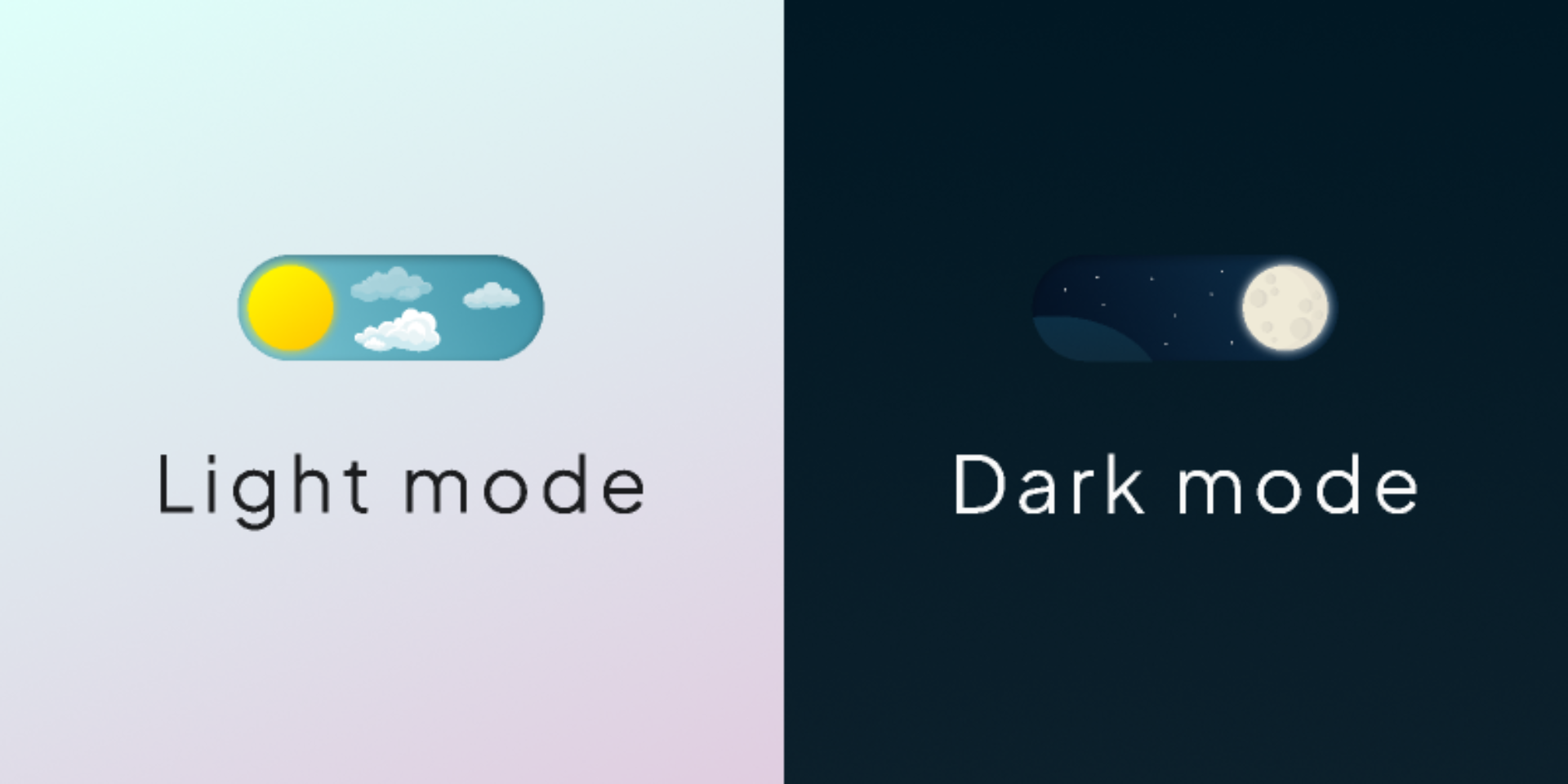
Understanding the Evolution of Dark Mode in Web Design
The emergence of dark mode functionality reflects broader changes in how users interact with digital interfaces throughout their daily routines. Modern users spend countless hours consuming digital content across multiple devices, making eye strain and visual comfort primary concerns for web designers and developers. Technology companies have responded to these needs by implementing sophisticated theming systems that provide users with control over their visual experience.
Research conducted by leading user experience firms demonstrates that dark mode preferences vary significantly based on environmental conditions, time of day, and individual visual preferences. Professional developers understand that offering both light and dark themes isn't merely an aesthetic choice—it's an accessibility feature that can improve user engagement and reduce digital eye strain for significant portions of their audience.
The most successful implementations of theme switching functionality demonstrate careful consideration of color contrast ratios, brand consistency, and technical performance across different devices and browsers. These comprehensive approaches require understanding both the technical implementation details and the user experience principles that make theme toggles genuinely valuable rather than superficial additions.
Technical Foundations of Theme Implementation
Creating robust light and dark mode functionality requires understanding CSS custom properties, JavaScript event handling, and local storage management that enables persistent user preferences across browsing sessions. The foundational approach involves establishing CSS variables that define color schemes, typography adjustments, and visual elements that change between themes.
Modern CSS frameworks provide sophisticated tools for managing theme variations, but developers must understand the underlying principles to create custom solutions that align with specific brand requirements and user experience objectives. Custom property implementation enables dynamic color switching without requiring page refreshes or complex style sheet management.
JavaScript plays a crucial role in detecting user preferences, managing theme state, and providing interactive controls that enable seamless switching between light and dark modes. Event listeners must be implemented carefully to ensure theme changes apply immediately while maintaining performance and avoiding visual flashing during transitions.
Local storage integration ensures that user theme preferences persist across browser sessions, creating consistent experiences that remember individual user choices. This functionality requires careful consideration of privacy implications and fallback strategies for users who have disabled local storage in their browsers.
User Experience Design for Theme Switching
Professional theme implementation extends beyond simple color inversions to include thoughtful consideration of visual hierarchy, contrast ratios, and brand identity consistency across both light and dark variations. Successful dark modes aren't merely darker versions of light themes—they require careful color palette selection that maintains readability while creating visually appealing interfaces.
Typography considerations become particularly important in dark mode implementations where different font weights and sizes may appear differently against dark backgrounds compared to light ones. Professional developers test their typography extensively across both themes to ensure consistent readability and visual appeal regardless of user theme preferences.
Icon and imagery adaptation represents another critical aspect of comprehensive theme implementation. Vector graphics, photographs, and decorative elements must be evaluated for their effectiveness in both light and dark contexts, potentially requiring alternative versions or dynamic filtering effects that maintain visual quality.
Interactive elements such as buttons, form fields, and navigation components require careful attention to ensure they remain accessible and visually distinctive in both theme variations. Hover states, focus indicators, and active states must be tested thoroughly to maintain usability standards across all theme options.
Uncodemy's Frontend Development Course: Mastering Modern Web Design Techniques
Recognizing the growing importance of advanced frontend development skills in today's competitive technology landscape, Uncodemy offers comprehensive Frontend Development courses that equip students with the expertise necessary to implement sophisticated features like theme switching functionality. Their curriculum covers modern CSS techniques, JavaScript interactivity, and user experience design principles that enable graduates to create professional-quality web applications.
The program provides extensive hands-on experience with CSS custom properties, responsive design frameworks, and interactive JavaScript features that form the foundation of contemporary web development practices. Students learn to implement accessibility features, performance optimizations, and cross-browser compatibility strategies that distinguish professional implementations from amateur attempts.
Uncodemy's experienced instructors bring practical knowledge from leading technology firms, sharing insights about industry best practices, design system implementation, and user experience optimization that help students understand not only how to implement specific features but also why certain approaches create superior user experiences.
The course structure emphasizes project-based learning where students progressively build more sophisticated web applications as they master new concepts and techniques. This approach ensures that graduates develop both technical proficiency and the design sensibility necessary to create engaging, accessible web experiences that meet professional standards.
Advanced Implementation Strategies and Techniques
Professional theme switching implementations often incorporate features beyond basic light and dark options, including system preference detection, automatic switching based on time of day, and multiple theme variations that accommodate different user preferences and use cases. These advanced features require sophisticated JavaScript logic and careful consideration of user interface design.
System preference detection enables websites to automatically apply appropriate themes based on user operating system settings, creating seamless experiences that align with user expectations without requiring manual configuration. This functionality involves CSS media queries and JavaScript APIs that detect system-level theme preferences.
Transition animations can enhance the user experience of theme switching by providing smooth visual feedback during color changes. However, these animations must be implemented carefully to avoid performance issues and respect user preferences for reduced motion that may be enabled for accessibility reasons.
Custom theme creation capabilities enable users to define their own color schemes or select from predefined alternatives beyond basic light and dark options. These features require sophisticated color management systems and user interface components that enable color selection while maintaining accessibility standards.
Performance Optimization for Theme Systems
Implementing theme switching functionality requires careful attention to performance implications, particularly on mobile devices and slower network connections. CSS custom properties provide efficient mechanisms for theme switching, but developers must consider the total CSS payload and potential rendering performance impacts of complex theme systems.
Critical CSS optimization becomes important when implementing theme functionality, as initial page loads should display appropriate themes immediately without waiting for additional style sheet downloads. This optimization requires careful planning of which theme-related styles are included in critical CSS bundles.
Image optimization strategies must account for theme variations, potentially requiring different image treatments or alternative graphics that work effectively in both light and dark contexts. Lazy loading and responsive image techniques become more complex when accounting for theme-specific image requirements.
JavaScript performance considerations include efficient event handling for theme toggle interactions and optimized local storage operations that don't impact page loading performance. Theme-related JavaScript should be optimized to minimize impact on initial page rendering and overall application responsiveness.
Accessibility Considerations and Best Practices
Professional theme implementation requires comprehensive attention to accessibility standards that ensure all users can effectively use theme switching functionality regardless of their abilities or assistive technologies. Color contrast ratios must meet WCAG guidelines in both light and dark theme variations, with particular attention to interactive elements and text readability.
Screen reader compatibility requires proper semantic markup for theme toggle controls and clear announcements when theme changes occur. Users relying on assistive technologies must be able to understand and control theme functionality without visual cues.
Keyboard navigation support ensures that theme toggle controls remain accessible to users who navigate websites using keyboard input rather than mouse or touch interactions. Focus indicators and logical tab order become particularly important for theme-related interface elements.
Motion sensitivity considerations require careful implementation of theme transition animations that respect user preferences for reduced motion. Auto-playing animations and rapid color changes can trigger vestibular disorders in sensitive users, making respectful animation implementation crucial.
Cross-Browser Compatibility and Testing Strategies
Comprehensive theme functionality requires extensive testing across different browsers, devices, and operating systems to ensure consistent behavior and appearance. CSS custom property support varies across older browsers, requiring fallback strategies that maintain basic functionality even when advanced features aren't available.
Mobile device testing becomes particularly important for theme implementations, as battery life and screen technology differences can affect how light and dark themes appear and perform on various devices. Touch interaction patterns for theme toggle controls must be optimized for mobile usability.
Progressive enhancement approaches ensure that theme functionality enhances the user experience without becoming a barrier for users on older devices or browsers. Core content and functionality should remain accessible even when theme switching features aren't supported.
Automated testing strategies can help identify theme-related issues across different environments and user configurations. Visual regression testing tools can detect unintended changes in theme appearance, while functional testing ensures theme toggle controls work consistently across different scenarios.
Integration with Design Systems and Component Libraries
Modern web development increasingly relies on design systems and component libraries that must accommodate theme switching functionality across multiple projects and team members. Successful theme implementation requires coordination between design and development teams to establish consistent theming approaches.
Component-based architecture requires careful consideration of how theme functionality propagates through different interface elements and component hierarchies. CSS-in-JS solutions and styled component approaches each present different opportunities and challenges for theme implementation.
Documentation and style guide development become crucial for teams implementing theme functionality across multiple projects or team members. Clear guidelines about color usage, component behavior, and implementation patterns ensure consistent results across different developers and projects.
Version control and deployment considerations include managing theme-related assets, ensuring consistent theme behavior across different environments, and coordinating theme changes with broader design system updates.
Analytics and User Behavior Insights
Understanding how users interact with theme switching functionality provides valuable insights for optimizing implementation and informing future design decisions. Analytics implementation should track theme preference adoption rates, switching frequency, and correlation with other user engagement metrics.
User feedback collection mechanisms enable continuous improvement of theme functionality based on real user experiences and preferences. This feedback can inform decisions about default theme selection, additional theme options, and interface design for theme controls.
A/B testing strategies can evaluate different approaches to theme implementation, including toggle placement, default settings, and transition animations. These tests help optimize user experience while maintaining development efficiency and code maintainability.
Long-term usage patterns provide insights into seasonal variations, demographic preferences, and platform-specific behaviors that can inform strategic decisions about theme functionality and resource allocation for theme-related development efforts.
Future Trends and Innovation Opportunities
The evolution of theme switching functionality continues with emerging technologies and user expectations creating opportunities for innovative implementations. Artificial intelligence integration may enable predictive theme switching based on user behavior patterns, environmental conditions, and content consumption habits.
Advanced color customization features could enable users to define completely personalized color schemes while maintaining accessibility standards and brand consistency. These features would require sophisticated color management systems and user interface design.
Integration with smart home systems and IoT devices presents opportunities for coordinated theming experiences across multiple devices and platforms. This integration could enable automatic theme switching based on ambient lighting conditions or time-based preferences.
Enhanced accessibility features might include custom contrast adjustments, colorblind-friendly theme variations, and integration with assistive technologies that provide more sophisticated user control over visual presentation.
Conclusion
Implementing professional-quality light and dark mode toggle functionality represents an excellent opportunity for web developers to demonstrate their understanding of modern user experience principles while building sophisticated technical skills. The combination of CSS expertise, JavaScript interactivity, and accessibility awareness makes theme switching an ideal project for showcasing comprehensive frontend development capabilities.
Success requires understanding both the technical requirements for efficient theme implementation and the user experience considerations that make theme switching genuinely valuable rather than superficial addition. Educational programs like Uncodemy's Frontend Development course provide the comprehensive training necessary to master these complex requirements while building the professional skills that employers value in competitive technology markets.
The future of web development continues offering opportunities for innovative theme implementations that serve diverse user needs while maintaining exceptional performance and accessibility standards. Developers who combine technical expertise with user experience understanding position themselves for success in the evolving landscape of modern web development and user interface design.