1. What Are Autoencoders?
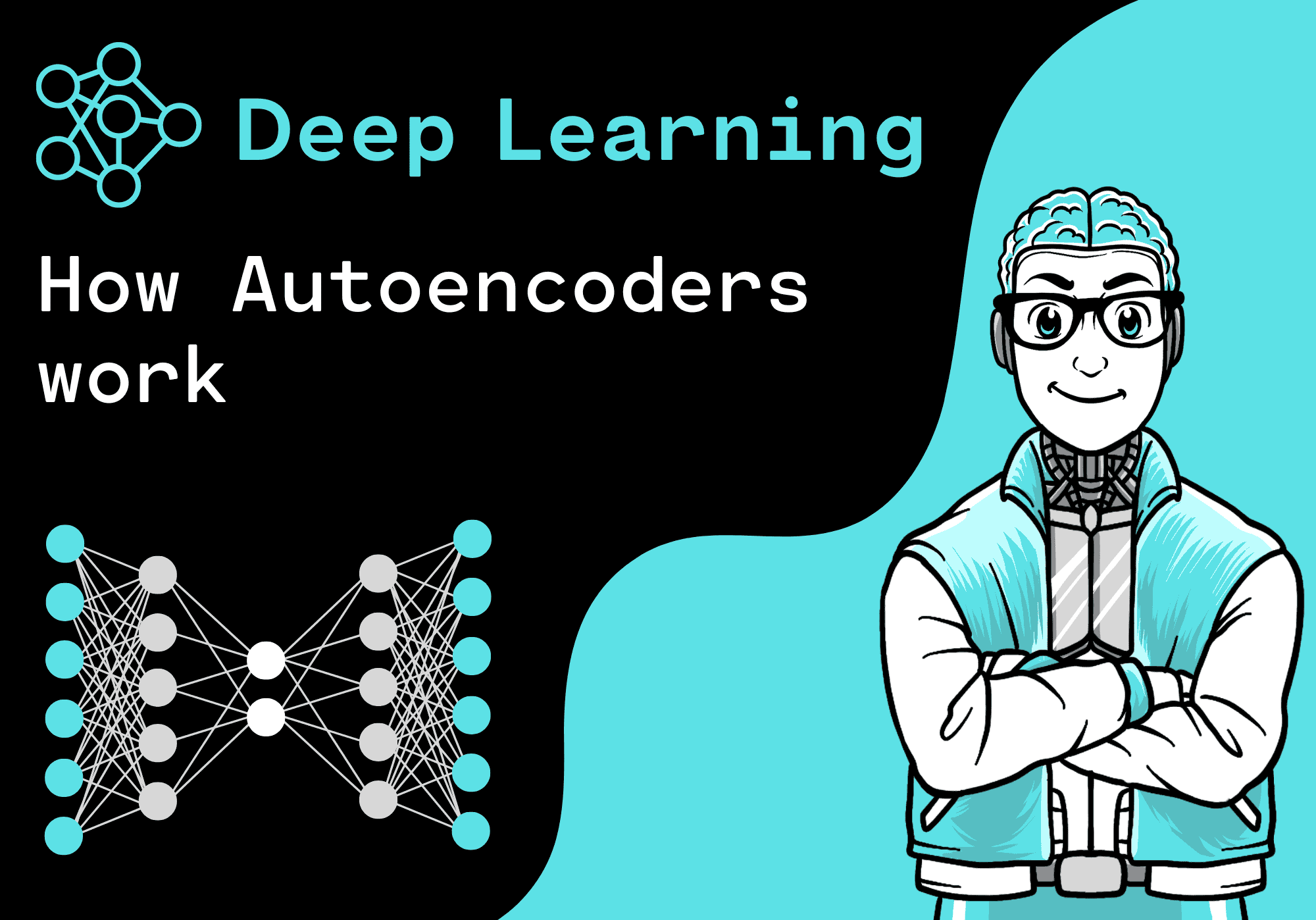
An autoencoder is a type of neural network designed to learn a compressed representation of data (called encoding) and then reconstruct the original data from this compressed form. Think of it as a smart zip file: it reduces data size while learning its key features, then decompresses it back to something very close to the original.
Autoencoders are unsupervised they don’t require labeled data. They simply try to reproduce the input as the output, learning the patterns along the way.
2. Why Learn Autoencoders?
Autoencoders are more than a curiosity; they’re a gateway into modern AI applications:
- Data compression – Reduce the size of high-dimensional data like images.
- Noise reduction – Clean noisy signals or images.
- Feature learning – Automatically extract meaningful features from raw data.
- Pretraining for deep networks – Initialize large models more effectively.
- Anomaly detection – Spot outliers in data by measuring reconstruction error.
If you’re aiming for a career in AI or data science, autoencoders are a must-know concept.
3. How Autoencoders Work
An autoencoder has two main parts:
- Encoder – Maps the input data to a smaller latent representation.
- Decoder – Reconstructs the original data from the latent representation.
Mathematically:
- Input xxx → Encoder f(x)f(x)f(x) → Latent code zzz
- Latent code zzz → Decoder g(z)g(z)g(z) → Reconstruction x^\hat{x}x^
The network is trained to minimize the reconstruction loss, usually Mean Squared Error (MSE), between xxx and x^\hat{x}x^.
4. Types of Autoencoders
Autoencoders come in several flavors. As a beginner, it helps to understand the main ones:
- Basic Autoencoder – Simple encoder-decoder architecture with bottleneck.
- Denoising Autoencoder – Learns to reconstruct clean input from noisy data.
- Sparse Autoencoder – Encourages sparsity in the latent representation.
- Variational Autoencoder (VAE) – Learns probabilistic latent variables (used in generative modeling).
- Convolutional Autoencoder – Uses convolution layers for image data.
Each variant has specific use cases, but they all share the same underlying idea of compressing and reconstructing.
5. Setting Up Your First Autoencoder
Let’s build a simple autoencoder in Python using Keras. This example uses the MNIST dataset of handwritten digits.
5.1 Install Dependencies
pip install tensorflow numpy matplotlib
5.2 Import Libraries
import numpy as np
import matplotlib.pyplot as plt
from tensorflow.keras.datasets import mnist
from tensorflow.keras.models import Model
from tensorflow.keras.layers import Input, Dense
5.3 Load and Preprocess Data
Copy Code
(x_train, _), (x_test, _) = mnist.load_data()

x_train = x_train.astype('float32') / 255.

x_test = x_test.astype('float32') / 255.

x_train = x_train.reshape((len(x_train), np.prod(x_train.shape[1:])))

x_test = x_test.reshape((len(x_test), np.prod(x_test.shape[1:])))
5.4 Build the Model
Copy Code
# Encoding dimension

encoding_dim = 32

# Input placeholder

input_img = Input(shape=(784,))

# Encoded representation

encoded = Dense(encoding_dim, activation='relu')(input_img)

# Decoded output

decoded = Dense(784, activation='sigmoid')(encoded)

# Model

autoencoder = Model(input_img, decoded)

# Compile

autoencoder.compile(optimizer='adam', loss='binary_crossentropy')

# Train

autoencoder.fit(x_train, x_train,

                epochs=50,

                batch_size=256,

                shuffle=True,

                validation_data=(x_test, x_test))
5.5 Test the Model
Copy Code
# Encode and decode test images

decoded_imgs = autoencoder.predict(x_test)

# Display original and reconstructed

n = 10

plt.figure(figsize=(20, 4))

for i in range(n):

    # Original

    ax = plt.subplot(2, n, i + 1)

    plt.imshow(x_test[i].reshape(28, 28))

    plt.gray()

    ax.axis('off')

    # Reconstruction

    ax = plt.subplot(2, n, i + 1 + n)

    plt.imshow(decoded_imgs[i].reshape(28, 28))

    plt.gray()

    ax.axis('off')

plt.show()
You’ll see that the autoencoder learns to reconstruct handwritten digits from a compressed representation.
6. Best Practices
- Normalize input data for faster convergence.
- Choose bottleneck size carefully — too small loses information, too large fails to compress.
- Use appropriate activation functions like ReLU for encoder and Sigmoid for decoder.
- Add noise or sparsity if you want to improve feature extraction.
- Visualize latent space to understand learned representations.
7. Real-World Applications
Autoencoders aren’t just academic exercises; they power many real-world solutions:
- Medical imaging – Compress and denoise MRI or CT scans.
- Cybersecurity – Detect network intrusions via anomaly detection.
- Recommendation systems – Learn compressed user embeddings.
- Finance – Identify unusual transaction patterns.
- Image search – Use latent features for faster retrieval.
8. Learning Path
If you’re serious about mastering autoencoders, follow this path:
1. Understand the basics of neural networks (MLPs, CNNs).
2. Learn Keras/TensorFlow for quick prototyping.
3. Implement simple autoencoders, then move to denoising and sparse.
4. Study Variational Autoencoders (VAEs) for generative tasks.
5. Explore advanced architectures like Transformers and Diffusion Models.
Recommended Course:Uncodemy’s Deep Learning with Python & TensorFlow course in Noida covers autoencoders, VAEs, GANs, and real-world projects.
9. Advantages of Autoencoders
- Unsupervised learning no labels needed.
- Flexible architecture for many data types.
- Strong feature extraction capability.
- Foundation for many state-of-the-art models.
10. Limitations
- Can memorize data if not regularized.
- Output quality limited by bottleneck size and training data.
- May struggle with highly complex or unstructured inputs.
Understanding these limitations helps you design better models.
11. FAQs
Q1: Do I need a powerful GPU to train an autoencoder?
A: For small datasets like MNIST, a CPU is fine. For large or high-resolution data, a GPU speeds things up.
Q2: How is an autoencoder different from PCA (Principal Component Analysis)?
A: Both reduce dimensionality, but autoencoders are nonlinear and can learn more complex representations than PCA.
Q3: Can autoencoders generate new data?
A: Basic autoencoders are mainly for reconstruction. Variational Autoencoders (VAEs) are designed for generative tasks.
Q4: How do I choose the size of the latent space?
A: Experiment. Start with a dimension that’s a fraction of your input size, then adjust based on reconstruction quality.
Q5: Where can I find datasets to practice?
A: MNIST, Fashion-MNIST, CIFAR-10, or your own custom datasets.
12. Conclusion
Autoencoders are a cornerstone of modern AI, bridging the gap between simple neural networks and advanced generative models. They’re perfect for learning how neural networks encode and decode information and provide a foundation for tackling tasks like anomaly detection, compression, and generative modeling.
Start small with a basic autoencoder, experiment with different architectures, and gradually move to advanced variants like VAEs. With consistent practice and the right resources like Uncodemy’s deep learning courses you’ll soon master autoencoders and add an essential skill to your AI toolkit.