A Beginner’s Guide to Learning Power BI the Right Way
“Without data, you’re just another person with an opinion.” – W. Edwards Deming
In an era where data is crucial, Power BI has become an indispensable tool for businesses, analysts, and decision-makers. If you’ve ever wondered, “What is Power BI?”, “How do I use it?”, or “Why is Power BI so widely used?”, you’ve come to the right place for answers.
This guide is designed for beginners who want to learn Power BI the right way, without getting lost in technical jargon. So, buckle up as we explore the world of data visualization, business intelligence, and machine learning with Power BI.
What is Power BI?
Imagine you’re a captain navigating a massive ship, and the sea is filled with endless data. Power BI is your compass, telescope, and map— all in one!
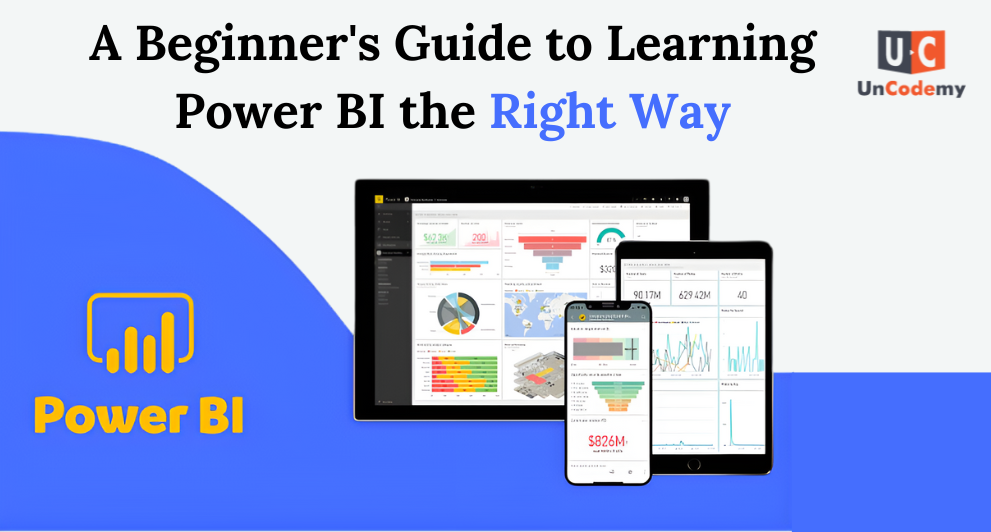
Simply put, Power BI is a business intelligence (BI) tool developed by Microsoft that helps users collect, analyze, visualize, and share insights from data.
In simpler terms: It turns boring spreadsheets into interactive dashboards and reports that help businesses make informed decisions.
Who Uses Power BI?
- Data Analysts – To explore and interpret data
- Business Owners – To track company performance
- Marketing Teams – To analyze customer behavior
- Finance Departments – To generate reports on revenue and expenses
What is Power BI Used For?
“Data is the new oil.” – Clive Humby
Power BI is used for transforming raw data into actionable insights. It’s like a superpower for businesses that want to make data-driven decisions.
✅ Here’s what you can do with Power BI:
- ✔️ Create interactive dashboards for real-time tracking
- ✔️ Build stunning visualizations (charts, graphs, maps, etc.)
- ✔️ Connect to various data sources (Excel, SQL, cloud, APIs)
- ✔️ Automate data analysis with AI and machine learning Power BI features
- ✔️ Generate real-time reports to spot trends and patterns
Example: A retail company can use Power BI to track sales, forecast demand, and optimize inventory based on real-time data.
Why Power BI is Used?
“Knowledge is power, but knowledge about data is supreme power!”
Many organizations use Power BI because it is:
- ✅ User-Friendly – Even beginners can create reports without coding
- ✅ Affordable – Compared to other BI tools, Power BI is budget-friendly
- ✅ Cloud-Based – Access your data anywhere, anytime
- ✅ AI-Powered – Use machine learning in Power BI for better predictions
- ✅ Secure – Ensures safe data sharing within organizations
Example: A marketing team can use Power BI dashboards to analyze customer engagement, helping them design better campaigns.
Learning Power BI – The Right Way
“A journey of a thousand miles begins with a single step.” – Lao Tzu
If you’re serious about learning Power BI, follow this step-by-step roadmap to become an expert.
Step 1: Understand the Basics
- 📌 Learn the Power BI Interface – Get comfortable with menus, ribbons, and panels.
- 📌 Explore Data Sources – Learn how to connect Power BI to Excel, databases, and APIs.
Try This: Open Power BI and import a simple Excel sheet to create your first report!
Step 2: Data Transformation with Power Query
- 📌 Clean Data Like a Pro – Remove duplicates, format columns, and fill in missing data.
- 📌 Merge & Append Data – Combine multiple data sources for a comprehensive analysis.
Example: If you have sales data from different stores, Power Query helps you combine them into a single report.
Step 3: Create Stunning Visuals
- 📌 Use Charts & Graphs – Choose the right visuals (pie charts, bar graphs, maps).
- 📌 Customize Dashboards – Make reports more engaging with colors and filters.
Tip: Always pick the right visualization for the data—don’t use a pie chart when a bar graph works better!
Step 4: Master DAX (Data Analysis Expressions)
- 📌 Use Formulas & Functions – Similar to Excel but more powerful.
- 📌 Create Measures & Calculated Columns – Helps in advanced calculations.
Example: If you want to calculate total sales, DAX lets you create a formula like:
Total Sales = SUM(Sales[Amount])
Step 5: Implement Machine Learning in Power BI
- 📌 Use AI Visuals – Get automatic insights from your data.
- 📌 Apply Predictive Analytics – Forecast future trends using ML models.
Example: A healthcare company can use Power BI to predict patient admission rates based on historical data.
Step 6: Learn How to Use Power BI for Reports & Sharing
- 📌 Publish to Power BI Service – Share reports online.
- 📌 Use Power BI Mobile App – Access data on the go.
- 📌 Automate Reports – Schedule data refresh and alerts.
Example: A finance manager can set up automatic weekly reports for company revenue analysis.
Power BI Learning Resources
- Microsoft Power BI Official Documentation – The best place to start
- YouTube Tutorials – Free step-by-step guides
- Power BI Community Forums – Get help from experts
- Online Courses – Platforms like Uncodemy, Coursera, and LinkedIn Learning
Tip: Practice, practice, practice! The more you experiment with Power BI, the better you’ll get.
Final Thoughts
“The beautiful thing about learning is that nobody can take it away from you.” – B.B. King
Mastering Power BI isn’t rocket science. With the right approach, patience, and practice, anyone can become a Power BI expert!
So, what’s stopping you? Start your Power BI learning journey today and transform raw data into valuable insights like a pro.



















