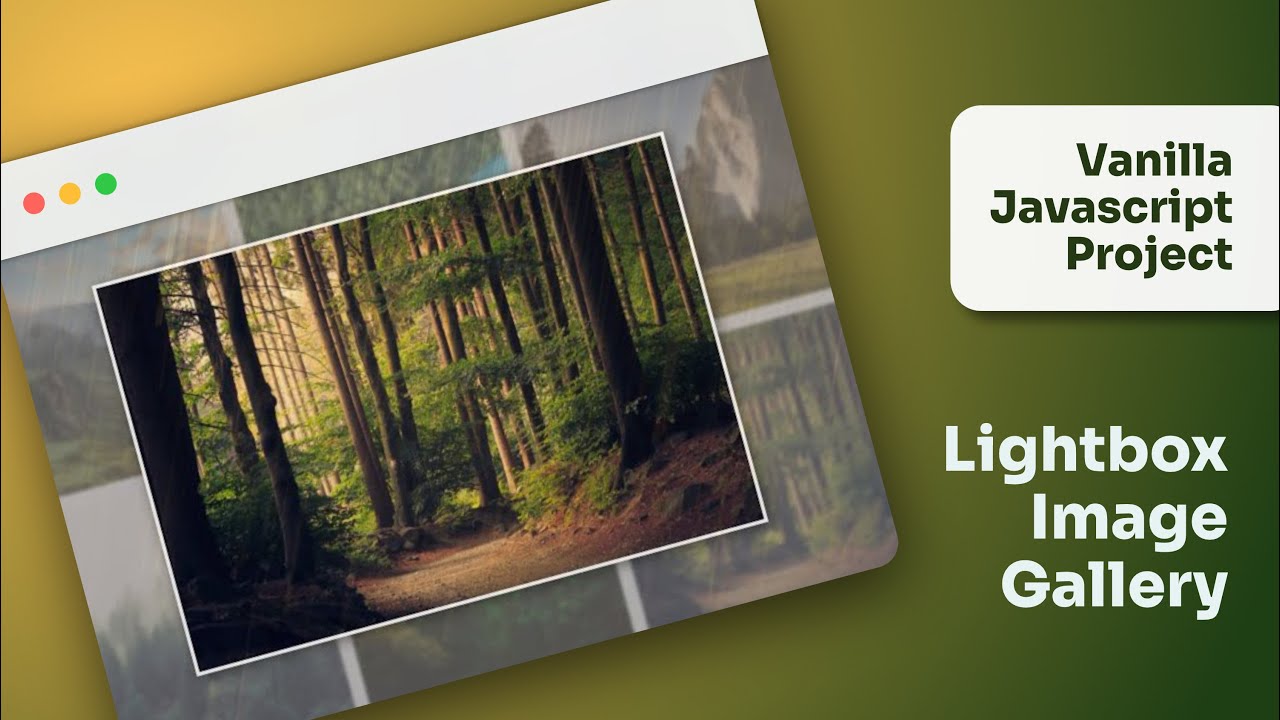
While there are many frameworks and plugins available that can do this easily, building a lightbox gallery from scratch using vanilla JavaScript is an excellent learning experience. Vanilla JS means using plain JavaScript without relying on external libraries. For beginners and students, this practice not only enhances their understanding of coding fundamentals but also sharpens problem-solving skills.
For learners who want to master such practical projects along with the foundations of web development, Uncodemy offers industry-focused JavaScript and Web Development Training Courses. These programs guide students step by step, from basic programming concepts to building real-world projects such as lightbox galleries.
Why Lightbox Galleries Are Important
Images are one of the most powerful forms of communication on the web. They break the monotony of text and give visual context to the content. However, displaying too many images on a webpage can clutter the design. Lightbox galleries solve this problem elegantly. By allowing thumbnails to be displayed initially and opening them in a larger view on click, they save space while keeping the design clean.
From a user perspective, lightbox galleries create an immersive experience. Instead of navigating away from the page or opening images in new tabs, the lightbox keeps users engaged within the same interface. This ease of navigation makes websites feel modern and user-friendly. Students who practice building such features learn that small additions like lightboxes can make a significant difference in overall user experience.
The Concept Behind a Lightbox
At its core, a lightbox works on a simple principle. The page displays small versions of images as thumbnails. When a user clicks on one of these thumbnails, a hidden overlay containing the larger version of the image is displayed on top of the current page. JavaScript controls when the overlay appears and disappears. CSS is used to style the overlay, making the background dim and the image stand out.
The steps are straightforward. First, structure the HTML by creating a gallery of images. Next, use CSS to style the thumbnails and the overlay container. Finally, add JavaScript to detect click events on thumbnails and display the corresponding image in the lightbox. Closing the lightbox can be achieved with a simple click on a close button or the background overlay.
Uncodemy’s Web Development Training emphasizes exactly this approach—breaking down a project into small, manageable steps and then combining them to build fully functional interactive features.
Building the Lightbox with Vanilla JS
For beginners, the process of building a lightbox gallery is not as complicated as it may sound. The first step is creating the HTML structure with a set of images wrapped in a container. Each image acts as a clickable element. The second step involves designing the hidden overlay with CSS. This overlay should cover the entire screen, have a dark semi-transparent background, and center the image in focus.
The real magic happens in the JavaScript part. Event listeners are used to detect when a thumbnail is clicked. Once clicked, the overlay becomes visible, and the corresponding large image is displayed. JavaScript also manages interactions such as closing the lightbox when the user clicks on the close button or presses the escape key. With just a few lines of code, an engaging lightbox can be created from scratch.
This type of project allows students to see immediate results of their coding, which builds confidence. In fact, projects like these are part of Uncodemy’s JavaScript Training Course, where learners are encouraged to practice and implement features without relying on heavy libraries.
Challenges in Creating a Lightbox
Although the concept sounds simple, beginners may face challenges when implementing a lightbox gallery. One common issue is handling image scaling. The images need to be responsive, meaning they should adapt to different screen sizes without breaking the layout. Another challenge is creating smooth transitions. Without proper CSS or JavaScript handling, the appearance and disappearance of the overlay can feel abrupt.
Accessibility is also a concern. For users who navigate with keyboards or screen readers, the lightbox must be coded in a way that remains functional. Adding focus trapping and ensuring that the close button is accessible are examples of good practices.
Such challenges are common in real-world development. By addressing them, students not only improve their coding skills but also learn how to think like professional developers. With Uncodemy’s guidance, these challenges are explained in simple terms, and learners are encouraged to experiment and refine their projects.
Best Practices for Building a Lightbox
When building a lightbox gallery, simplicity and usability should always be the priority. It is advisable to keep the design minimal, ensuring the user’s attention remains on the image itself. Animations should be smooth but not distracting. Another best practice is to preload images, so that when users click on thumbnails, the larger images load quickly without delays.
Responsive design is essential. Since a large number of users access websites through mobile devices, the lightbox should adapt to smaller screens. This includes resizing images and ensuring that navigation controls remain accessible. Beginners are often tempted to overload their lightboxes with too many features, but it is better to focus on functionality first before adding advanced elements.
Students at Uncodemy learn these best practices through live projects and hands-on sessions, which prepare them to create professional-quality web features.
How Lightbox Galleries Improve User Experience
User experience is one of the most important aspects of web development today. A website may have great content, but if it is not easy or enjoyable to navigate, users will leave quickly. Lightbox galleries improve user experience by providing a clear and focused way to view images. Instead of cluttering the page or forcing users to open new tabs, the lightbox keeps everything on the same page.
This also keeps the audience engaged for longer, increasing the chances of conversions if the website is designed for business or marketing purposes. From portfolios to e-commerce platforms, lightbox galleries are used widely to make browsing smooth and enjoyable. Students who build these projects gain a deeper understanding of how design and functionality come together to influence user behavior.
Real-World Applications of Lightbox Galleries
Lightbox galleries are not limited to a single type of website. They are used across industries and purposes. Photographers use them to showcase portfolios in a professional manner. Businesses use them to display product images more effectively. Blogs use them to add visual depth to their content. Even educational platforms use lightbox galleries to make learning materials more interactive.
By practicing how to build lightboxes, students gain skills that are applicable across many real-world scenarios. It is not just about writing code; it is about creating solutions that improve digital experiences. This practical approach is at the heart of Uncodemy’s Web Development Courses, where students are encouraged to experiment with projects that mirror industry practices.
Why Students Should Learn Vanilla JS Projects
Many beginners jump straight into frameworks and libraries, but learning vanilla JavaScript is important. It builds a strong foundation and helps students understand how things work behind the scenes. Projects like lightbox galleries are ideal because they are small enough to be manageable but also complex enough to teach valuable lessons.
Employers value candidates who understand the fundamentals, and knowing how to create interactive features without relying entirely on frameworks demonstrates versatility. Students who take up Uncodemy’s JavaScript Training gain this advantage by building projects that test both creativity and coding skills.
Conclusion
Building a lightbox image gallery using vanilla JavaScript is a rewarding project for students and aspiring developers. It combines creativity with coding, teaching learners how to structure HTML, style with CSS, and bring everything to life with JavaScript. While challenges such as responsiveness, accessibility, and smooth transitions may arise, they are opportunities to grow and improve.
Lightbox galleries improve user experience, keep audiences engaged, and are widely used across industries. For students, mastering this skill adds value to their portfolios and boosts career opportunities. With the right guidance, such as that provided by Uncodemy’s JavaScript and Web Development Training Courses, learners can confidently build interactive, professional-quality projects.
In the end, vanilla JavaScript projects like a lightbox gallery not only sharpen technical knowledge but also unleash creativity. They prove that with just a few lines of code and the right approach, even beginners can create something impactful. For anyone eager to step into the world of web development, this project is a perfect starting point.