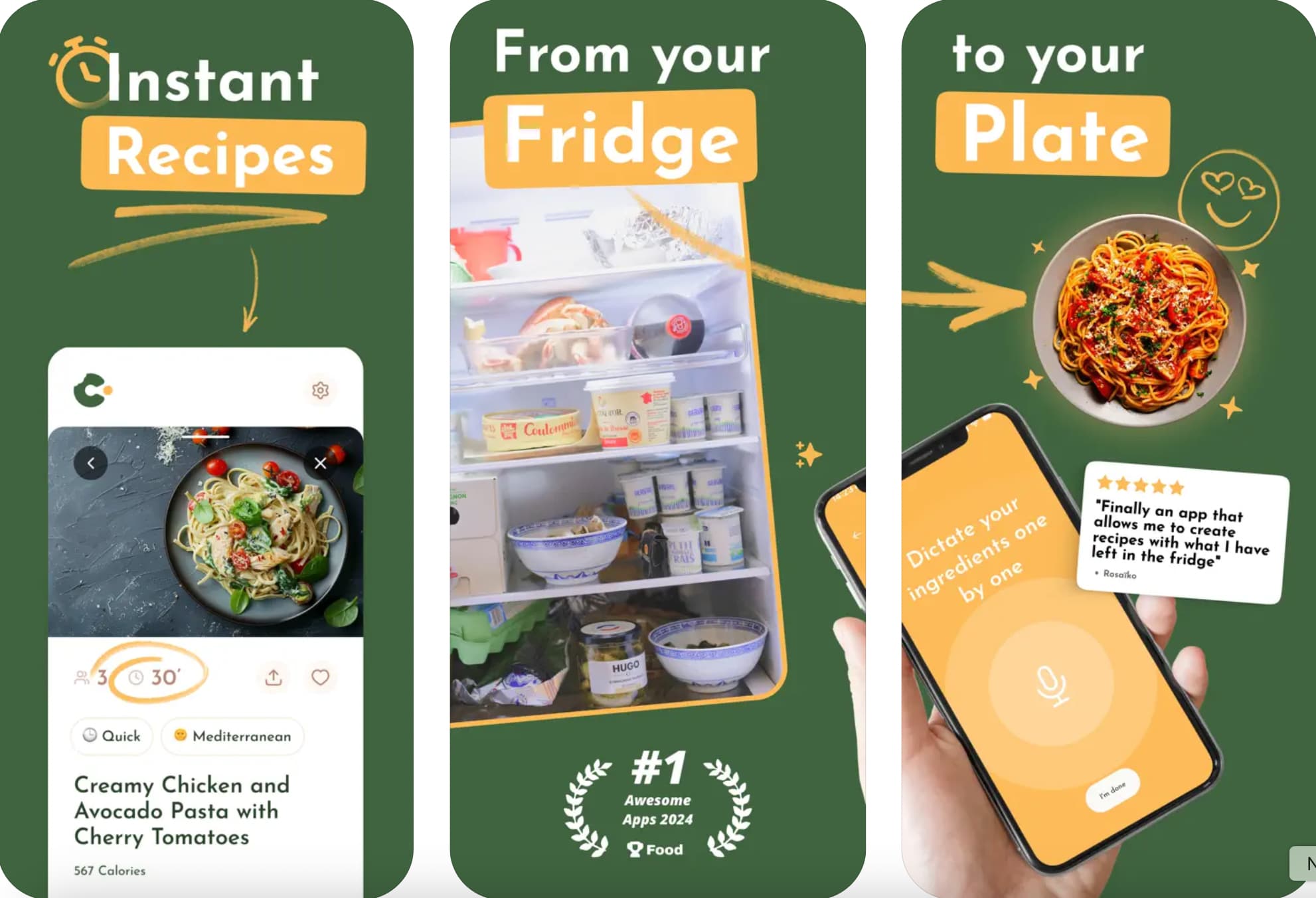
Below is a practical, implementation-focused 1500-word guide showing what to build, how ingredient recognition works technically, datasets and models to start with, UX and privacy considerations, and the skills you can learn from Uncodemy’s relevant courses to build this end-to-end.
What the app does (core user flows)
A practical MVP should deliver three core flows:
1. Scan & Detect — Take or upload an image; the app returns a ranked list of detected ingredients (e.g., tomato, onion, egg) and confidence scores.
2. Suggest Recipes — Match detected ingredients (plus pantry items and preferences) to recipes, ranked by match score and prep time.
3. Assist & Automate — Auto-generate shopping lists for missing items, show nutritional estimates, and let users save or share recipes.
Nice-to-have features later: multi-object bounding boxes (where each ingredient is located), step-by-step AR cooking overlays, meal plans, and diet-aware substitutions.
How ingredient recognition works (high level)
Ingredient recognition typically combines several AI building blocks:
- Image preprocessing: normalize, resize, augment for robustness.
- Object detection (if you want bounding boxes): models like YOLO or TensorFlow Object Detection identify and localize items in the image.
- Multi-label classification: foods often contain multiple ingredients; a multi-label CNN predicts all present ingredients rather than a single dish label.
- OCR & metadata: detect packaged items (labels) via OCR to read ingredient lists or brand names.
- Post-processing & heuristics: combine detections with user-known pantry items, apply contextual rules (e.g., “tomato” + “basil” → suggest Caprese variants), and filter improbable items.
Many production apps use a hybrid: on-device lightweight model for instant suggestions and a server-side heavier model for higher accuracy and reprocessing.
Datasets & prebuilt resources to bootstrap your model
You don’t need to collect everything from scratch. Several well-known food datasets and models are widely used in research and practical systems:
- Food-101 — a large benchmark with 101 food categories (~101,000 images). It’s a common starting point for food classification experiments. TensorFlowData Vision
- Ingredients / Ingredients101 — datasets and papers exist that link dishes to lists of common ingredients and enable multi-label ingredient recognition research. Researchers have published ingredient-focused datasets building on Food-101. ar5ivSemantic Scholar
- On-device models & TFLite examples — TensorFlow Lite and community examples show MobileNet-based food classifiers you can adapt for mobile apps. These give practical, on-device starting points. GitHubTensorFlow
If you need specialized regional cuisine coverage (e.g., Indian dishes, Southeast Asian ingredients), collect or augment datasets with local photos — transfer learning on a pre-trained backbone works well.
Model choices & deployment strategy
Model types
- Multi-label CNN (ResNet / MobileNet / EfficientNet): for predicting several ingredients from a single crop. Research often uses ResNet-50 for good accuracy; MobileNet/EfficientNet variants balance accuracy vs latency. Semantic ScholarKaggle
- Object detectors (YOLOv5/YOLOv8, SSD): when you need locations and counts (e.g., “two eggs, one tomato”).
- Ensemble / cascade: run a fast on-device MobileNet for immediate feedback; send image to server for a heavier model (ResNet or transformer-based) and refine results asynchronously.
On-device vs cloud inference
- On-device (TensorFlow Lite, Core ML): instant UX, works offline, better privacy. Use MobileNet, quantize to int8, and use pruning/quantization to reduce size. MediumTensorFlow
- Server-side: heavier models, more compute for better accuracy and multi-stage pipelines (detection → segmentation → classification). Use this for batch reprocessing, personalization, or heavy multi-modal steps (image + user history).
A hybrid approach gives the best UX: immediate suggestions on-device and improved results after server processing.
Practical implementation sketch (MVP)
1. Frontend (mobile-first)
- Camera UX: single-tap capture, dynamic guidance overlays (move closer/further).
- Show ranked ingredient list with confidence, allow user corrections.
- Recipe match UI: show best matches, missing ingredients highlighted, “cook now” and “add to shopping list” actions.
2. Backend
- API endpoints: /classify-image, /recipes/match, /user/pantry.
- Storage: object store for images (for re-training), database for users, recipes, and analytics.
- Worker queue: process images with heavy models and update results.
3. ML pipeline
- Data ingestion: combine public datasets (Food-101 + Ingredients101) + user-contributed photos for fine-tuning.
- Training: transfer learning on a pre-trained backbone (EfficientNet/ResNet); for on-device export, convert to TensorFlow Lite and quantize. KaggleTensorFlow
- Evaluation: multi-label metrics (precision@k, F1), per-ingredient confusion analysis.
4. Recipes engine
- Simple matching: score = (#detected ingredients present) / (#ingredients in recipe) weighted by importance.
- Ranking: prefer quick prep times, dietary filters, or user preferences.
-
UX & human-in-the-loop
- Editable results: let users confirm or correct detected ingredients — this both improves UX and provides valuable labeled data.
- Confidence & transparency: show confidence scores and offer “I don’t see this” or “add missing” options.
- Progressive disclosure: show quick recipe suggestions immediately, and then a refined list once server processing finishes.
- Gamify contribution: reward users who label images (credits, badges) — great for acquiring training data.
Privacy, bias & safety
- Privacy: process images on-device when possible; if you upload, get explicit consent and store images encrypted. Provide deletion and export options for user data.
- Bias & coverage: food datasets are skewed toward certain cuisines and presentation styles. If your app serves a global audience, actively collect diverse images and test model performance across cuisines. Research shows Food-101 and derived datasets contain label noise and cultural biases, so audit and retrain accordingly. TensorFlowResearchGate
Performance & optimization tips
- Quantize models to reduce memory and inference time (TFLite int8). TensorFlow
- Use image augmentation at training time to handle lighting/occlusion.
- Provide cropping workflow: allow users to crop the area of interest to reduce background noise.
- Cache user-specific results: if a user scans the same fridge frequently, cache predictions and recipe matches for instant responses.
Business & product opportunities
- Premium features: personalized meal plans, diet tracking, grocery delivery integration for missing items.
- B2B: license the recognition tech to supermarkets or meal-kit providers for inventory automation.
- Data licensing: anonymized ingredient trends (what people cook most) can be valuable for CPG brands — only if privacy-preserving and consented.
Skills & courses to build this (Uncodemy)
To build this app end-to-end you’ll need a mix of ML, mobile, and product skills. Uncodemy offers courses that map directly to this project:
- AI & Machine Learning — transfer learning, multi-label classification, object detection, and evaluation metrics.
- Mobile App Development (React Native / Flutter / iOS / Android) — camera UX, on-device inference (TFLite/Core ML), offline-first patterns.
- Data Engineering & DevOps — data pipelines, model deployment, serving with autoscaling.
- Full Stack Development — building the backend API, storage, and recipe matching logic.
- UI/UX Design — camera-first mobile experiences and human-in-the-loop labeling flows.
Uncodemy’s project-based approach will help you go from prototype to production with mentorship and real-world exercises that mirror exactly this use case.
Next steps & checklist (MVP)
- Prototype camera UX and basic recipe matching.
- Integrate an off-the-shelf TFLite food classifier for quick user feedback. GitHub
- Collect and label images for your target cuisine(s).
- Train a multi-label model (transfer learning from Food-101/Ingredients datasets). TensorFlowar5iv
- Export and quantize model for on-device inference; implement server fallback. TensorFlow
- Add user correction flows and start using that data to fine-tune models.
- Implement privacy controls and prepare for scalability.
Final thoughts
A smart recipe app with ingredient recognition is a highly practical product that delivers immediate value to users. The technical path is well-trodden — you can bootstrap with Food-101 and TFLite examples for an initial MVP, then iterate with user-labeled data to improve coverage and accuracy. Focus on delightful, transparent UX (editable predictions, fast on-device feedback) and protect user privacy — that combination is what turns a neat demo into a daily-use app.