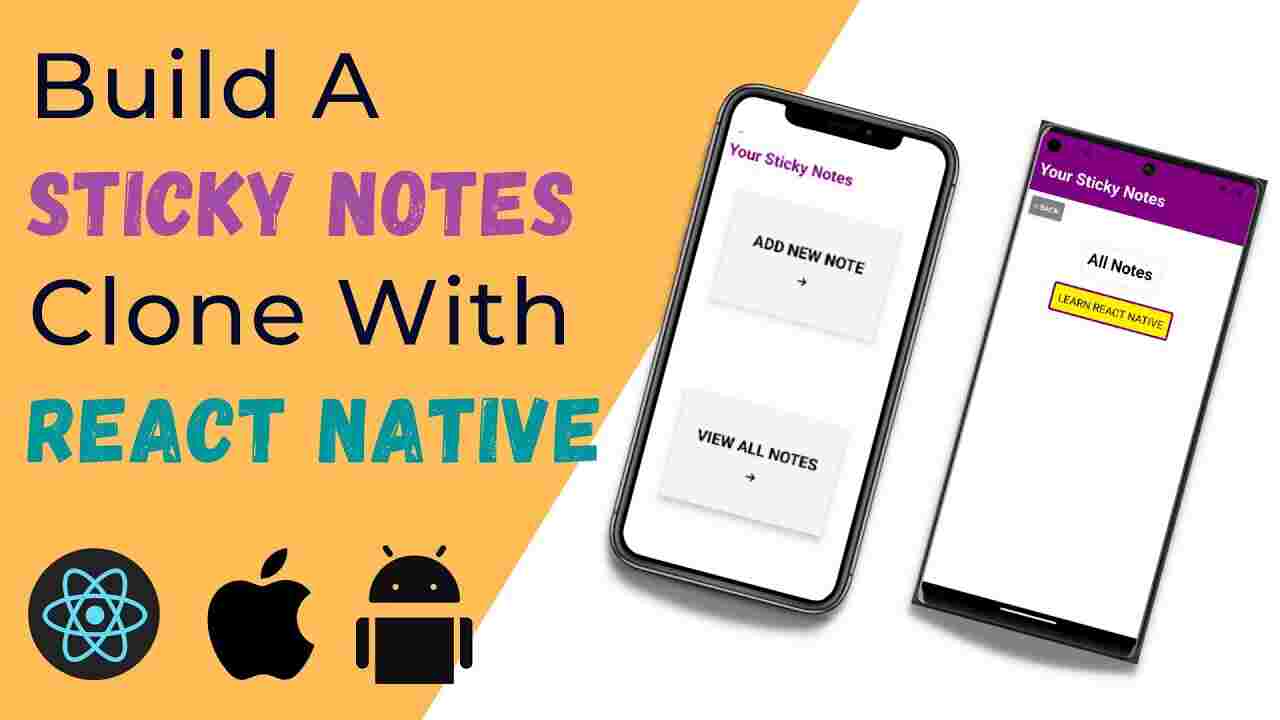
This comprehensive guide explores how aspiring developers can create their own sticky notes application using React and CSS, while highlighting the exceptional learning opportunities available through Uncodemy's specialized courses.
Understanding the Foundation: Why Sticky Notes Applications Matter
The development of a sticky notes application serves as an ideal introduction to modern web development principles. This project encompasses several crucial concepts that every developer should master, including state management, component-based architecture, event handling, and responsive design. Students who undertake this project gain valuable experience in creating dynamic user interfaces while working with real-world functionality that users interact with daily.
The sticky notes application represents more than just a simple coding exercise. It demonstrates how developers can transform basic ideas into functional digital solutions that address everyday organizational needs. Through this project, learners develop critical thinking skills as they navigate challenges related to data persistence, user experience optimization, and code organization. These fundamental concepts form the backbone of more complex applications that students will encounter in their professional careers.
The Power of React in Modern Application Development
React has emerged as one of the most popular JavaScript libraries for building user interfaces, and for good reasons. Its component-based architecture allows developers to create reusable pieces of code that can be efficiently managed and maintained. When building a sticky notes application, React's state management capabilities become particularly valuable as developers need to handle dynamic content creation, modification, and deletion.
The virtual DOM implementation in React ensures optimal performance even when dealing with multiple sticky notes simultaneously. This efficiency becomes crucial when users create numerous notes and expect smooth interactions without performance degradation. Students learning React through practical projects like sticky notes applications gain hands-on experience with these advanced concepts while building something tangible and useful.
Uncodemy's React Development Course provides comprehensive training that covers everything from basic React concepts to advanced state management techniques. The course curriculum is designed to help students understand not just how to use React, but why certain approaches work better than others in different scenarios. Through structured learning modules and practical exercises, students develop the confidence needed to tackle complex development challenges.
CSS: Bringing Visual Appeal to Functional Applications
While React handles the application logic, CSS transforms the user interface into an visually appealing and intuitive experience. The styling of a sticky notes application requires careful consideration of color schemes, typography, spacing, and interactive elements that make the application both functional and aesthetically pleasing. Students learn to implement hover effects, transitions, and animations that enhance user engagement without compromising performance.
The responsive design aspect of CSS becomes particularly important when developing sticky notes applications that users will access across various devices. Mobile responsiveness ensures that the application maintains its functionality and visual appeal whether accessed on desktop computers, tablets, or smartphones. This cross-platform compatibility represents a crucial skill that employers highly value in today's diverse technological landscape.
Advanced CSS techniques such as Flexbox and Grid Layout provide developers with powerful tools for creating flexible and maintainable layouts. When applied to sticky notes applications, these technologies enable developers to create dynamic arrangements that adapt to different content lengths and screen sizes. Students who master these concepts through hands-on projects develop a deep understanding of modern CSS capabilities.
Key Features Every Sticky Notes Application Should Include
A well-designed sticky notes application incorporates several essential features that demonstrate various programming concepts and user experience principles. The ability to create new notes showcases form handling and state management, while the edit functionality introduces concepts related to user input validation and real-time updates. The delete feature requires careful consideration of user confirmation workflows and data management.
Color coding capabilities allow users to organize their notes visually, introducing developers to concepts related to user preferences and customization features. The drag-and-drop functionality, while more advanced, teaches students about event handling, DOM manipulation, and user interface feedback systems. These features collectively create a comprehensive learning experience that covers multiple aspects of modern web development.
Search and filtering capabilities add another layer of complexity that helps students understand data manipulation and algorithm implementation. When users have numerous sticky notes, the ability to quickly locate specific information becomes crucial for application usability. Implementing these features requires students to think about data structures, search algorithms, and performance optimization.
The Development Process: From Concept to Completion
Beginning the development process requires careful planning and consideration of the application architecture. Students learn to break down complex projects into manageable components, creating a development roadmap that guides them through each implementation phase. This structured approach mirrors professional development practices and helps students develop project management skills alongside their technical capabilities.
The initial setup involves creating the React application structure and organizing the file system in a way that supports scalable development. Students learn about best practices for folder organization, naming conventions, and code structure that facilitate collaboration and maintenance. These organizational skills prove invaluable when working on larger projects or collaborating with other developers.
Component creation represents the core of React development, and the sticky notes application provides an excellent opportunity to practice this fundamental skill. Students learn to identify reusable elements and create components that can be efficiently composed together to build the complete application. This modular approach teaches students to think about code reusability and maintainability from the beginning of the development process.
State Management and Data Flow
Effective state management forms the foundation of any interactive React application, and sticky notes applications provide excellent opportunities to practice these concepts. Students learn to identify what information needs to be stored in the application state and how to structure that data for optimal access and modification. Understanding when to use local component state versus more complex state management solutions represents a crucial skill for aspiring developers.
The concept of lifting state up becomes particularly relevant when multiple components need access to the same data. In a sticky notes application, the parent component typically manages the array of notes while child components handle individual note operations. This hierarchical data flow teaches students about React's unidirectional data flow and the importance of proper component communication.
Event handling in React requires students to understand how user interactions trigger state changes and interface updates. The sticky notes application provides numerous opportunities to practice event handling, from simple click events for creating and deleting notes to more complex scenarios involving form submissions and drag-and-drop interactions.
Styling Strategies and User Experience Considerations
The visual design of a sticky notes application significantly impacts user engagement and satisfaction. Students learn to implement CSS styles that create intuitive user interfaces while maintaining visual consistency throughout the application. Color psychology plays an important role in designing effective note-taking interfaces, as different colors can help users organize information and create visual hierarchies.
Animation and transition effects enhance the user experience by providing visual feedback for user actions. When implemented thoughtfully, these effects make the application feel more responsive and professional. Students learn to balance visual appeal with performance considerations, ensuring that animations enhance rather than detract from the overall user experience.
Responsive design principles ensure that the sticky notes application functions effectively across different devices and screen sizes. Students learn to implement flexible layouts that adapt to various viewing conditions while maintaining functionality and visual appeal. This skill becomes increasingly important as users expect consistent experiences across all their devices.
Advanced Features and Enhancement Opportunities
Once students master the basic functionality, they can explore advanced features that demonstrate more sophisticated programming concepts. Local storage implementation allows notes to persist between browser sessions, introducing students to client-side data persistence concepts. This feature significantly enhances the application's practical value while teaching important lessons about data management.
Integration with external APIs opens up possibilities for cloud synchronization and collaborative features. Students can explore how to connect their applications to backend services, learning about asynchronous programming, error handling, and network communication. These skills prepare students for working with more complex, distributed applications in their professional careers.
Performance optimization becomes important as applications grow in complexity and feature sets. Students learn about code splitting, lazy loading, and other techniques that ensure their applications remain fast and responsive even as they add more functionality. These optimization skills distinguish professional developers from hobbyists and represent valuable expertise in competitive job markets.
Learning Opportunities with Uncodemy
Uncodemy offers comprehensive courses that guide students through the complete process of building modern web applications, including projects like sticky notes applications. The Full Stack Web Development Course provides students with both frontend and backend skills necessary for creating complete applications that can be deployed and used by real users.
The React JS Training program specifically focuses on mastering React development through hands-on projects and expert guidance. Students work through progressively complex projects that build upon previous concepts while introducing new challenges and learning opportunities. The course structure ensures that students develop both theoretical understanding and practical skills needed for professional development roles.
The Frontend Development Course at Uncodemy covers the complete spectrum of client-side technologies, including advanced CSS techniques, JavaScript programming, and React development. Students learn to create responsive, interactive applications that meet modern web standards and user expectations. The course curriculum is regularly updated to reflect current industry trends and best practices.
Career Implications and Professional Development
Building sticky notes applications and similar projects provides students with portfolio pieces that demonstrate their capabilities to potential employers. These projects showcase not only technical skills but also problem-solving abilities, attention to detail, and understanding of user experience principles. Employers often prefer candidates who can demonstrate practical experience through completed projects rather than just theoretical knowledge.
The skills developed through building React applications with CSS styling transfer directly to professional development environments. Students who complete these projects understand component-based architecture, state management, styling methodologies, and debugging techniques that they will use daily in their careers. This practical experience provides a significant advantage in job interviews and early career performance.
The collaborative aspects of modern web development become apparent when students work on projects like sticky notes applications. Version control, code review practices, and documentation skills naturally develop as students progress through more complex projects. These professional skills complement technical abilities and contribute to career success in development roles.
Conclusion
Building a sticky notes application using React and CSS represents an excellent learning opportunity for aspiring web developers. This project combines fundamental programming concepts with practical user interface design, creating a comprehensive learning experience that prepares students for professional development challenges. The skills acquired through this project form the foundation for more advanced development work and career success.
Uncodemy's specialized courses provide the structured learning environment and expert guidance necessary for students to master these concepts effectively. Through hands-on projects, comprehensive curriculum, and industry-relevant training, students develop the confidence and capabilities needed to succeed in competitive technology careers. The combination of theoretical knowledge and practical experience ensures that graduates are well-prepared for the challenges and opportunities of modern web development careers.