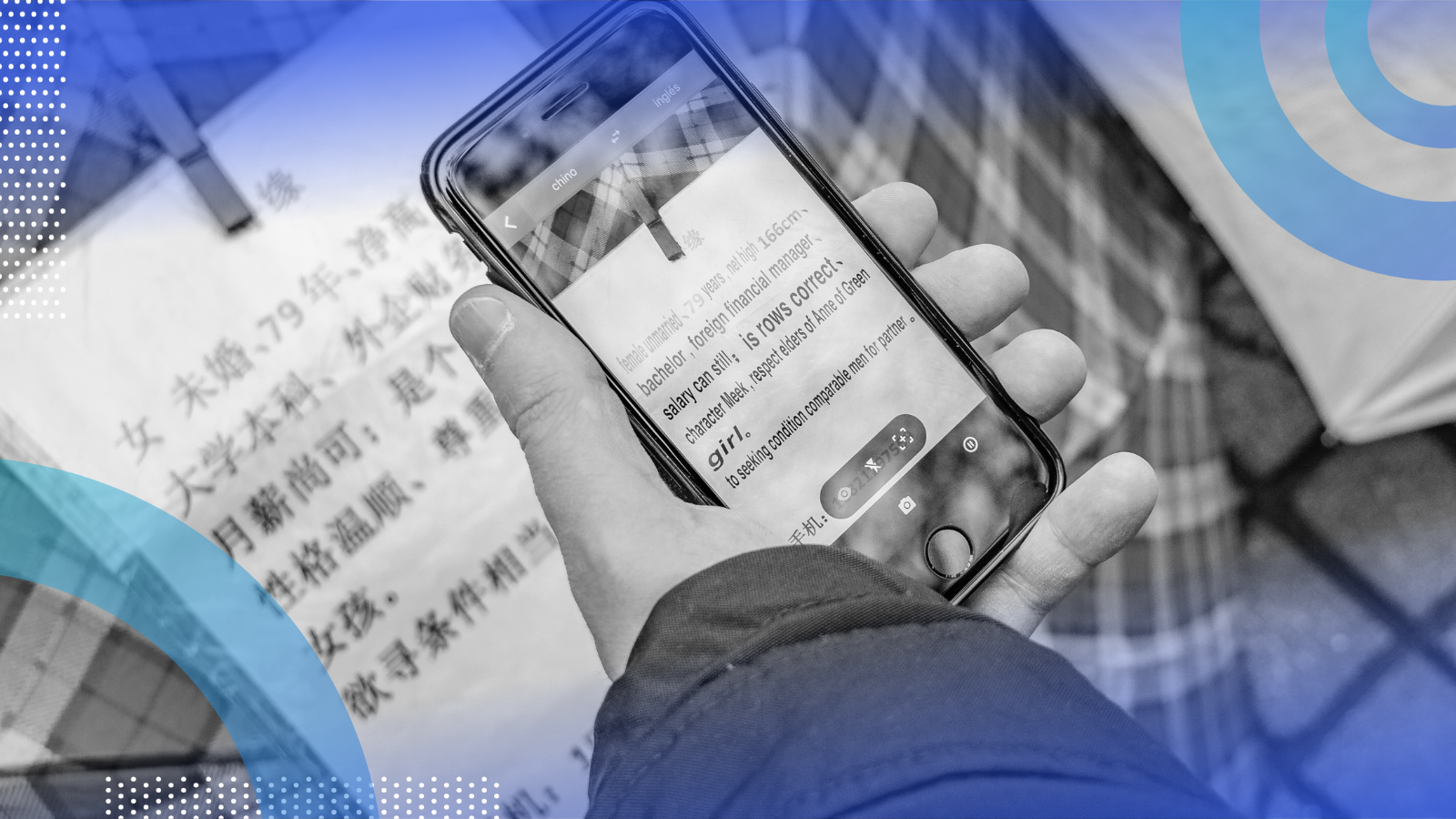
What the app does (MVP)
1. User taps a mic → speaks in Language A
2. App transcribes speech to text (ASR)
3. Text is translated to Language B
4. Translated text is synthesized as speech (TTS)
5. Audio plays back; optional on-screen captions
System architecture (two solid options)
Option A — Hybrid (Recommended for MVP)
- Mobile (Flutter/React Native):
- Record audio (16 kHz mono PCM/Opus)
- Show partial captions (optional)
- Display translated text + play TTS audio
- Backend (FastAPI/Node):
- ASR: Whisper small/base (PyTorch/ONNX) or Vosk (offline-friendly)
- Translate: NLLB-200 / M2M100 (Transformers) or cloud (Google/Azure) for strong quality/latency
- TTS: Coqui TTS / Piper (local), or cloud TTS (Google/Azure/AWS Polly) for natural voices
- Pros: Good accuracy, manageable latency, simpler mobile code
- Cons: Requires server + bandwidth
Option B — Mostly On-Device (Advanced)
- ASR: Whisper-tiny/int8 via ONNX Runtime Mobile
- Translate: Compact NMT (M2M100 distilled/quantized) or rule-based fallback
- TTS: Piper or VITS mobile build
- Pros: Privacy, offline use
- Cons: Heavier engineering; device limits
For a production v1, start with Option A then migrate hot paths on-device later.
Model/Service choices (balanced defaults)
- ASR (speech → text): OpenAI Whisper small/base (great accuracy), or faster: Whisper-tiny/int8 for low-end devices; offline: Vosk
- Translation (text → text): Meta NLLB-200 for many languages (deploy via Transformers + GPU/ONNX), or cloud (Google/Azure) for best quality/latency at scale
- TTS (text → speech): Piper for lightweight offline, Coqui TTS for custom voices, or cloud for premium neural voices
Data flow (MVP)
1. App records audio → sends chunks to /asr/stream (WebSocket) or /asr (REST)
2. Backend returns partial/final transcripts
3. App calls /translate with source text + target lang
4. App calls /tts with translated text → gets WAV/MP3
5. App plays audio; shows captions
Minimal backend (FastAPI, Python)
1) FastAPI project layout
server/
app.py
asr.py
translate.py
tts.py
models/ # store ONNX/PyTorch models or cache
2) app.py (wire endpoints)
Copy Code
from fastapi import FastAPI, UploadFile, Form

from fastapi.responses import StreamingResponse, JSONResponse

from asr import transcribe_audio

from translate import translate_text

from tts import synthesize

app = FastAPI()

@app.post("/asr")

async def asr(file: UploadFile, source_lang: str = Form(default="auto")):

    audio_bytes = await file.read()

    text = transcribe_audio(audio_bytes, source_lang)

    return JSONResponse({"text": text})

@app.post("/translate")

async def translate(q: str = Form(...), target_lang: str = Form(...), source_lang: str = Form("auto")):

    out = translate_text(q, target_lang, source_lang)

    return JSONResponse({"text": out})

@app.post("/tts")

async def tts(q: str = Form(...), voice: str = Form("en-US")):

    audio_iter = synthesize(q, voice)  # yields PCM/WAV bytes

    return StreamingResponse(audio_iter, media_type="audio/wav")
3) asr.py (Whisper base; replace with your preferred runtime)
Copy Code
import io

import torch

import torchaudio

import whisper

_model = whisper.load_model("base")  # for latency use "small" or “tiny”

def transcribe_audio(audio_bytes: bytes, source_lang: str = "auto") -> str:

    wav, sr = torchaudio.load(io.BytesIO(audio_bytes))

    if sr != 16000:

        wav = torchaudio.functional.resample(wav, sr, 16000)

    audio = wav.squeeze(0).numpy()

    result = _model.transcribe(audio, language=None if source_lang=="auto" else source_lang)

    return result.get("text", "").strip()
4) translate.py (Transformers NLLB example)
Copy Code
from transformers import AutoTokenizer, AutoModelForSeq2SeqLM

import torch

MODEL_NAME = "facebook/nllb-200-distilled-600M"

_tokenizer = AutoTokenizer.from_pretrained(MODEL_NAME)

_model = AutoModelForSeq2SeqLM.from_pretrained(MODEL_NAME, torch_dtype=torch.float16).eval().to("cuda" if torch.cuda.is_available() else "cpu")

# map BCP-47 -> NLLB language tokens (simplified)

NLLB = {"en":"eng_Latn","hi":"hin_Deva","es":"spa_Latn","fr":"fra_Latn","de":"deu_Latn"}

def translate_text(txt: str, target_lang: str, source_lang: str = "auto") -> str:

    tgt = NLLB.get(target_lang, "eng_Latn")

    inputs = _tokenizer(txt, return_tensors="pt").to(_model.device)

    generated_tokens = _model.generate(**inputs, forced_bos_token_id=_tokenizer.lang_code_to_id[tgt], max_new_tokens=256)

    return _tokenizer.batch_decode(generated_tokens, skip_special_tokens=True)[0]
5) tts.py (Piper CLI wrapper—simple and fast)
Copy Code
import subprocess

from typing import Iterator

# assumes piper + voice model installed, e.g. en_US-amy-low.onnx

VOICE_PATHS = {"en-US":"voices/en_US-amy-low.onnx","hi-IN":"voices/hi_IN-...onnx"}

def synthesize(text: str, voice: str) -> Iterator[bytes]:

    model = VOICE_PATHS.get(voice, VOICE_PATHS["en-US"])

    # stream WAV from Piper

    proc = subprocess.Popen(

        ["piper", "--model", model, "--sentence_silence", "0.25", "--output_raw"],

        stdin=subprocess.PIPE, stdout=subprocess.PIPE

    )

    proc.stdin.write(text.encode("utf-8"))

    proc.stdin.close()

    while True:

        chunk = proc.stdout.read(4096)

        if not chunk: break

        yield chunk

    proc.wait()

Swap Piper/Coqui with a cloud TTS if you need premium voices quickly.
Mobile app (Flutter example)
Dependencies
Copy Code
record (mic capture)


http (upload audio, call APIs)


just_audio (playback)


permission_handler (mic permission)


dependencies:

  record: ^5

  http: ^1

  just_audio: ^0.9

  permission_handler: ^11
Record → ASR → Translate → TTS (happy-path demo)
Copy Code
import 'package:record/record.dart';

import 'package:http/http.dart' as http;

import 'package:just_audio/just_audio.dart';

final record = AudioRecorder();

final player = AudioPlayer();

const server = "http://YOUR_SERVER:8000";

Future<void> captureAndTranslate(String targetLang) async {

  if (!await record.hasPermission()) return;

  await record.start(RecordConfig(encoder: AudioEncoder.wav, sampleRate: 16000), path: "/tmp_in.wav");

  // UI shows "listening..." and a stop button

}

Future<void> stopAndProcess(String targetLang) async {

  final path = await record.stop();

  final asrReq = http.MultipartRequest('POST', Uri.parse("$server/asr"))

    ..fields['source_lang'] = 'auto'

    ..files.add(await http.MultipartFile.fromPath('file', path!));

  final asrRes = await asrReq.send();

  final asrText = await http.Response.fromStream(asrRes);

  final sourceText = jsonDecode(asrText.body)['text'];

  final trRes = await http.post(Uri.parse("$server/translate"),

    body: {'q': sourceText, 'target_lang': targetLang, 'source_lang': 'auto'});

  final translated = jsonDecode(trRes.body)['text'];

  final ttsRes = await http.post(Uri.parse("$server/tts"), body: {'q': translated, 'voice': langToVoice(targetLang)});

  await player.setAudioSource(AudioSource.uri(ttsRes.request!.url)); // or use bytes via setAudioSource(StreamAudioSource)

  await player.play();

}
For streaming (low latency captions), switch /asr to a WebSocket endpoint and send audio chunks every 200–400 ms with VAD (voice activity detection).
Latency & quality playbook
- Downsample early: 16 kHz mono is enough for ASR
- Chunking: Stream chunks (200–400 ms) to get near-real-time captions
- Quantization: Use ONNX Runtime with int8 for Whisper/NLLB on CPU
- GPU on server: A single T4/A10G can serve many concurrent requests
- Cache translations: Same phrases repeat—memoize text→text
- Shorten TTS input: Split sentences; stream audio as it’s synthesized
- VAD/endpointing: Skip silences (WebRTC VAD / Silero VAD)
- Language hints: If user sets “From Hindi”, pass that to ASR to reduce confusions
Privacy, safety & cost
- On-device first for sensitive audio; if using cloud, encrypt TLS, don’t log raw audio/text
- PII scrubbing: Offer a “privacy mode” to discard payloads after response
- Rate-limit & quotas: Prevent abuse; compress audio (Opus) to control bandwidth
- Content safety: Flag/optionally mute hate/abuse with lightweight classifiers
- Costing: Measure per minute ASR+TTS; cache and batch translate to save
Testing matrix (quick but strong)
- Devices: low-end Android (2–3 GB RAM), mid iPhone, tablet
- Languages: at least 6 (en ↔ hi/es/fr/de/zh) in both directions
- Accents & noise: cafe noise, outdoor wind, speaker 1–3 m away
- Edge cases: code-switching (Hindi+English), domain terms, numbers, names
- Metrics: WER (ASR), BLEU/COMET (translation), MOS-like user scores (TTS)
Accessibility & UX details that delight
- Live captions during recording (big, high contrast, resizable)
- Tap-to-replay last translation; copy/share text
- Offline mode: degrade gracefully to stored bilingual phrasebook + on-device TTS
- Conversation mode: two-way, auto-detect who’s speaking; color-coded bubbles
- Downloadable voices; slow/fast playback toggle
- Large mic button, haptic feedback, clear “Listening / Translating / Speaking” states
Versioning & rollout plan
1. v0.1: One-shot translation (record → result), English↔Hindi, server ASR/Translate/TTS
2. v0.2: Streaming ASR + partial captions, add Spanish/French
3. v0.3: Conversation mode (turn-taking), phrase history
4. v1.0: On-device ASR on newer phones, privacy mode, cloud TTS fallback
5. v1.x: Custom voice cloning (opt-in), domain glossaries, analytics dashboard
Production hardening checklist
- Health checks & autoscaling (HPA) for ASR/Translate/TTS pods
- Observability: Prometheus/Grafana (latency per stage), Sentry (client errors)
- CDN for TTS audio when caching clips
- Canary deploys for new models; A/B latency & quality
- Legal: language availability per region, disclaimers (“may contain errors”)
Where to learn (Uncodemy courses)
To make this app a reality, you’ll touch Python, ML, NLP, mobile dev, and cloud. These Uncodemy courses match the skills you’ll need:
- Python Programming Course – Build robust FastAPI services, audio processing, and deployment.
- Machine Learning Course – Model selection, optimization, and quantization for ASR/NMT/TTS.
- Data Science Course – Metrics (WER, BLEU/COMET), experimentation, and analytics.
- Artificial Intelligence Course – Deep learning for speech and sequence models; serving strategies.
- Mobile App Development (Flutter/React Native) – Production-ready UI, permissions, streaming, and media.
- Cloud & DevOps – Containerize models, autoscale, monitor, and cost-optimize.
These programs emphasize hands-on projects—exactly what you need for a voice translator pipeline.
Next steps you can do today
1. Stand up the FastAPI skeleton and test /asr with Whisper base
2. Add /translate via NLLB-200 distilled (or plug in cloud for speed)
3. Integrate Piper for fast, free TTS; ship a first Android APK
4. Add streaming ASR (WebSocket + VAD) for live captions
5. Measure end-to-end median latency; aim for < 1.5s short utterances
If you want, I can package the above into:
- A ready-to-run FastAPI repo (with Dockerfile & requirements),
- A Flutter starter app with recording/streaming + playback,
- And a checklist README for deployment on GPU or CPU.
Just say the word and tell me your preferred client (Flutter or React Native) and target languages for v1.