It’s brutal. The subject line is like the bouncer at the club. It doesn’t matter how good the party is inside. If people don’t like what they see at the door, they’re not coming in.
Marketers know this, which is why entire teams sit around whiteboards trying to come up with that one line that makes people click. Some go for urgency (“Your trial ends today”), others try humor (“We brought snacks”), and some gamble with emojis. But no matter what, it’s a creative grind.
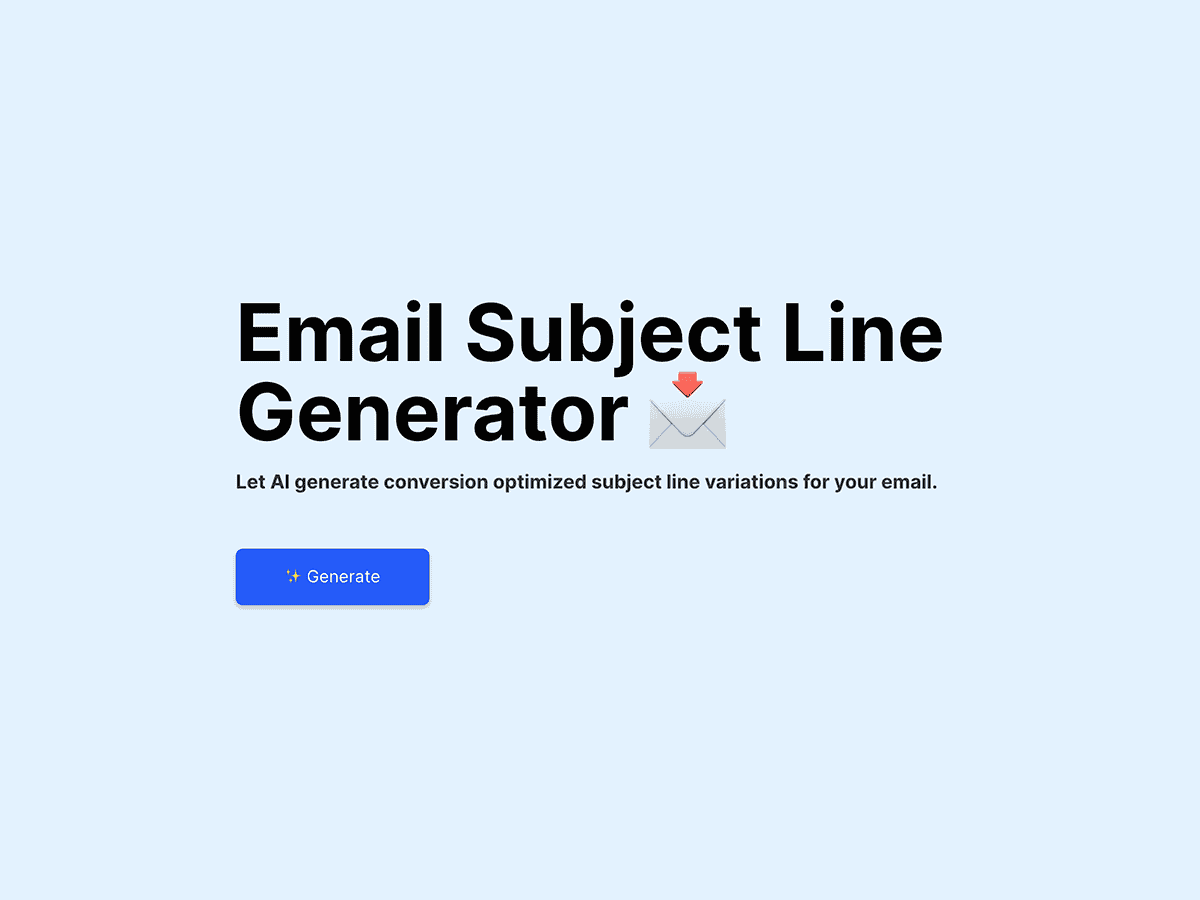
Now, here’s where things get interesting. Instead of staring at the screen until your brain turns to mush, what if you had a little AI tool that could throw ideas at you? Not perfect, polished lines—just rough gems you can pick from, polish, and make your own. That’s the whole point of building an AI-powered email subject line generator.
What we’re actually building
Let’s cut through the hype. When people hear “AI project,” they imagine something intimidating, like self-driving cars or robots. This isn’t that. We’re building something much simpler:
- You type in what your email is about.
- The AI spits out a handful of subject line ideas.
- You pick the ones you like, maybe tweak them, and use them.
That’s it. It’s like having an intern who never gets tired of brainstorming, except this intern works in Python and doesn’t complain about coffee.
The cool part? You don’t need to build the brain from scratch. Modern language models (like GPT-2 or GPT-3) already exist, trained on oceans of text. They’ve “seen” countless headlines, ads, and subject lines, so with the right nudge, they can remix that into something fresh. Your job is just to give them a stage and a microphone.
Why this project is perfect for learners
If you’re learning Python or dipping your toes into AI, this project is a sweet spot. It’s not overwhelming, but it’s not toy-level either. You get to:
- Work with real AI models.
- See immediate results that feel tangible.
- Build something people outside of tech can actually understand.
Seriously, imagine showing this to a friend. Instead of saying, “I built a script that processes text data,” you open your laptop, type in “Valentine’s Day promotion,” hit a button, and watch subject lines appear. That’s the kind of project that clicks with people.
Let’s walk through an example
Picture this: you run a small online shop that sells handmade candles. Fall season is coming up, and you’ve got a new collection of pumpkin spice and cinnamon-scented candles ready to go.
Normally, you’d brainstorm subject lines like:
- “Introducing our fall candle collection”
- “Cozy up your home with new scents”
They’re fine. Safe. But not exactly scroll-stopping.
Now you open your subject line generator, type in “new fall candle collection”, and it spits out five ideas:
- “Your home just got cozier—meet our fall candles”
- “Pumpkin spice, cinnamon, and a little magic”
- “Fall scents are finally here”
- “Bring autumn indoors with new candles”
- “Light up your nights with fall favorites”
Suddenly you’ve got options. You don’t have to use them word-for-word, but you’ve got a spark to build from. That’s the magic—it breaks the blank page curse.
What makes a “good” subject line anyway?
Before we go deeper into how the AI works, let’s pause and ask: what does good even look like? AI is only as useful as the instructions you give it. If you don’t know what you’re aiming for, you’ll get a bunch of fluff.
Here’s the general checklist most marketers follow:
- Short and sweet: Under 50 characters so it doesn’t get cut off on mobile.
- Clear: People should know instantly what they’re opening.
- Compelling: A touch of curiosity, urgency, or benefit.
- Personalized: Using names or specific context always helps.
Think:
- “Alex, your free trial ends tonight”
- “Your weekly report is ready”
- “Don’t miss these weekend deals”
That’s the vibe we want our generator to capture.
How the generator actually works
Here’s the high-level view without drowning in code:
- Input: You give the model a topic, like “back-to-school sale.”
- Prompting: The model gets told, “Write an email subject line about this topic.”
- Output: It generates a few different lines.
- Filtering: You (or your script) cut out the ones that are too long or weird.
That’s it. No magic, just pattern recognition on steroids.
And the beauty? You can start small. A few lines of Python code can already get you subject lines. Then, once the basics are working, you can wrap it in a web app so anyone can use it.
Making it feel real
Here’s where things get fun. Nobody wants to type commands into a terminal every time they need subject lines. That’s why tools like Streamlit are perfect. They let you create a clean little web page where you can type in your topic, click a button, and see the results instantly.
It transforms your code from “geeky script” to “oh wow, this is a real app.” That’s a huge leap when you’re showing it off to others.
Imagine this: you’re in a meeting, and your boss says, “We need fresh subject lines for tomorrow’s promo.” Instead of panicking, you open your laptop, pull up the app, type in “flash sale on sneakers,” and boom—five options appear on the spot. You’ve just gone from coder to lifesaver.
The human touch: editing is key
Now, here’s something important. AI isn’t here to replace human creativity. It’s here to spark it.
The generator will sometimes give you gems, sometimes give you junk. You’ll see lines that are too generic or awkward. That’s fine. The point isn’t to blindly trust it—it’s to have a starting point.
Think of it like rough drafts. Writers don’t expect their first draft to be perfect, and neither should you. Your job is to edit, combine, and tweak until it feels right for your audience.
Pitfalls you’ll run into
Let’s be honest about the quirks:
- Clichés: The AI loves repeating phrases like “don’t miss out” or “limited time.”
- Length issues: Sometimes it rambles. Always trim the fat.
- Weird phrasing: Occasionally it spits out something that sounds like a robot. Toss those.
- Over-reliance: Don’t let it replace your instincts. It’s a tool, not a boss.
Once you know these, you stop expecting perfection and start using it as the brainstorming sidekick it’s meant to be.
Why this project shines for students and professionals
Here’s the thing. When you’re learning to code, it’s easy to get stuck in tutorials that don’t connect to the real world. You end up with “Hello, World!” apps and to-do lists that nobody cares about.
But this project? It’s immediately relatable. Everyone has an inbox. Everyone has seen a subject line that made them click. So when you build this, people get it.
For students, it’s a portfolio gem. For marketers, it’s a practical tool. For small business owners, it’s a time-saver. That’s the sweet spot.
How far can you take it?
Once the basic generator works, the possibilities open up. You could:
- Add a tone selector: playful, professional, urgent, casual.
- Build a spam word filter so you don’t trigger junk folders.
- Let users insert personalization tags like {first_name}.
- Track performance: connect it to an email platform and see which lines actually drive higher open rates.
- Support multiple languages, so your French or Hindi audience gets tailored subject lines too.
At that point, you’re not just building a side project—you’re building a product.
The bottom line
Email subject lines may look tiny, but they carry ridiculous weight. They decide whether your email gets opened or ignored. And writing them? It’s hard. It takes creativity, and some days that creativity just doesn’t show up.
That’s why an AI-powered subject line generator makes sense. It doesn’t replace you. It doesn’t steal your voice. It just gives you a jumpstart when you need it.
For learners, it’s a project that blends coding with creativity. For marketers, it’s a tool that saves time. And for anyone curious about AI, it’s proof that you don’t need to be a genius to build something useful.
So fire up your editor, play around with a model, and build it. The next time you’re stuck staring at an empty subject line box, you’ll be glad you did.