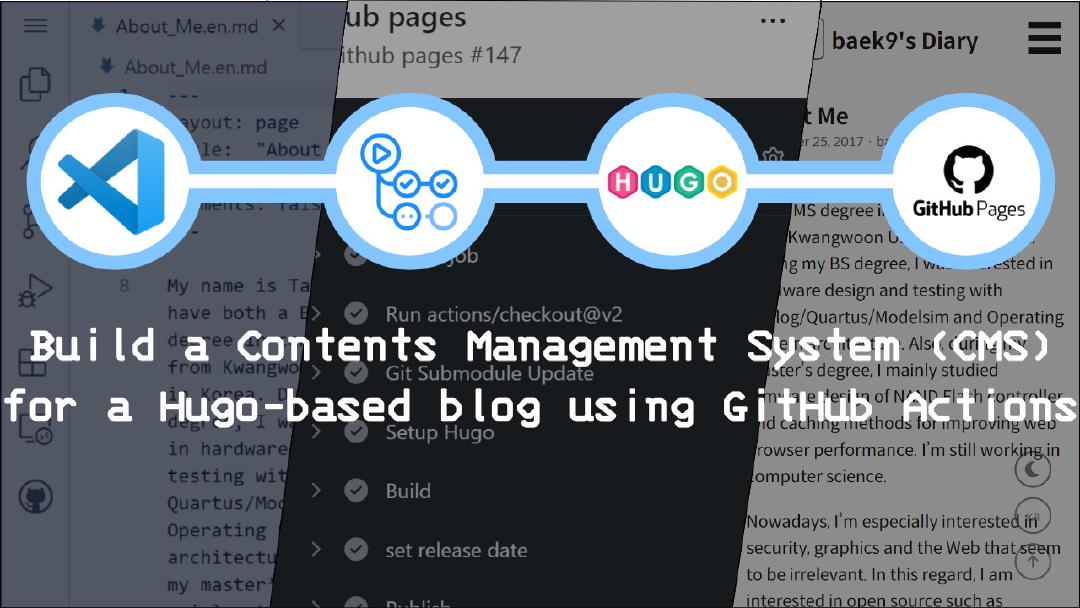
A smarter and more flexible option is to build your own Blog CMS (Content Management System) using Markdown and GitHub. Not only does this give complete control over how the blog works and looks, but it also teaches valuable skills in programming, content management, and version control. For students, beginners, and aspiring developers, this can be a fun project that sharpens both technical and creative abilities.
Institutes like Uncodemy, which offer courses in Web Development, Programming, and Software Engineering, train learners to take up such practical projects. By combining technical learning with real-world applications, students can build projects like a blog CMS and showcase them in portfolios, making them more job-ready.
Why Build a Blog CMS Yourself?
Building a blog CMS may sound complicated, but it is actually a simple and empowering project. Instead of relying on third-party platforms, one can design their own system where posts, pages, and styles are completely customizable. This also helps in understanding the basics of how content management systems function.
For learners, the benefits include:
- Gaining practical experience in coding and content management.
- Learning how Markdown simplifies writing and formatting.
- Using GitHub to collaborate, version control, and host the blog.
- Building a personal brand through a unique and self-managed blog.
By doing this, students not only improve their technical knowledge but also create a project that can be showcased in interviews or job applications.
Understanding Markdown
Markdown is a lightweight markup language used for formatting plain text. Unlike traditional coding languages, it is extremely easy to learn and use. Writers can create headings, lists, links, images, and more with simple syntax. For example, typing “# My Blog Title” creates a heading, and using “text” makes the text bold.
This simplicity makes Markdown perfect for blogging. It allows writers to focus on content rather than getting distracted by design or formatting. Developers often prefer it because it keeps files clean and easy to manage. With Markdown, each blog post is just a text file that can be edited anywhere, anytime.
At Uncodemy, Markdown is often introduced to students in Web Development and Technical Writing courses, as it is widely used in documentation, project management, and software development. By mastering Markdown, students get a versatile skill that helps in many areas of technology.
Why GitHub for Blogging?
GitHub is a platform primarily known for hosting and collaborating on code repositories. But its capabilities go beyond that. Using GitHub Pages, anyone can host a static website for free. This makes it an ideal place to host a blog CMS.
Some benefits of using GitHub include:
- Free hosting with GitHub Pages.
- Version control, allowing creators to track changes in their blog posts.
- Collaboration, making it possible for teams to work on a blog together.
- Security and reliability, as GitHub is widely trusted by developers across the globe.
By combining Markdown for writing and GitHub for hosting, students can build a fully functional blog CMS that is simple, cost-effective, and completely under their control.
Steps to Build a Blog CMS with Markdown and GitHub
The process of creating a blog CMS with Markdown and GitHub may sound technical, but it can be broken down into simple steps that anyone with basic coding knowledge can follow.
- Set up a GitHub account
The first step is to create a GitHub account. Once done, a new repository can be created to store the blog files.
- Enable GitHub Pages
After setting up the repository, GitHub Pages can be enabled. This allows the repository to act as a website, which means blog content will be visible to the world.
- Write posts in Markdown
Each blog post can be created as a .md file in the repository. For example, my-first-post.md could be the first article. By using Markdown syntax, writers can format headings, bold text, links, and images easily.
- Choose a static site generator (optional)
To make the blog look more professional, a static site generator like Jekyll or Hugo can be used. These tools automatically convert Markdown files into a website format with themes and navigation.
- Push content to GitHub
Once the posts are written, they can be uploaded to the repository. GitHub automatically updates the live blog when new content is added. -
- Customize the blog design
Using simple HTML, CSS, and available templates, the design of the blog can be customized. This gives the CMS a unique style that reflects the creator’s personality.
Through practice, learners can add features like categories, tags, search functions, or even comment sections. This makes the project more advanced and prepares them for real-world development tasks.
Advantages of This Approach
There are many reasons why using Markdown and GitHub to build a blog CMS is better than depending on platforms like WordPress or Blogger. Some key advantages include:
- Cost-effective: GitHub Pages offers free hosting.
- Learning opportunity: Students learn about Git, version control, and web development basics.
- Simplicity: Markdown files are lightweight and easy to manage.
- Customization: Every aspect of the blog can be personalized.
- Portfolio value: A self-built blog is an excellent addition to a student’s resume.
Uncodemy emphasizes the importance of building such projects in its Web Development and Full Stack courses. These projects allow students to put theory into practice and demonstrate their skills in a practical way.
Challenges and How to Overcome Them
Of course, building a blog CMS independently also comes with challenges. Beginners may initially struggle with Git commands or understanding static site generators. There may also be a learning curve in customizing themes or layouts.
However, these challenges can be solved with patience and guidance. Resources like tutorials, documentation, and mentorship from platforms like Uncodemy make the learning process smoother. With consistent practice, students eventually find the project simple and enjoyable.
Career Opportunities Through This Project
In the professional world, employers look for candidates who can solve problems and build practical projects. A blog CMS built with Markdown and GitHub showcases skills in coding, version control, content management, and creativity.
Career opportunities include roles like:
- Web Developer
- Full Stack Developer
- Content Manager with technical expertise
- Technical Writer
- Software Engineer
-
Through Uncodemy’s comprehensive courses, students can strengthen their foundation in these areas and prepare themselves for career paths that require both technical knowledge and creativity.
Why Learn at Uncodemy
Uncodemy is dedicated to providing industry-relevant training that focuses on practical learning. Their Web Development and Programming courses cover not only coding but also hands-on projects like building blogs, websites, and applications. By combining theoretical knowledge with real-world practice, students get job-ready faster.
Moreover, Uncodemy’s mentorship and placement support ensure that learners can confidently showcase their projects to potential employers. For anyone looking to build a career in web development, this is the right place to start.
Conclusion
Building a blog CMS with Markdown and GitHub is not just a technical project—it is a creative journey that helps learners understand how content, code, and design work together. It is an excellent way for students to sharpen their skills, create a personal brand, and prepare for future careers in digital industries.
While platforms like WordPress offer convenience, building a CMS independently gives freedom, control, and valuable experience. By learning through institutes like Uncodemy, students can gain the knowledge and confidence to take on such projects, turning ideas into reality and setting themselves apart in the competitive digital world.