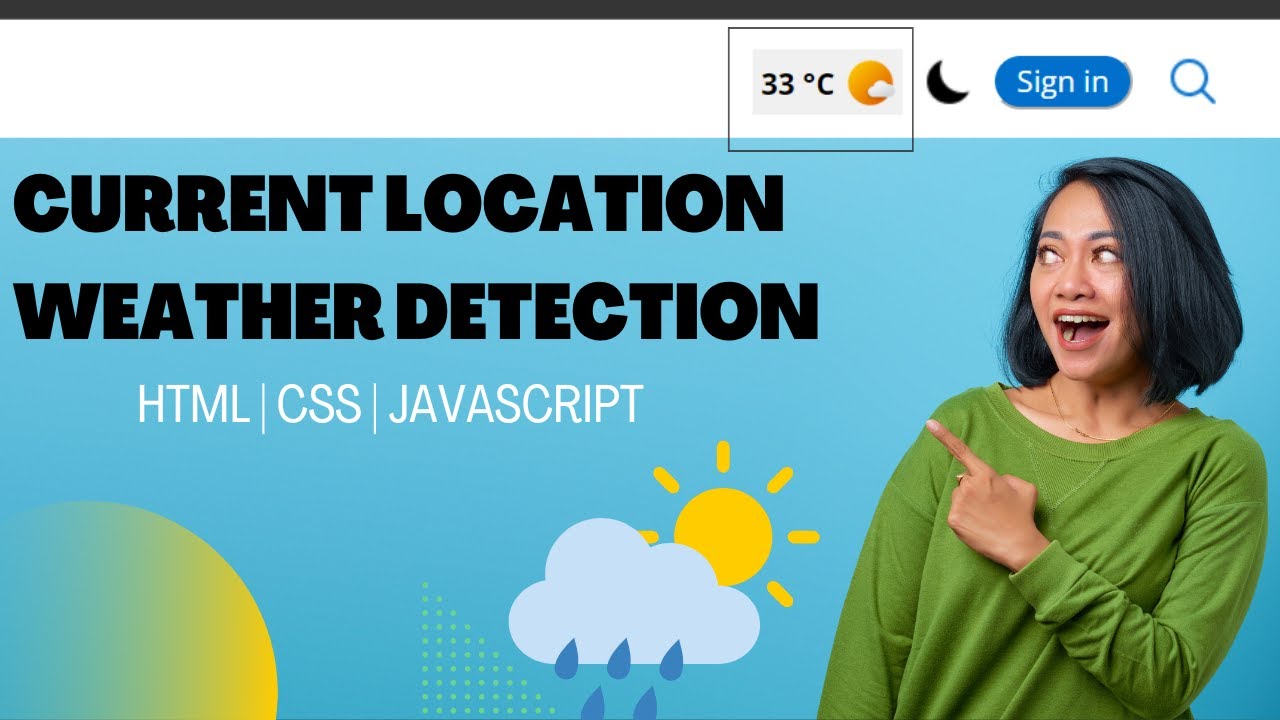
In this article, we will explore how to create a location based weather alert system in JavaScript. We will discuss the logic, implementation steps, use cases, and best practices. To make it more engaging, we will also include code snippets that demonstrate how you can integrate APIs and handle location data. And if you want to gain in depth expertise in this area, enrolling in a course like Full Stack Development with JavaScript offered by Uncodemy can give you the structured learning and project guidance you need.
Why Location Based Weather Alerts Matter
A generic weather forecast is often not enough. Knowing that rain is expected somewhere in your city does not help if you want to know the conditions in your exact neighborhood. Location based alerts solve this by using the latitude and longitude of the user’s device to fetch hyper local weather updates.
Benefits include:
- Personalization: Alerts are customized for the user’s current or chosen location.
- Safety: Early warnings about extreme conditions like storms, heatwaves, or heavy rainfall.
- Convenience: Helps plan travel, events, or daily activities without last minute surprises.
- Business use: Delivery services, logistics, and outdoor businesses can avoid disruptions.
How the System Works
At its core, a location based weather alert system involves four major steps:
- Accessing user location: Using the browser’s Geolocation API to get latitude and longitude.
- Fetching weather data: Integrating with a weather API such as OpenWeatherMap to obtain forecast data.
- Analyzing conditions: Setting rules to check for specific events (rain, storms, temperature thresholds).
- Sending alerts: Displaying notifications on the webpage or via push messages.
Tools and Technologies Needed
To build this system, you need:
- JavaScript: For handling geolocation, API requests, and alert logic.
- HTML and CSS: To design the dashboard or notification UI.
- Weather API: OpenWeatherMap, Weatherbit, or AccuWeather.
- Geolocation API: Built into most modern browsers.
- Notification API: For real time browser alerts.
Step by Step Implementation
Let us walk through the process of building a basic version.
Step 1: Get User Location
JavaScript provides a built in Geolocation API.
Copy Code
if ("geolocation" in navigator) {

  navigator.geolocation.getCurrentPosition((position) => {

    let latitude = position.coords.latitude;

    let longitude = position.coords.longitude;

    console.log("Latitude:", latitude, "Longitude:", longitude);

  });

} else {

  alert("Geolocation not supported by your browser.");

}
This snippet fetches the current coordinates of the user’s device.
Step 2: Fetch Weather Data
Next, integrate a weather API like OpenWeatherMap. You need to sign up for an API key.
Copy Code
const apiKey = "YOUR_API_KEY";

const getWeather = (lat, lon) => {

  const url = `https://api.openweathermap.org/data/2.5/weather?lat=${lat}&lon=${lon}&appid=${apiKey}&units=metric`;


  fetch(url)

    .then(response => response.json())

    .then(data => {

      console.log("Weather Data:", data);

    })

    .catch(error => console.error("Error fetching weather data:", error));

};
Here, we pass the user’s latitude and longitude to get the real time weather.
Step 3: Check for Alert Conditions
Once you have the weather data, you can set conditions.
Copy Code
const checkAlerts = (data) => {

  let weather = data.weather[0].main;

  let temp = data.main.temp;


  if (weather === "Rain") {

    alert("It looks like it is going to rain. Carry an umbrella!");

  } else if (temp > 35) {

    alert("Heat alert! Stay hydrated.");

  } else if (temp < 5) {

    alert("Cold alert! Wear warm clothes.");

  }

};
This checks the conditions and generates appropriate alerts.
Step 4: Show Notifications
Instead of just using alerts, you can use the Notification API.
Copy Code
if ("Notification" in window && Notification.permission === "granted") {

  new Notification("Weather Alert", {

    body: "Rain expected in your area. Stay safe!",

    icon: "weather-icon.png"

  });

} else if (Notification.permission !== "denied") {

  Notification.requestPermission().then(permission => {

    if (permission === "granted") {

      new Notification("Weather Alert Enabled");

    }

  });

}
This will display browser notifications to the user.
Step 5: Combine All Steps
Copy Code
if ("geolocation" in navigator) {

  navigator.geolocation.getCurrentPosition((position) => {

    let lat = position.coords.latitude;

    let lon = position.coords.longitude;


    fetch(`https://api.openweathermap.org/data/2.5/weather?lat=${lat}&lon=${lon}&appid=${apiKey}&units=metric`)

      .then(res => res.json())

      .then(data => {

        checkAlerts(data);

      });

  });

}
Now, the system fetches the user’s location, retrieves the weather, and shows alerts.
Example Use Cases
- Daily commuting apps: Notify users if rain is expected during their travel hours.
- Event planning: Alert organizers about storms or extreme heat.
- Agriculture: Farmers can receive crop protection alerts.
- Logistics: Delivery teams can reroute based on hazardous weather.
- Health apps: Alerts for air quality or extreme temperatures.
Challenges and Considerations
While the idea is powerful, developers must consider challenges:
- Accuracy: Weather APIs may vary in precision.
- User privacy: Always ask permission before accessing location.
- API limits: Free weather APIs often have request limits.
- Performance: Repeated location checks can drain battery.
- Notification fatigue: Too many alerts can annoy users.
Best Practices
- Allow custom settings: Let users choose the types of alerts they want.
- Update intervals: Do not fetch data every second. Use reasonable intervals.
- Fallback options: Provide manual location input if geolocation fails.
- Visual dashboard: Along with alerts, show data with graphs and icons.
- Secure keys: Never expose API keys directly in client side code.
Real World Example
Many mobile weather apps already use this model. For instance, AccuWeather and Google Weather provide push alerts when rain or storms are expected in your area. Businesses like Uber also use similar systems to adjust pricing and driver availability. Building your own version in JavaScript gives you the flexibility to tailor it for niche applications.
Future Scope
With the rise of IoT and AI, the future of weather alert systems looks even brighter. Sensors can collect hyper local data, and AI models can predict weather events more accurately. Integrating this with JavaScript based web apps can create intelligent systems that learn user behavior and provide proactive suggestions.
Learning Path with Uncodemy
If you are excited about building projects like this, the Full Stack Web Development with JavaScript course at Uncodemy in Bangalore is an excellent place to start. It covers core JavaScript, APIs, front end frameworks, and practical projects. By enrolling, you can gain hands on experience and mentorship to create professional grade applications, including weather based systems.
Conclusion
Creating a location based weather alert system with JavaScript is an excellent project that combines real world relevance with practical coding skills. From fetching geolocation data to integrating weather APIs and setting up smart notifications, the process demonstrates the power of JavaScript in building interactive applications. While challenges like accuracy and privacy must be handled carefully, the benefits of timely and personalized alerts make this project both impactful and exciting. Whether for personal use, business needs, or learning purposes, this system showcases how a simple idea can improve lives. And with resources like Uncodemy’s JavaScript courses, you can take your learning to the next level and build even more innovative solutions.