Do While Loop Flowchart and Explanation: Mastering Iteration the Easy Way
In this world full of programming, we can see that one concept often trips up beginners. But it is also absolutely quite essential to master and needs to be considered in the loop. Loops often allow us to perform the best repetitive type of tasks efficiently. And then among all these various loop types present, the Do While loop often holds a unique crafting and most important place.
If you've ever wondered about how the Do While loop will work, when to use all of them, and how to visualize all this just with a flowchart part, you're in the right place for this.
Do While Loop Flowchart and Explanation: Mastering Iteration the Easy Way
Mr. Bambam Kumar Yadav/ 3 days ago
15
11 min read
In this blog, some of the best topics that we’ll cover are as follows :
What is a Do While loop that is used most frequently?
Write and state some syntax in different sets of languages (C, Python, Java)
How does all this just differ from other types of loops, like While and For loops
A flowchart that is mostly used for the Do While loop
Real-world scenarios and use cases.
Common types of mistakes that one should avoid
Bonus tips: Examples of Pseudocode and the best examples
What is one of the best do-while loops?
A best example of all this Do While loop is another type of entry-controlled loop structure where the body is only be and the body later and also executed at least once before any of the conditions are checked.
Let’s just simplify all this into some basic steps:
You can often “do” something (execute a huge or small block of code)
Then you have to just check a particular “while” a condition is true
If all of this is true, then you have to repeat the block for better purposes.
If false, then you have to just exit the loop.
This loop is often quite useful when you always want to execute the particular loop at least once for a moment, regardless of whether the condition is initially true or not. The syntax is the the Do While Loop condition.
Let’s look at how these different types of programming languages can be implemented in the Do While loop.
1-Code for Do while loop in C Language
                            do {
                        // code block
                    } while (condition);
2-Code for Do do-while loop in Java language
                           do {
                        // code block
                    } while (condition);
3-Code for Do while loop in Python (Note: No native do while loop is permitted!)
Python doesn’t have a built-in do-while code, but you can easily simulate it by using while True and a break statement.
                         While True:
                        # code block
                        If not condition:
                            break
Key Features for this while loop :
Features
Do a while loop
Condition check
After the loop body
Minimum execution
1 time
Loop type
Exit controlled
Use cases
When at least one type of iteration is required and needed.
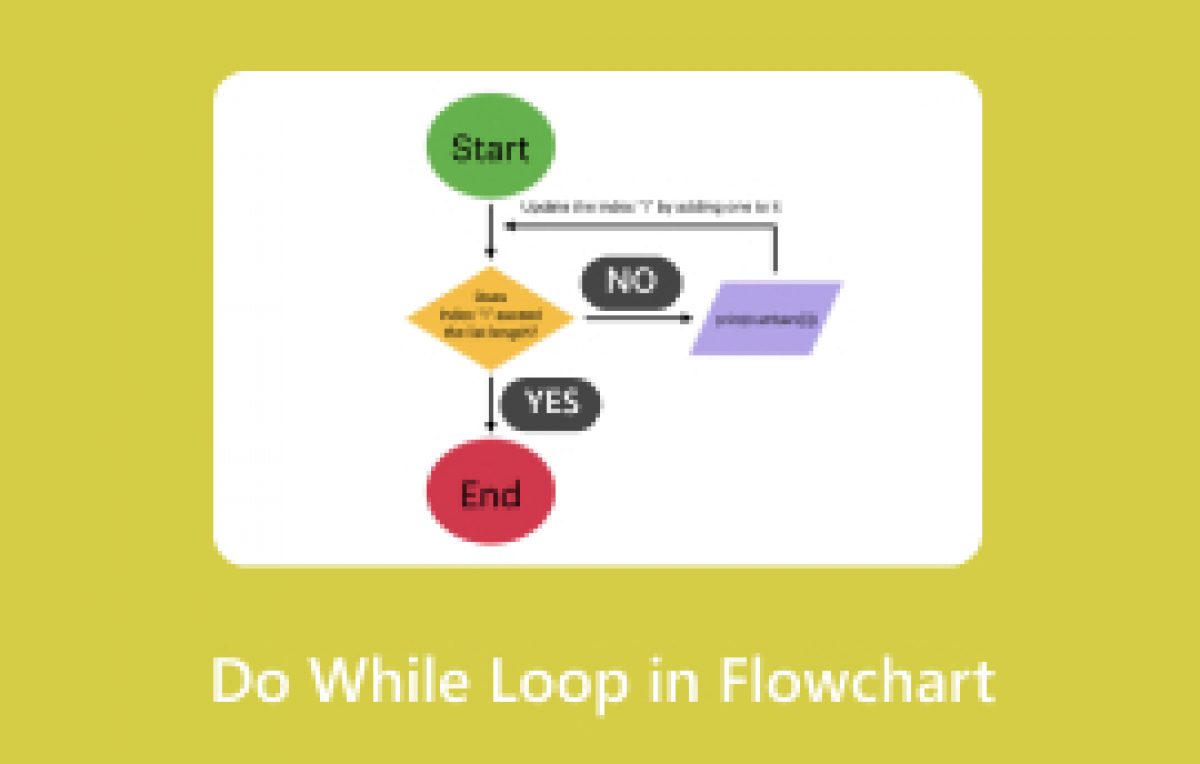
Do While Loop-based Flowchart.
Let’s just visualize some of the things, like how a Do While loop works step-by-step, by using the best flowchart.
3. Check the particular condition that you are looking for.
4. If true, then you have to repeat
5. If it turns out to be false, then exit
This is just in contrast to a particular while loop, which just checks the condition that needs to be executed first, and at times also may not execute at all if that condition is found to be false.
Example: Do While Loop that needs an Action
Let’s look at some real-life examples.
-Problem:
Print numbers ranging from 1 to 5 using a Do While loop.
C Programming Code:
                    #include

                    int main() {
                        int i = 1;
                        do {
                            print("%d\n", i);
                            i++;
                        } while (i <= 1 2 3 4 5 5); return 0; } output: < pre>
Even if you see that it was initialized to 6, then the loop would still print 6 once you go and see before checking the condition.
Do While loop vs For loop.
Let’s break down the differences:
Features
Do a while loop
While loop
For loop
Checks for condition
After
Before
Before
Minimum execution
At least 1
0
0
Use cases
Guarantee 1 run
When unsure
Iced iterations
Syntax Complexity
Low
Low
Medium
When should one use this Do While loop in particular?
Input validation is a major part of all.
Menu-driven programs are also crucial.
Retry type of mechanisms (password attempts, etc.)
Games of a type that run at least once before the exit condition.
Real-world example illustrated for better understanding:
Menu-Driven Program
Program code :
                        #include

                        int main() {
                            int choice;
                            do {
                                print("\nMenu:\n1. Add\n2. Subtract\n3. Exit\n");
                                print("Enter choice: ");
                                scarf("%d", &choice);

                                switch(choice) {
                                    case 1: printf("Addition selected.\n"); break;
                                    case 2: printf("Subtraction selected.\n"); break;
                                    case 3: printf("Exiting...\n"); break;
                                    default: printf("Invalid choice.\n");
                                }
                            } while (choice != 3);

                            return 0;
                        }
This menu will just keep everything appearing great until the user just will chooses to exit, and then we can see what the perfect use of a Do While loop is.
Common Mistakes that one should avoid with the Do While Loop
Mistakes
Explanation for the same
Wrong condition
Misplaced or even misunderstood some condition check
Infinite loop
Forgetting to update variables that just affect the condition
Semi. colon
In C or Java, a missing semicolon just after a while condition will cause errors.
Python confusion
This Python often lacks native do-while, and a workaround is also needed.
Pseudocode illustration for Better Understanding purpose
Initialize all the required variables.
                            do
                            Execute logic
                            Update variables
                        while (condition is true)
Example explained in Pseudocode:
                            Set i to 1
                            do
                            Print i
                            Increment i
                        while i <= 5 < pre>
Interview Question: F FamousPatterns asked most frequently.
1. How is the Do While loop different from the While loop?
2. When would you prefer and opt to use the Do While loop?
3. How can you simulate the Do While loop in the Python programming language?
4. What happens if the particular condition is false on the first set of checks?
5. Write a Do While loop that will validate the user's password along with other credentials.
Advanced Use Case category: Do While Loop with Break statement added for understanding
                            int x = 1;
                            do {
                                if (x == 3) {
                                    break;  // exit early
                                }
                                printf("%d\n", x);
                                x++;
                            } while (x <= 1 2 5); output of the program: < pre>
Here, we stop the loop when x becomes and turns to a value of 3.
Summary: Why Mastering the Do While Loop Matters a lot compared to others
Understanding the concept of the Do While loop often enhances your set of control over a particular program flow, especially when you're just unsure about the set of conditions at the start or when you must run a particular block of code just once.
Recap of the above things :
This do-while loop is often executed once before the condition check statement, most of the time.
Ideal for huge menu programs where user input validation, along with retry logic, is mostly considered
Visualized quite easily with a flowchart diagram for ease.
Avoids some common types of pitfalls, like as infinite loops
Final Thoughts for the content :
Loops are often the gears that will drive automation in coding language areas, and this Do While loop is your best guarantee that something will always run many times, at least once in some way. It just gives you more kinds and types of flexibility, the best safety, and also quite predictable behavior is observed in your program's logic.
Want to level up your exciting coding game? Then you can practice all this by using Do While loops with different types, like:
Game design of different types, like retries)
ATM simulations are also quite a trending one
Quiz apps are another important area
User registration types of loops also engage one
Do you have any type of doubts or big Questions about this?
If you’re still quite unsure about how to implement this Do While loop in your favorite type of language or even want you to help in building flowcharts, drop a comment or even a small text message. We will be happy to help you out.
To get the best coding knowledge of later technology and also flowcharts then be ready to explore more over here at Uncodemy. So, here full-stack development course in Mumbai is quite essential. You can also easily opt for some more types of interesting courses available to you anytime. Be ready to enjoy and get what the industry needs from you. Shine the way you want with this Uncodemy, always prepared to help you out. So enjoyable learning is waiting for you for a great experience.