Full Stack Web Development Course by Uncodemy
This course helps students become skilled developers, guiding them through HTML, CSS, JavaScript, React, Node.js, MongoDB, and much more — with real-world project building. It also explains how AI tools can be used to improve coding productivity. So, if you're looking to take your skills to the next level, this course is a great start!
Introduction: The Power of AI in Programming
Artificial Intelligence (AI) is not just a buzzword anymore. It has become a real game-changer, especially for developers. From beginners writing their first "Hello World" to professionals managing large codebases, AI tools help programmers work faster, fix bugs quicker, and write better code.
Most importantly, many of these tools are absolutely free and can be easily integrated into your development workflow.
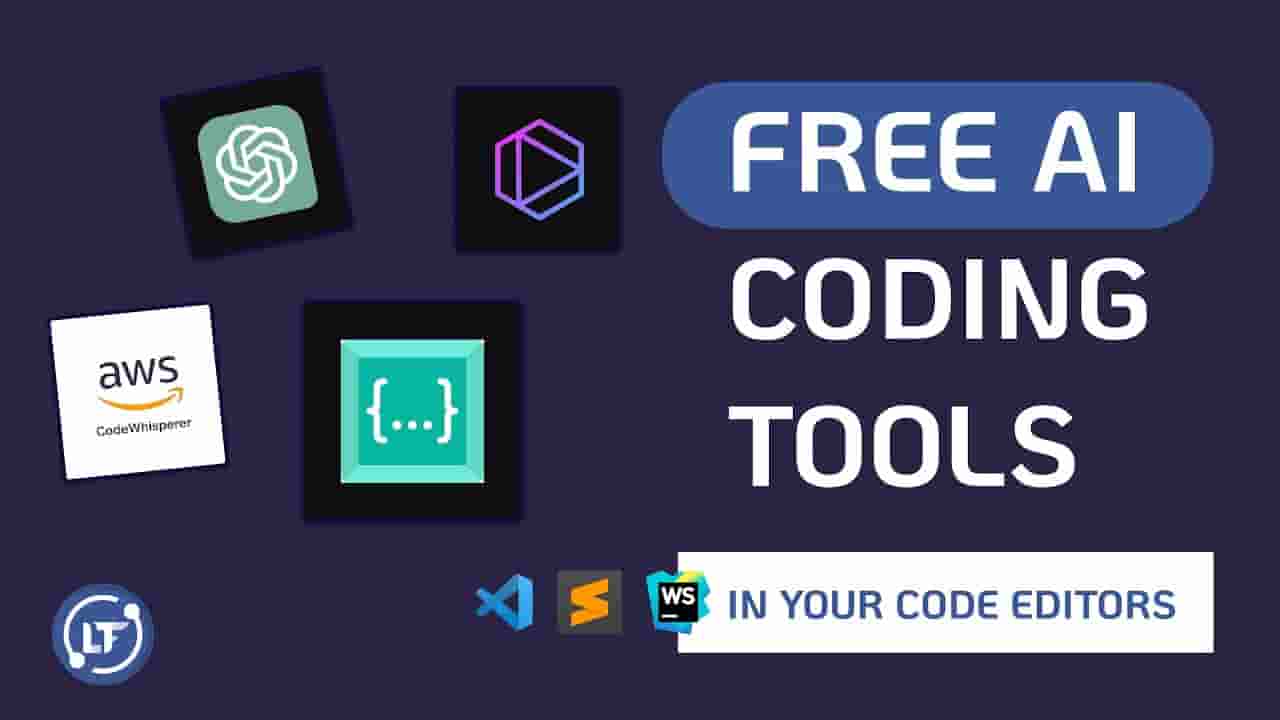
In this article, we’ll explore the best free AI tools that boost coding efficiency. We'll understand what they do, how to use them, and why you should consider adding them to your toolkit.
What Does "Coding Efficiency" Mean?
Before diving into the tools, let’s understand the meaning of coding efficiency.
Coding Efficiency Means:
- * Writing less code to do more tasks
- * Fixing bugs faster
- * Understanding code quickly (even if it’s not yours)
- * Saving time and effort during development
- * Reducing errors
- * Improving code quality
AI tools play a big role in improving all these areas.
1. GitHub Copilot (by OpenAI + GitHub)
What It Does:
GitHub Copilot is like an AI buddy sitting beside you, helping you write code. It uses OpenAI’s Codex model to suggest code lines or even complete functions while you type.
Key Features:
- * Autocompletion of code
- * Generates functions automatically
- * Supports many languages (Python, JavaScript, Java, etc.)
- * Can even explain code
Free Plan:
- * Free for students and verified open-source contributors
Use Cases:
- * Writing repetitive code blocks
- * Learning new languages
- * Speeding up projects
2. Codeium
What It Does:
Codeium is a free AI coding assistant that helps autocomplete code inside your IDE. It works like Copilot but is completely free.
Key Features:
- * Supports 70+ programming languages
- * Works in VS Code, JetBrains, Jupyter, and more
- * Extremely lightweight and fast
Use Cases:
- * Suggests code in real-time
- * Boosts productivity by reducing typing
- * Supports learning via suggestions
3. Amazon CodeWhisperer
What It Does:
Amazon CodeWhisperer is an AI tool from AWS that recommends code based on natural language prompts.
Key Features:
- * Supports Python, Java, JavaScript, and more
- * Can detect security issues in code
- * Integrated with AWS services
Free Plan:
- * Free for individual developers
Use Cases:
- * Writing cloud-based applications
- * Auto-generating AWS-specific code
- * Working on backend services
4. Tabnine
What It Does:
Tabnine is an AI assistant that predicts and completes code based on your coding habits. It uses a local model, meaning it doesn't send code to the cloud (more privacy).
Key Features:
- * Works offline
- * Learns your codebase
- * Integrates with multiple IDEs
Use Cases:
- * Great for teams and private projects
- * Maintains consistency in large projects
5. ChatGPT (Free Tier)
What It Does:
While ChatGPT is widely known for text answers, it can also generate code, debug, and explain complex programming concepts.
Key Features:
- * Generates complete code solutions
- * Answers code-related questions
- * Explains bugs or errors
Use Cases:
- * Learning data structures & algorithms
- * Preparing for coding interviews
- * Explaining error messages
6. AskCodi
What It Does:
AskCodi is designed specifically for developers. It uses AI to help write code, generate SQL queries, and even create documentation.
Key Features:
- * Generate boilerplate code
- * Create unit tests
- * SQL generator and converter
Free Plan:
- * Has a free limited-use plan
7. Replit Ghostwriter (Free Trial + Student Plan)
What It Does:
Replit’s Ghostwriter helps write and debug code directly in the Replit online IDE. You don’t need to install anything.
Key Features:
- * Suggests code
- * Fixes bugs
- * Explains what code does
Use Cases:
- * Great for students who want to learn quickly
- * Best for online coding and fast testing
8. AI Code Reviewer Tools (Like DeepCode)
What It Does:
Tools like DeepCode scan your code for errors, inefficiencies, and bugs using AI.
Key Features:
- * Suggests smarter solutions
- * Highlights risky code
- * Improves security
Use Cases:
- * Reviewing pull requests
- * Refactoring legacy code
- * Learning better practices
9. Sourcegraph Cody
What It Does:
Cody by Sourcegraph is a free AI tool to understand and navigate large codebases.
Key Features:
- * Finds functions quickly
- * Answers questions like "Where is this used?"
- * Code summarization
Use Cases:
- * Working in big teams
- * Understanding legacy projects
10. Ponicode
What It Does:
Ponicode is an AI tool that focuses on automated unit testing. You can generate unit tests just by highlighting a function.
Key Features:
- * Create tests with 1 click
- * Reduce testing effort
- * Improve code quality
Use Cases:
- * Test-driven development (TDD)
- * Writing test cases for assignments
Bonus Tools (Honorable Mentions)
- * Kite (Discontinued but previously useful) – AI autocomplete
- * Phind.com – AI-powered code search engine
- * AI Doc Writer – Automatically create code documentation
- * Blackbox AI – Capture and suggest code snippets from any website
- * Codiga – Code analysis and best practice suggestions
Why Every Student Developer Should Start Using Free AI Tools
Before we look at how AI tools help students, let’s understand why students must start using these tools in 2026 and beyond:
- * Bridges the Skill Gap: AI tools help beginners catch up with industry-level practices, even if they are just starting out. You don't need years of experience to write clean code.
- * Reduces Learning Curve: Instead of searching for hours on Google or Stack Overflow, AI tools give instant suggestions and explanations — helping students learn faster.
- * Boosts Confidence: When students get real-time support from tools like ChatGPT, Codeium, or Tabnine, they feel more confident in solving assignments or practicing DSA questions.
- * Saves Time in Projects: College projects usually have strict deadlines. AI tools can reduce the time spent on writing repetitive code or debugging.
- * Supports Self-learning: Not every student has access to a personal mentor. Free AI tools become that digital mentor — available 24/7.
- * Promotes Experimentation: Students can try different code structures and approaches quickly without fear, since AI will catch their mistakes early.
- * Assists in Internships and Freelancing: When working on internships or freelance tasks, AI tools act like a silent partner — improving output and speed.
How to Choose the Right AI Tool for Your Coding Needs
→ Guide students on picking the best tool depending on their level (beginner, intermediate, expert), their goals (learning, building projects, interview prep), and the language or IDE they use.
Mistakes to Avoid While Using AI Coding Assistants
→ Explain common errors students make, like copying code blindly, depending too much on AI, or ignoring the logic behind suggestions — and how to avoid these traps.
Comparison of Top Free AI Tools (Quick Table)
→ Create a small table that compares GitHub Copilot, Codeium, Tabnine, etc., in terms of: ➢ Language Support
- - Language Support
- - Best For (Beginners, Professionals)
- - IDE Compatibility
- - Internet Required or Offline
- - Free Plan Limitations
The Future of AI in Programming Careers
→ Add a futuristic section about how AI is shaping the software industry, and why students who learn AI-assisted coding today will be ahead in tomorrow’s job market.
Real-World Examples of Students Using AI Tools
→ Share 2–3 short stories like:
- - “Ravi used CodeWhisperer to build his AWS-based project faster.”
- - “Priya cracked her campus interview using ChatGPT for mock tests and debugging.” These stories make your article feel real and inspiring.
How These Tools Help Students
- * Speed up coding practice for assignments
- * Improve performance in coding competitions
- * Save time during college projects
- * Helpful in placements and interviews
- * Easy explanations help you understand better
Expert Tip: Use AI as a Guide, Not a Crutch
Remember: AI tools are here to assist, not replace your thinking. Use them to learn faster, not just to copy-paste answers.
Learn How to Use These Tools in Projects with Uncodemy
If you’re serious about coding or looking to enter the tech world, Uncodemy's Full Stack Developer Course is your best start.
Here’s why:
- * Teaches practical coding skills
- * Includes real-time projects
- * Explains how to use AI tools effectively
- * Offers 100% placement support
- * Covers front-end and back-end in-depth
Thousands of students have already benefited from Uncodemy and started careers in top IT companies. You can be next!
Conclusion
Artificial Intelligence tools are transforming the way we write code. They offer suggestions, detect bugs, generate tests, and even explain complex logic. The best part? Many of them are free.
If you want to boost your coding efficiency, reduce your effort, and code smarter, start using these tools today.