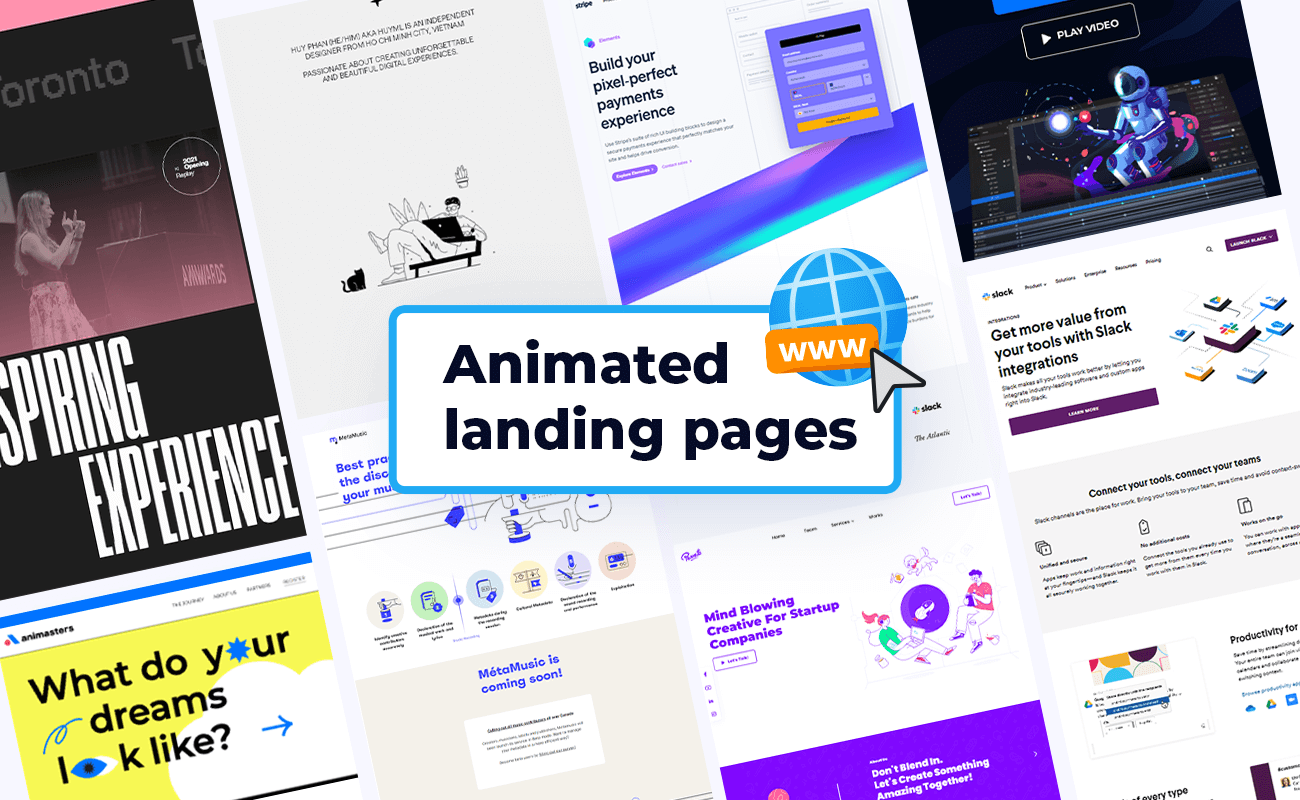
We will discuss why it works, the elements involved, design principles, tools to use, and finally a step by step guide to bring your idea to life. Along the way, we will also see how courses like UI UX design at Uncodemy can help you master this skill and turn your creativity into professional expertise.
Why Storytelling in Landing Pages Works
Stories have always been the way humans connect. From childhood tales to blockbuster movies, stories engage emotions and help people remember details. The same principle applies to websites. A storytelling landing page works because:
- It captures attention quickly
Instead of a dry headline, a story pulls people in and makes them curious about what comes next.
- It builds emotional connection
Stories help visitors relate to the brand and feel a sense of trust.
- It improves understanding
Complex ideas become easier to explain when broken down into a story flow.
- It encourages action
When users feel involved in the story, they are more likely to take action such as signing up or making a purchase.
When you add animation to this storytelling, the page feels alive. Small motions, transitions, and interactive visuals make the journey more fun and memorable.
Understanding Animated Storytelling Landing Pages
A storytelling landing page is structured like a narrative. It has a beginning, middle, and end. Each scroll or interaction reveals the next part of the story. Animation acts as the bridge between these parts. For example:
- As the user scrolls, text and images fade in smoothly.
- Characters or icons move across the screen to demonstrate a concept.
- Backgrounds shift to match the mood of the story.
- Interactive buttons encourage users to participate in the journey.
This turns a static website into an experience.
Elements of an Animated Storytelling Landing Page
To design such a page, you need to bring together multiple elements:
- Compelling narrative
The story should align with the brand message. For instance, a fitness brand could narrate the story of a person going from unfit to healthy.
- Strong visuals
High quality images, illustrations, and videos enhance the storytelling.
- Micro animations
Small movements like hover effects, fading text, or bouncing icons create engagement. -
- Smooth transitions
Animations between sections should be seamless so that the user feels guided.
- Clear call to action
Even though it is a story, the goal is still conversion. A button or form should be placed strategically.
- Responsive design
The page should look equally attractive on mobile devices and desktops.
Tools You Can Use
Thankfully, you do not need to reinvent the wheel. There are many tools and libraries that can help you build animated storytelling pages:
- Adobe After Effects for creating custom animations
- Lottie Files for lightweight web animations
- GSAP (GreenSock Animation Platform) for advanced JavaScript animations
- ScrollMagic for scroll based effects
- Figma for design prototyping
- React or Vue for building interactive frontends
- CSS animations for simple transitions
Principles to Keep in Mind
When designing an animated storytelling page, it is easy to get carried away with too many effects. But effective design follows principles:
- Keep it simple
Do not overload the page with animations. Every animation should serve a purpose.
- Maintain consistency
Use a consistent style of visuals, fonts, and motion throughout the story.
- Guide the user
The narrative should flow naturally from top to bottom or through interactions.
- Prioritize speed
Heavy animations can slow down the site. Optimize files and use lightweight libraries.
- Focus on usability
Remember that the goal is user engagement and conversion. Design should never confuse visitors.
Step by Step Guide to Design
Now let us walk through the actual design process.
Step 1: Define Your Story
Begin with the narrative. What journey do you want users to experience? Write it down like a script. Example: A new software tool could tell the story of a busy professional struggling with tasks, finding the tool, and finally achieving success.
Step 2: Create a Wireframe
Sketch a basic structure of the landing page. Decide where each scene or chapter of the story will appear. Include spots for text, visuals, and call to action buttons.
Step 3: Design Visual Assets
Create or source illustrations, images, or videos that match your story. You can use Figma or Adobe Illustrator for this.
Step 4: Add Animation Concept
Plan which parts will animate. For example:
- Characters slide in from the sides
- Background color changes as the mood shifts
- Call to action button pulses gently
Step 5: Develop the Page
Use HTML, CSS, and JavaScript to build the structure. For complex effects, use GSAP or ScrollMagic. If you are comfortable with React, you can build components for each scene.
Example with GSAP:
Copy Code
gsap.from(".headline", {duration: 1, y: -50, opacity: 0});This will make a headline slide in from above while fading in.
Step 6: Make it Interactive
Let users participate in the story. Add buttons they can click, sliders to explore before and after results, or scroll based triggers that reveal hidden content.
Step 7: Optimize Performance
Compress images, use SVG animations instead of heavy videos, and load scripts efficiently. Test on different devices to ensure speed.
Step 8: Test and Refine
Invite people to test the page. Observe if they understand the flow of the story and feel engaged. Refine animations that feel too distracting or slow.
Example Story Flow
Here is a simple example for an eco friendly product landing page:
- Scene 1: Introduction
A polluted city scene fades in with gray colors. Text appears saying “This is the world we live in.”
- Scene 2: Problem
A character coughs and trees fade out. Text: “Pollution is rising.”
- Scene 3: Solution
Background shifts to green as the product slides in. Text: “But there is hope.”
- Scene 4: Transformation
Trees grow back, characters smile, and the environment becomes fresh. Text: “Together we can create change.”
- Scene 5: Call to Action
A clear button appears: “Join us today.”
This sequence guides the visitor through emotions and ends with an action.
Common Mistakes to Avoid
- Too much animation
Overloading users can distract from the main message.
- Ignoring mobile experience
Many animations break on smaller screens if not designed properly.
- Slow loading speed
If the page takes too long, visitors may exit before seeing the story.
- Weak storytelling
Animation without a strong narrative feels empty. Always focus on the message first.
The Future of Animated Storytelling
With technology evolving, animated storytelling landing pages are becoming even more advanced. Parallax effects, 3D models, augmented reality, and interactive video are shaping the next generation of web design. Users will not just read stories but feel like they are part of them.
How to Learn and Master This Skill
Designing such pages requires a combination of storytelling, design, and coding skills. This might feel overwhelming at first, but with the right guidance you can master it step by step.
This is where Uncodemy can be your learning partner. Their UI UX Design course in Noida covers everything from design principles to interactive prototyping and real life projects. You will gain hands on practice in building user friendly experiences that can include animations and storytelling. With expert trainers and industry based curriculum, you will develop the confidence to create landing pages that impress both users and employers.
Conclusion
An animated storytelling landing page is more than just a design trend. It is a way to connect with your audience, make your brand memorable, and guide visitors toward meaningful actions. By blending narrative, visuals, and animation, you transform a simple website into an engaging experience.
The process may take effort and creativity, but the results are worth it. With the right tools, principles, and skills learned through resources like Uncodemy, you can create landing pages that leave lasting impressions.
So if you want your website to stand out and truly connect with people, start designing stories instead of static pages. And remember, the story you tell can be the reason someone remembers your brand forever.