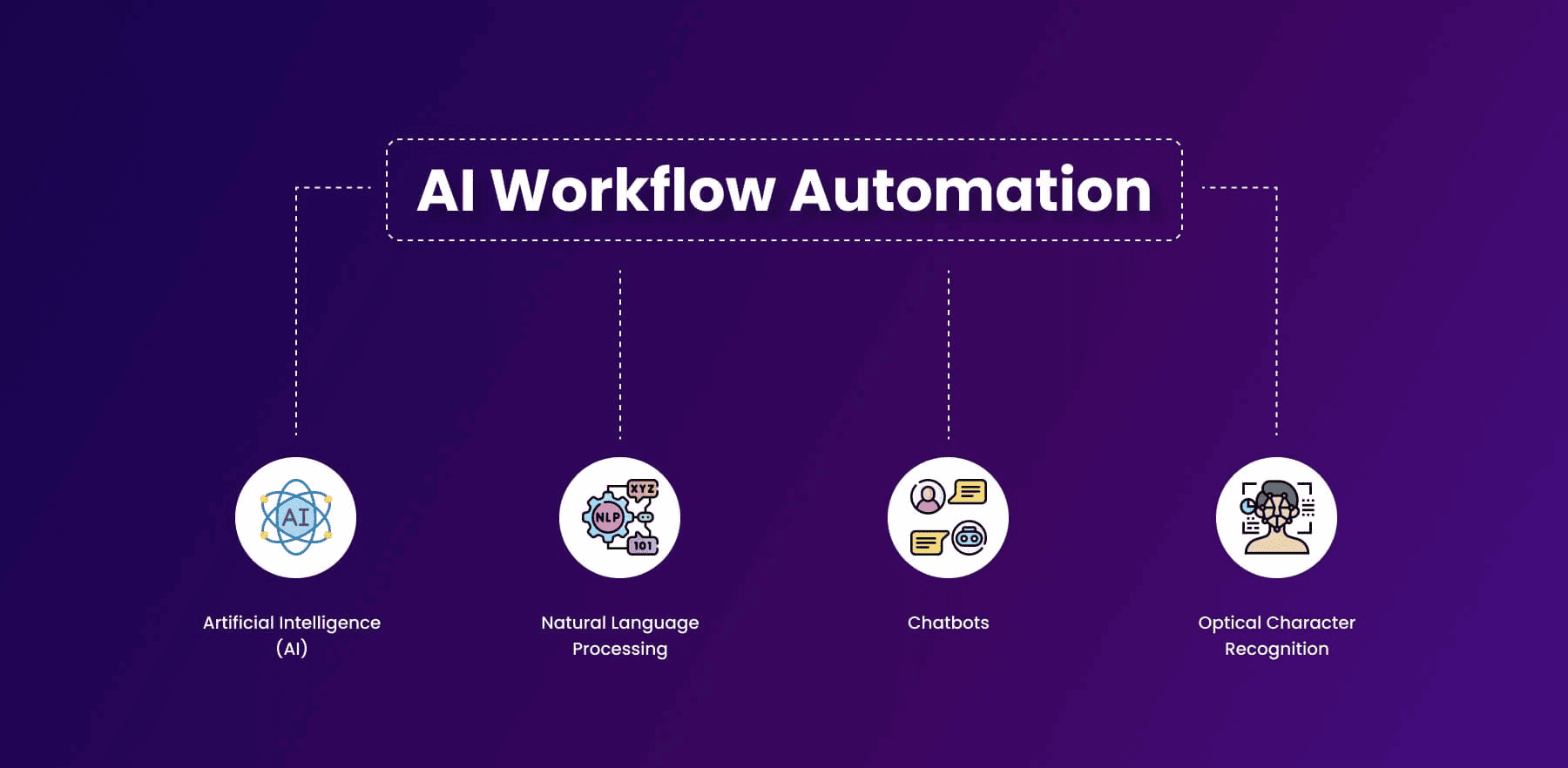
This article explores how IT teams can leverage AI tools to automate routine workflows. We will examine popular AI platforms, practical use cases, implementation strategies, and best practices to ensure successful adoption. By the end, you will have a clear roadmap for using AI to improve productivity and efficiency in IT operations.
Why Automating IT Workflows with AI Is Important
Automation in IT is not a new concept. Scripts, macros, and scheduling tools have existed for years. However, AI introduces intelligence into automation. Unlike static scripts, AI tools can learn from data, adapt to changing environments, and make decisions based on patterns.
Here are some reasons why AI-driven automation is essential in IT:
- Time Savings: Routine tasks like ticket categorization or server monitoring can be handled automatically.
- Reduced Errors: Human errors in repetitive tasks can be costly. AI tools follow consistent logic.
- Scalability: AI workflows can handle large volumes of data or requests without additional human effort.
- Predictive Insights: AI can identify patterns, predict potential failures, and suggest preventive actions.
- Employee Satisfaction: Freeing IT staff from mundane tasks allows them to focus on problem-solving and innovation.
These advantages make AI not just a convenience but a necessity for modern IT departments seeking efficiency and growth.
Common IT Workflows Suitable for AI Automation
Not all IT tasks are suitable for AI automation. The most effective candidates are repetitive, rule-based, and involve predictable patterns.
- Incident Management: AI can categorize tickets, prioritize them, assign them to the correct teams, and suggest solutions based on historical data.
- Server and Network Monitoring: AI tools can detect anomalies, generate alerts, and recommend corrective actions without human intervention.
- Software Deployment: Repetitive software updates and patch management can be automated using AI-powered scripts.
- User Account Management: AI can manage user onboarding, offboarding, and permission updates automatically.
- Data Backup and Recovery: AI tools can schedule backups, monitor completion, and verify data integrity.
- Report Generation: AI can generate operational, performance, and security reports from multiple data sources.
- Security Monitoring: AI algorithms can detect unusual activity, flag potential threats, and respond to common incidents.
Automating these workflows allows IT teams to focus on complex problems that require human judgment, enhancing overall productivity.
Top AI Tools for IT Workflow Automation
Several AI platforms are specifically designed to automate IT workflows efficiently.
1. UiPath
UiPath is a leading robotic process automation platform. It can handle tasks such as ticket management, data entry, and report generation. With AI capabilities, UiPath can read emails, interpret content, and make decisions based on historical data.
Use case: Automating service desk ticket routing and prioritization.
2. Automation Anywhere
Automation Anywhere integrates seamlessly with IT service management tools. It can perform tasks such as user provisioning, system monitoring, and automated compliance reporting.
Use case: Generating regular audit reports without human intervention.
3. IBM Watson Orchestrate
IBM Watson Orchestrate manages workflows across multiple tools and platforms. It can automate complex IT processes, learn from past interactions, and improve decision-making over time.
Use case: Coordinating multi-step software deployment processes automatically.
4. ServiceNow with AI
ServiceNow provides AI-powered automation for IT service management. AI can categorize tickets, suggest solutions, and even resolve simple issues automatically.
Use case: Automatically resolving password reset requests or common service issues.
5. Microsoft Power Automate
Power Automate connects with multiple IT systems and handles repetitive tasks. Its AI Builder can analyze data and make predictions to enhance workflow decisions.
Use case: Monitoring system logs and sending alerts for detected anomalies.
Steps to Implement AI Automation
Implementing AI automation requires careful planning, clear objectives, and continuous monitoring. Here are the key steps:
Step 1: Identify Repetitive Tasks
Map out your IT workflows and identify tasks that are repetitive, time-consuming, and rule-based. Examples include ticket categorization, server monitoring, and data backup.
Step 2: Prioritize Workflows
Not every repetitive task should be automated first. Prioritize workflows based on their frequency, business impact, and complexity. Start with tasks that provide maximum efficiency gains.
Step 3: Select the Right AI Tool
Choose a tool that aligns with your existing IT infrastructure, integration requirements, and scalability needs. Consider support options and ease of use for your team.
Step 4: Define Rules and Training Data
AI workflows need clear rules and historical data for training. Provide examples of common scenarios to help the system learn expected responses.
Step 5: Test and Validate
Test AI workflows in a controlled environment before full deployment. Ensure tasks are executed correctly and alerts function as intended.
Step 6: Monitor and Optimize
AI tools improve over time, but continuous monitoring is essential. Analyze workflow performance, measure efficiency improvements, and make necessary adjustments.
Practical Examples of AI Automation
Automated Ticket Management
An IT service desk receives hundreds of tickets daily. AI can categorize them automatically, assign them to appropriate teams, and suggest solutions based on historical data. This reduces manual effort and ensures faster resolution.
Predictive Server Monitoring
AI can analyze server metrics and predict failures before they occur:
- CPU usage trends trigger preemptive scaling.
- Disk space alerts prompt automated cleanup.
- Network anomalies generate immediate notifications.
This proactive approach minimizes downtime and enhances reliability.
Automated Data Backups
AI can schedule and verify backups without human intervention. It ensures completion, checks data integrity, and alerts IT teams if issues arise.
Security Threat Detection
AI continuously monitors network activity and logs to detect unusual patterns:
- Multiple failed login attempts trigger account lockdowns.
- Suspicious file access prompts alerts.
- Potential malware is quarantined automatically.
This strengthens security while reducing manual workload.
Best Practices for AI-Driven Automation
- Start Small: Automate simple tasks before complex workflows.
- Maintain Transparency: Document AI rules and workflows for team understanding.
- Measure Impact: Track time saved, error reduction, and productivity gains.
- Keep Humans in the Loop: Maintain oversight for critical decisions.
- Train Staff: Ensure the team understands AI capabilities and limitations.
- Ensure Security and Compliance: Verify workflows adhere to company policies and regulations.
These practices ensure smooth adoption and maximize efficiency gains.
Challenges in AI Workflow Automation
While AI offers numerous benefits, challenges exist:
- Data Quality: AI relies on accurate data. Poor data can lead to incorrect automation.
- Change Management: Staff may resist automation due to fear of job loss. Clear communication is essential.
- Integration Complexity: Connecting AI tools to legacy systems may require effort.
- Initial Cost: Some AI platforms require investment, though long-term ROI is often high.
Anticipating these challenges ensures a smoother implementation process.
Future of AI in IT Workflows
AI will continue to expand its role in IT operations:
- Autonomous IT Operations: Systems will self-monitor, self-heal, and optimize.
- AI-Driven DevOps: Automated build, test, and deployment pipelines.
- Predictive Analytics: Improved prediction of failures, demand, and capacity requirements.
- IoT Integration: Real-time management of connected devices.
Early adoption of AI workflow automation positions IT professionals for greater efficiency and career growth.
Conclusion
AI tools have revolutionized IT workflow automation. By automating repetitive, rule-based tasks, IT teams can focus on higher-value activities, reduce errors, and improve efficiency. From ticket management and server monitoring to data backups and security detection, AI can handle a wide range of IT operations.
Successful implementation requires careful planning, tool selection, testing, and monitoring. Best practices such as starting small, maintaining transparency, and keeping humans in the loop help ensure smooth adoption. Challenges like data quality and integration complexity exist, but the benefits of time savings, scalability, and predictive insights make AI essential for modern IT departments.
The future of IT depends on AI-driven automation. Professionals who embrace these tools can enhance operational efficiency and become valuable assets to their organizations. By adopting AI strategically, IT teams can achieve more with less effort, reduce risks, and maintain a competitive edge.
With AI taking care of repetitive workflows, IT professionals can focus on innovation, problem-solving, and strategic growth. The combination of human expertise and AI efficiency will define the next generation of IT operations.