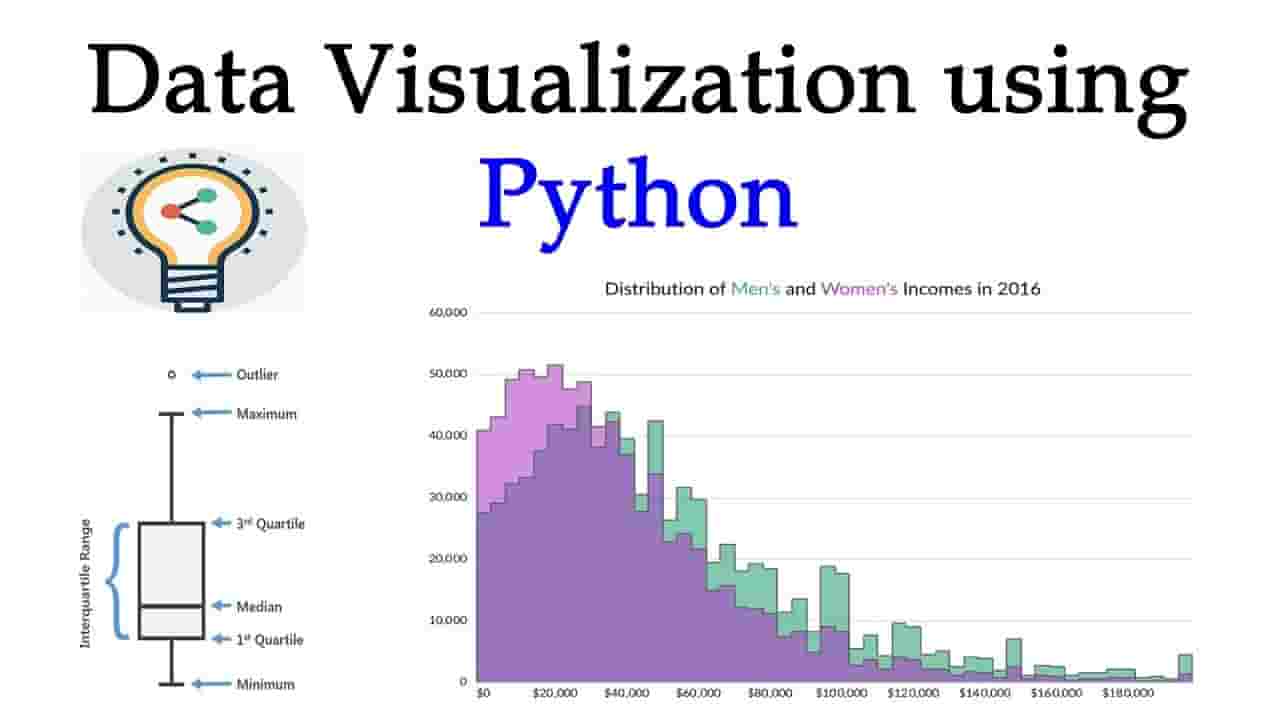
For professionals in data science, business intelligence, and even journalism, data visualization isn’t just a “nice-to-have” skill—it’s essential. It’s the most effective way to share complex insights with a non-technical audience, empowering them to make well-informed decisions. A single, well-designed chart showing a sales trend can have far more impact on a CEO than reciting a string of numbers ever could.
When it comes to programming for this purpose, Python stands out as the clear leader. Its extensive library ecosystem offers tools for every visualization need—from simple, static plots to intricate, interactive dashboards. This post will guide you through the world of Python data visualization, covering essential libraries, best practices, and project ideas to help you master this vital skill.
The Toolkit: A Deep Dive into Python's Visualization Libraries
Python's strength lies in its diverse and powerful libraries. Each one offers a different approach and a set of features tailored for specific visualization goals. Knowing which library to use is often the first step in a successful project.
1. Matplotlib: The Foundation
Matplotlib is the original and most foundational plotting library in Python. Think of it as the bedrock upon which many other libraries are built. It's a low-level library, meaning it offers granular control over every aspect of a plot—from the color of a single data point to the font size of a label.
- Best for: Creating basic, static plots like line charts, bar charts, scatter plots, and histograms. It's also the go-to for creating publication-quality figures for scientific papers, as it provides precise control over layout and styling.
- Key Features:
- Extensive Customization: You can customize every element, including figure size, subplots, axis labels, titles, and legends.
- Versatility: It supports a wide range of plot types and can handle both simple and complex visualization needs.
- Integration: It integrates seamlessly with other libraries like NumPy and Pandas, making it a staple in any data analysis workflow.
While Matplotlib is incredibly powerful, its low-level nature can make it a bit verbose for simple plots. For this reason, many developers turn to higher-level libraries that simplify the process.
2. Seaborn: The Statistical Storyteller
Seaborn is a library built on top of Matplotlib. Its primary goal is to simplify the creation of attractive and informative statistical graphics. It comes with built-in themes and color palettes, making your plots look professional with minimal effort.
- Best for: Visualizing statistical relationships, distributions, and categorical data. It excels at creating plots like heatmaps, violin plots, pair plots, and regression plots.
- Key Features:
- Beautiful Aesthetics: Seaborn's default styles are visually appealing and professional, saving you the trouble of extensive customization.
- High-Level Interface: It uses a high-level, function-based API that requires less code to create complex plots, especially when working with Pandas DataFrames.
- Statistical Focus: It's designed to automatically handle statistical estimations and plot visualizations that reveal key relationships in your data.
A common workflow is to use Seaborn for a quick, exploratory data analysis and then use Matplotlib for any fine-tuning or specialized plots.
3. Plotly: The Interactive Innovator
In today's web-driven world, static plots aren't always enough. This is where Plotly shines. It's a library designed to create stunning, interactive, and web-based visualizations. With Plotly, your audience can zoom, pan, and hover over data points to get more details.
- Best for: Creating interactive dashboards, web-based reports, and complex visualizations like 3D plots, choropleth maps, and sunburst charts.
- Key Features:
- Interactivity: Its plots are dynamic and allow for user interaction, which is perfect for data exploration and presentations.
- Wide Range of Plots: It supports over 40 unique chart types, from basic line graphs to intricate 3D plots.
- Dash Framework: Plotly also powers the Dash framework, which allows you to build entire interactive web applications and dashboards using only Python.
Plotly is an excellent choice for a project that needs to be shared with a broader audience or embedded in a website.
Best Practices for Effective Visualization
The true power of data visualization isn’t just in creating a chart; it’s in creating a chart that tells a clear, compelling, and honest story. To do this, you need to follow a few key best practices.
- Choose the Right Chart: Not all data is suited for every chart. A line chart is perfect for showing trends over time, while a bar chart is ideal for comparing discrete categories. Using a pie chart for too many categories can be confusing, as the human eye is poor at judging angles. Always consider your data and the message you want to convey before choosing a plot type.
- Keep it Simple: Avoid "chart junk"—unnecessary elements that clutter your visualization and distract from the main message. This includes excessive colors, gridlines, and labels. Less is often more.
- Label Everything: A chart without a clear title and well-labeled axes is useless. Make sure your audience knows what they are looking at and what the units of measurement are.
- Use Color Thoughtfully: Colors should serve a purpose. Use a single color for a single category and a gradient for a continuous variable. Be mindful of colorblindness and choose palettes that are accessible to everyone.
- Tell a Story: The best visualizations tell a story. Use annotations to highlight key data points, explain a sudden spike or dip, and guide your audience’s attention to the most important insights.
Project Ideas to Build Your Portfolio
Nothing solidifies your understanding of a topic like a hands-on project. Here are a few ideas to get you started on your data visualization journey with Python.
- Analyze COVID-19 Data: The global pandemic generated an immense amount of public data. You can use this data to create visualizations that show the spread of cases over time, compare vaccination rates between countries, or create choropleth maps to show regional hotspots. This is a great project for practicing line plots, bar charts, and geospatial visualizations with libraries like Folium.
- Visualize Stock Market Data: The stock market is a dynamic and data-rich environment. You can use historical stock data to create interactive line charts that show a company’s performance over time. You can also create candlestick charts to show daily price fluctuations and volume. This project is perfect for using libraries like Plotly to create interactive, web-friendly visualizations.
- Analyze Movie Data: A dataset of movie ratings, genres, and box office numbers is a fantastic source for a data visualization project. You could create plots to show the relationship between a movie's budget and its box office revenue, analyze the most popular genres over the years, or use a word cloud to visualize the most common words in movie titles or synopses.
- Analyze Uber/Taxi Trips: Datasets of Uber or taxi trips often contain information on pick-up and drop-off locations, times, and fares. This data can be used to create heatmaps showing the busiest pick-up locations, bar charts of trip counts by time of day, or a time series plot of trip volume over months.
If you’re looking to get started and build a strong portfolio of projects then Uncodemy is the best place for you . Uncodemy offers a comprehensive Uncodemy's Data Science course in Mumbai that includes a dedicated module on Python for data visualization. Their curriculum is designed to teach you not just the theory, but the practical application of libraries like Matplotlib, Seaborn, and Plotly. You will work on real-world datasets, guided by experienced instructors, and complete a final project that you can proudly showcase in your portfolio. The course focuses on a project-based learning approach, ensuring you gain the confidence and skills needed to tackle complex visualization challenges in a professional setting.
The Future of Data Visualization with Python
The field of data visualization is constantly evolving. As datasets grow larger and more complex, the demand for more sophisticated and efficient visualization tools will only increase. We’re already seeing a move towards more automated visualization tools that can suggest the best plot type for a given dataset. AI-driven visualization is becoming a reality, where models can analyze data and generate insights with minimal human input.
Furthermore, the rise of web-based interactive dashboards is a clear indicator of the future. The ability to share dynamic visualizations that anyone can explore is a game-changer for business intelligence and data-driven storytelling. Python, with its versatile libraries and frameworks like Dash, is perfectly positioned to lead this charge.
Mastering Python for data visualization is an investment in a future-proof skill. It empowers you to not only analyze data but to communicate its findings with clarity and impact. It’s a skill that bridges the gap between technical expertise and strategic insight, making you an invaluable asset in any data-driven organization.