Manual Testing vs Automation Testing: The Honest Breakdown
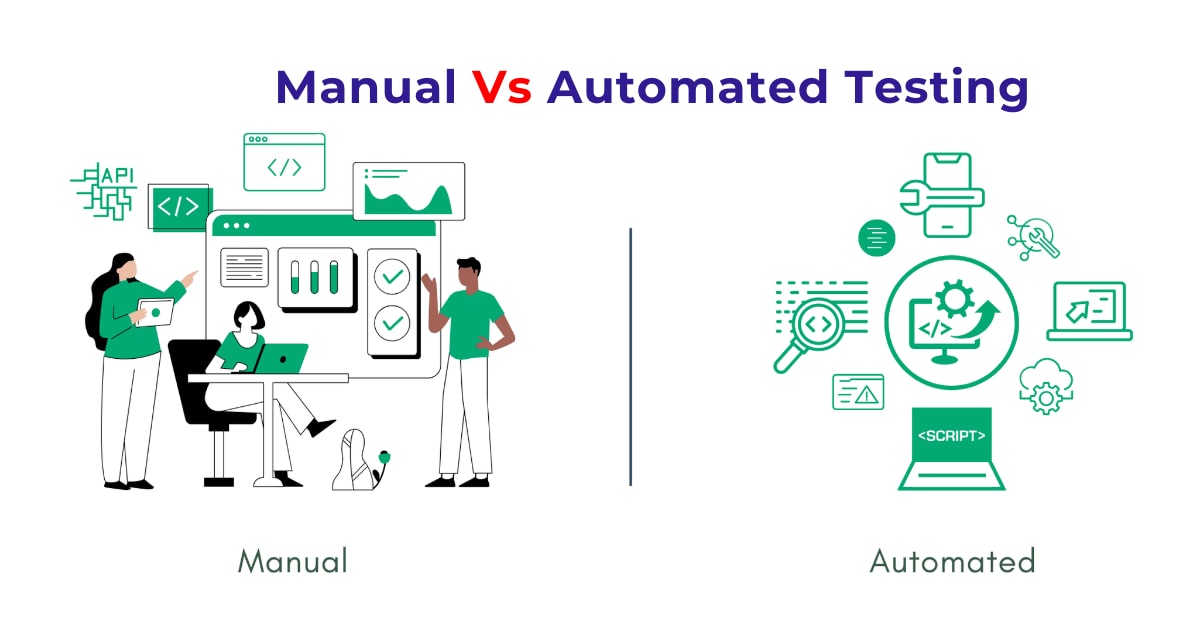
Manual Testing: The Human Side of QA
Manual testing is exactly what it sounds like: you open the app, try stuff, and see what breaks. No scripts. No code. Just your brain, your eyes, and your ability to think like a user.
You click buttons. You fill forms. You do the unexpected. And if the app crashes, congratulations—you found a bug.
When Manual Testing Makes Sense
- The feature is brand new.
- The design or logic is still changing.
- You’re doing quick exploratory checks.
- You want to understand how a user might actually experience the app.
- You need to test visuals, layout, or user flow.
What’s Good About It:
- Fast to start. No need to write scripts.
- Anyone can do it. (But not everyone can do it well.)
- Helps you understand the product deeply.
- Great for catching weird edge cases.
What’s Not-So-Great:
- Gets boring fast if you're repeating the same tests.
- It’s easy to miss things when you’re tired.
- Not scalable. You can’t run 100 tests every day by hand.
- No logs or detailed reports unless you manually take notes.
Manual testing is underrated. People act like it’s just for beginners, but truth is: good manual testers are sharp thinkers. They ask questions automation never would.
Automation Testing: Making the Machines Work For You
Now let's flip it. Automation testing is about using code or tools to run tests. Instead of checking the login page manually 15 times, you write a script that does it in seconds. Then you run it again tomorrow. And the next day. And again after every new update.
It’s not magic. It’s repetition—done efficiently.
Where Automation Works Best
- Regression testing: making sure old stuff still works after new changes.
- Running the same tests across multiple environments.
- Load or performance testing.
- Smoke testing in CI/CD pipelines.
- Validating forms, buttons, and flows that don’t change often.
Why It’s Awesome:
- Fast. Really fast.
- Repeatable. Same test, same steps, every time.
- Scalable. Run 1,000 tests? No problem.
- Integrates with CI/CD tools for automated deployment.
The Drawbacks:
- High setup time. Writing scripts takes effort.
- Needs maintenance. UI changes? Your script might break.
- Requires coding skills—or at least scripting.
- Doesn’t catch visual glitches or UX weirdness.
Automation doesn’t replace manual. It extends it. Think of it like hiring a robot intern that never sleeps—but still needs your brain to tell it what to do.
Manual vs Automation: Let’s Compare for Real
| Feature | Manual Testing | Automation Testing |
|---|
| Start-up Time | Instant | Takes time |
| Best For | Exploratory, UI, new features | Repeats, regression, scale |
| Speed | Human-paced | Lightning fast |
| Maintenance | Low | High (scripts break!) |
| Tools Needed | Just you | Code + frameworks |
| Scalability | Low | High |
| Visual Testing | Strong | Weak |
| Cost Over Time | Higher | Cheaper long-term |
They’re not enemies. They’re teammates.
A Day in the Life of Real QA Work
Here’s how it usually plays out:
- Devs push a new feature—say, adding coupon codes at checkout.
- Manual testers explore it first. They try valid/invalid codes, expired ones, edge cases.
- Bugs show up. Devs fix them.
- Once stable, automation testers script the happy paths.
- From then on, every release runs those scripts.
- Manual testers still step in for edge cases, UX checks, or major redesigns.
It’s not one or the other. It’s a cycle.
Which One Should You Learn First?
Manual. 100%.
Why? Because automation is just manual testing at scale. If you don’t know how to test something by hand, your scripts will be pointless. You’ll be automating the wrong things.
Learn to:
- Think critically.
- Write solid test cases.
- Understand the app as a user.
- Spot weird bugs that aren’t obvious.
Then, once you’re confident manually, move into automation. Learn a language. Pick a tool. Start with small flows.
That’s how real testers grow.
Hiring Reality: What Companies Want
Most hiring managers aren’t looking for textbook answers. They want testers who:
- Understand the difference between a bug and a feature.
- Know when to write a script and when to explore manually.
- Can explain their logic.
- Communicate clearly.
- Don’t panic when something breaks.
If you know both manual and automation testing—even at a basic level—you’re already ahead of 50% of entry-level applicants.
How to Learn This Stuff Without Drowning
Start Manual:
- Learn testing types: functional, smoke, regression, etc.
- Write test cases for real apps. Even simple ones.
- Use tools like JIRA or TestRail to track bugs.
- Learn to describe bugs clearly and concisely.
Then Tackle Automation:
- Pick one language (Java, Python, or JavaScript).
- Learn Selenium or Cypress.
- Start with basic scripts: login form, search field, etc.
- Practice finding elements using XPath or CSS.
- Add assertions. Run tests. Fix your bugs.
Build a Mini Project:
- Choose a real app (even a demo site).
- Test it manually.
- Write scripts to automate common flows.
- Add it to your resume or GitHub.
You don’t need to master everything at once. Just keep leveling up.
When Automation Isn’t Worth It
Yes, sometimes you shouldn’t automate. Examples:
- A feature that’s changing constantly
- A UI that’s still being redesigned
- One-time test cases
- Tests that rely on human judgment
Rule of thumb: if writing the script takes longer than the test will ever be useful, skip it.
Final Thoughts: Be a Tester, Not Just a Tool User
Testing isn’t about clicking buttons or writing perfect scripts. It’s about catching problems before users do.
Manual and automation aren’t sides of a war. They’re tools in your belt. Use both. Learn both. And know when to use which.
If you’re learning with Uncodemy, you’ve already got the roadmap. Follow it. Build actual projects. Ask questions. Break stuff. Fix it.
And remember: companies don’t hire tools. They hire people who know how to test. Be that person.