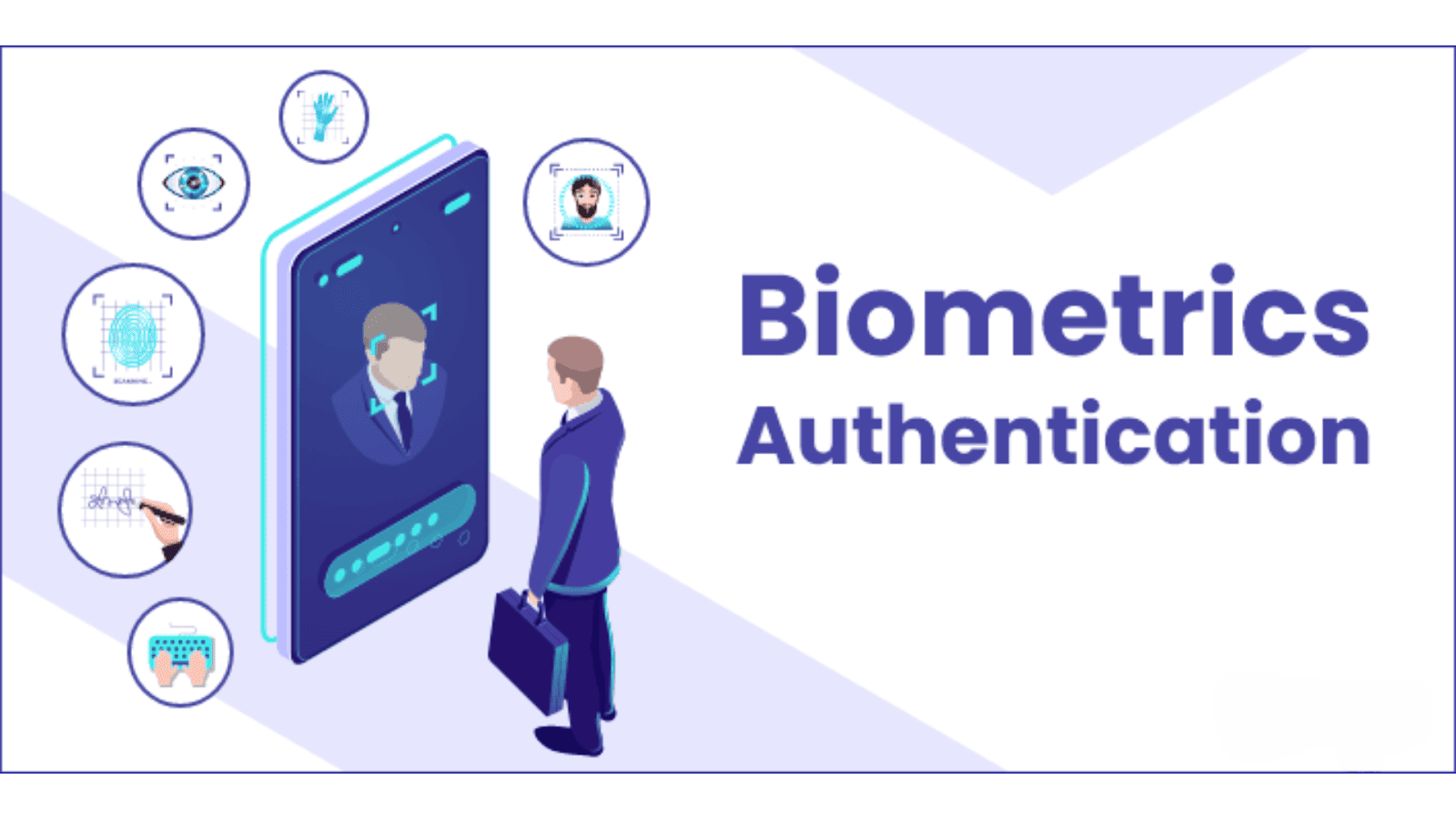
So if you’re building a mobile application in 2026, adding biometric login isn’t optional—it’s expected. And here’s the fun part: with the right tools, it’s not as complicated as it sounds.
This is exactly the kind of thing Uncodemy loves to push students toward. Not just learning concepts in a classroom sense, but applying them in projects that feel real and practical. Imagine finishing your mobile app course and walking away with a project that has biometric authentication built in. That’s the kind of skill that makes recruiters raise their eyebrows.
Passwords Are Broken (And Everyone Knows It)
Before we dive into the “how,” let’s pause on the “why.”
Passwords used to be fine. But now? People have dozens, sometimes hundreds, of accounts. And you know what most do? Reuse the same weak password across five or six apps. Or they make it something predictable like “John@123.” Hackers love this. Data leaks love this. It’s basically handing out your keys on a platter.
Biometrics solves part of that headache. You don’t need to remember your face. You don’t forget your thumbprint. They’re unique, they’re built into modern devices, and they can’t be guessed the way a password can.
That’s why apps like banking, e-wallets, even fitness trackers are leaning on Face ID and Touch ID. Security becomes invisible, and that’s the best kind of security.
Okay, But How Does Biometric Login Actually Work?
At the simplest level, here’s the flow:
- Your app asks the device, “Hey, can you verify this person with a fingerprint or face scan?”
- The device runs the scan locally, compares it to the stored biometric data, and confirms or denies.
- Your app gets a thumbs-up or thumbs-down. If it’s a yes, you unlock the user’s session.
The important thing to note? Your app never actually stores the biometric data. That stays on the device, encrypted and protected by the operating system. You’re just tapping into that system-level feature.
On iOS, this usually means Face ID or Touch ID. On Android, it could be fingerprint sensors, facial recognition, or even iris scanning depending on the hardware.
The Developer’s Perspective
Let’s picture you as a student at Uncodemy working on your first real mobile app. Maybe it’s a personal finance tracker or a notes app. You’ve already got the basics—users sign in with email and password. But then your mentor asks:
“Cool, now let’s add biometric login.”
Your first reaction? Panic. Sounds like sci-fi. But then you start digging and realize it’s actually just about integrating the right libraries and APIs. Both Android and iOS have official biometric frameworks you can call from your app. And if you’re building with React Native or Flutter, you’ve got packages that wrap those native features so you don’t even touch low-level code.
In practice, it’s just a few steps:
- Check if the device supports biometrics.
- Trigger the authentication prompt (the system UI, not one you design).
- Wait for the result.
- If it’s successful, unlock access to the app.
Suddenly it’s not scary. It’s actually empowering. You realize you just added a feature people use every single day without thinking.
The Human Side of Biometric Login
Here’s something developers often miss: security is not just a technical thing. It’s about psychology.
If your app only asks for a password, users groan. Another password? Another chance to forget? But when they see the Face ID pop up, it feels… modern. It feels safe. It feels like your app is on the same level as a banking app or Instagram.
That perception matters. People trust apps more when they offer familiar security flows. They’re also more likely to stick with your app if logging in is painless.
In short: biometric login isn’t just a feature. It’s part of the user experience.
Common Pitfalls Students Face
Now, let’s be honest—it’s not all smooth sailing. A few things trip people up when they try this for the first time:
- Assuming all devices have biometrics. Some budget Android phones still don’t. Always check first.
- Over-relying on biometrics. You still need a fallback (usually a password or PIN) for when biometrics fail.
- UI mistakes. Don’t build your own fingerprint screen. Always use the system prompt. Users trust it more.
- Ignoring accessibility. Some users can’t use biometrics for medical or personal reasons. Don’t block them out.
At Uncodemy, mentors emphasize testing across devices. Just because it works on your iPhone 14 doesn’t mean it works on someone’s mid-range Samsung. That’s where hands-on projects really teach you to think beyond “happy path coding.”
Why This Project Fits Uncodemy’s Philosophy
Uncodemy’s whole pitch is about turning students into doers, not just note-takers. And a biometric login project is the perfect example of that.
You’re not just learning how an API call works. You’re:
- Understanding modern user expectations.
- Balancing security and usability.
- Thinking about edge cases.
- Building something that makes your app feel instantly professional.
Imagine showing this off in an interview:
Interviewer: “What’s a project you’ve worked on?”
You: “I built a personal finance app with biometric login. Instead of typing a password, users can unlock it with their fingerprint or face ID. I integrated both Android and iOS biometric APIs, and I also built a fallback system for devices without sensors.”
That’s not theory. That’s applied knowledge. And it speaks louder than listing “I know mobile development” on your resume.
Beyond the Basics: Where You Can Take It
Once you’ve mastered the simple flow, you can get creative. Imagine:
- Multi-layer authentication: Password + biometric for sensitive actions like transferring money.
- Biometric notes app: Only your fingerprint can open certain private notes.
- Voice authentication experiments: Newer devices are exploring voiceprint recognition.
- Enterprise apps: Employees log into their work apps with biometrics instead of company-wide passwords.
This is why projects like this stick. They open doors to bigger ideas. They make you curious. You don’t just stop at “It works”—you start asking “What else could I do?”
Wrapping It Up
Biometric login might sound like a fancy add-on, but it’s quickly becoming the baseline for mobile applications. Users expect it. Devices support it. And developers—especially students learning at places like Uncodemy—have the chance to master it now and stand out later.
At the end of the day, adding biometric login is about making technology feel human. No one loves typing complex passwords. But everyone loves tapping a finger or glancing at their phone and being instantly in.
So if you’re learning mobile development and wondering which project will actually impress people, this is it. Biometric login is the bridge between security and simplicity, and building it yourself shows that you’re not just coding for the sake of it—you’re creating real experiences people can trust.
And that’s the whole point of learning with Uncodemy: to stop being just a learner and start being a builder.