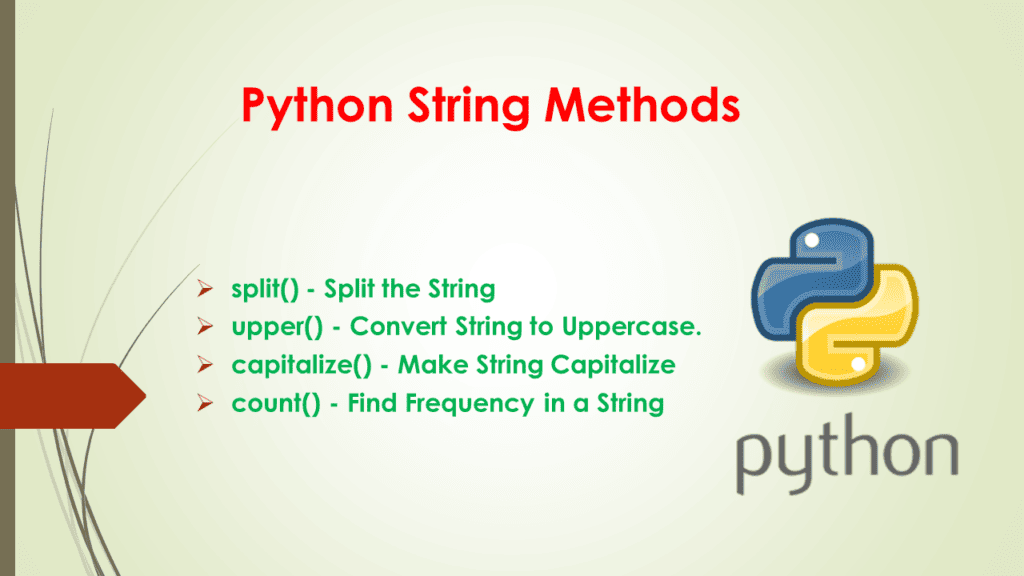
Understanding strings and mastering their operations is an essential part of becoming proficient in Python programming. Strings in Python are sequences of characters enclosed in single or double quotes, and they offer a broad set of built-in methods for manipulation and analysis. Whether you're a beginner or someone pursuing a Python Programming Course in Noida, developing a deep understanding of Python string operations is a skill you’ll use daily.
In this article, we’ll walk through various string operations in Python — from the basics to advanced techniques — with conversational, real-life examples and a professional tone, making the learning process smooth and relatable.
In Python, a string is a data type used to represent text. It is enclosed in quotes (single ', double ", or triple '''/""" for multiline strings). Strings are immutable, which means once created, their content cannot be changed. However, you can manipulate them to create new strings using various methods.
                        message = "Hello, Python!"
                        print(message)
Output:
Hello, Python!
Strings are everywhere — from user input, file names, web addresses to chatbot responses. Understanding them is critical for any developer.
2. Creating and Printing Strings
Creating a string is as simple as assigning text to a variable:
                        greeting = 'Welcome to Noida!'
                        print(greeting)
Triple quotes allow for multi-line strings:
Creating a string is as simple as assigning text to a variable:
                        course_description = """
                        Learn Python with hands-on projects.
                        Perfect for beginners in Noida.
                        """
                        print(course_description)
3. Basic String Operations
Python strings support several basic operations that are very intuitive:
                        text = "   Hello, Noida!   "
                        print(text.strip())
                        print(text.lstrip())
                        print(text.rstrip())
Replacing Text:
                        sentence = "Learning C is fun"
                        updated = sentence.replace("C", "Python")
                        print(updated)
Splitting and Joining:
                        data = "apple,banana,cherry"
                        fruits = data.split(",")
                        print(fruits)
                        print(" | ".join(fruits))
6. String Formatting
Formatting strings is essential for creating dynamic messages.
f-Strings (Python 3.6+):
                        name = "Alice"
                        course = "Python"
                        print(f"{name} is learning {course} in Noida")
                        format() Method:
                        print("{} is enrolled in {} Programming Course.".format("Bob", "Python"))
7. Escape Characters
Escape characters are used to represent special characters:
                        print("He said, \"Python is awesome!\"")
                        print("Line1\nLine2")
                        print("Backslash: \")
8. String Comparison
You can compare strings using relational operators:
Use string concatenation wisely (prefer join() for lists).
Avoid excessive slicing inside loops.
Preallocate strings when working in loops.
Use f-strings for better performance over format().
13. Real-world Use Cases
Form validations: Ensuring input is alphanumeric.
Data cleaning: Trimming and formatting data.
Filename and URL parsing: Using slicing and split().
Natural Language Processing: Tokenizing and normalizing text.
Log processing: Extracting key insights using find() or regex.
14. Common Pitfalls and Best Practices
Pitfalls:
Assuming strings are mutable (they’re not)
Confusing find() and index() (index throws error if not found)
Forgetting to use .lower() or .strip() in comparisons
Best Practices:
Use clear variable names (e.g., user_name, course_title)
Chain methods efficiently: text.strip().lower()
Use in for clean substring checking
15. Frequently Asked Questions (FAQs)
Q1. Are Python strings mutable?
No. Strings in Python are immutable.
Q2. Can I loop through a string?
Yes. Strings are iterable.
Q3. What is the difference between find() and index()?
find() returns -1 if not found, index() throws an error.
Q4. Is string manipulation covered in a Python Programming Course in Noida?
Absolutely! Courses in Noida focus heavily on string operations, especially during the beginner and intermediate stages.
Q5. Why use join() instead of + for concatenation?
join() is more efficient for concatenating many strings, especially in loops.
Q6. Can I use regular expressions with strings?
Yes. Python’s re module allows powerful pattern matching.
Q7. How do I handle multi-line strings in Python?
Use triple quotes (''' or """).
Q8. What are raw strings in Python?
Raw strings treat backslashes (\) as literal characters, useful in regex.
16. Conclusion
Python string operations are fundamental and form the basis for everything from data cleaning to building user interfaces and automation scripts. With numerous built-in methods, Python offers an expressive and powerful set of tools to handle strings effortlessly. Whether you’re printing a welcome message, processing user input, or formatting data for web display, mastering strings will make your code more readable, robust, and efficient.
If you're looking to truly master these skills in a structured way, enrolling in a Python Programming Course in Noida can provide you with guided learning, practical assignments, and real-world projects — all designed to deepen your understanding of Python string operations.
Remember, the more you practice string manipulations, the more natural they become. So open up your Python IDE, start coding, and keep experimenting.