What "automating a campaign" actually means
Every marketing automation, whatever the tool, has the same three parts:
- Trigger: something happens. A person fills a form, buys, abandons a cart, opens an email or reaches a date.
- Condition: a rule that filters who continues. "Only if city is Delhi", "only if they have not bought in 30 days".
- Action: what the system does. Send an email or WhatsApp message, add a tag, notify sales, change an ad audience.
When you compare tools, ask which triggers they can see, how complex the conditions can be, and which actions they can take in other apps. That tells you more than a feature list.
The main tool groups
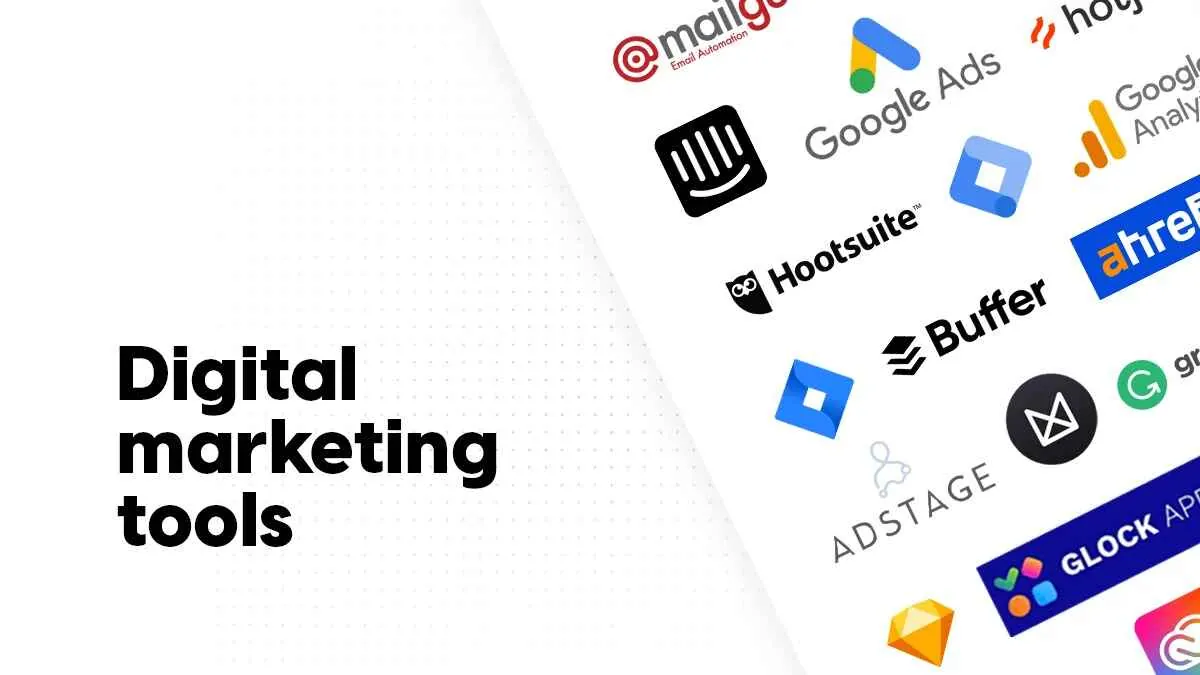
| Job | Common tools | Typical automations |
|---|
| Email and customer journeys | Mailchimp, Brevo (formerly Sendinblue), Klaviyo, ActiveCampaign, Zoho Campaigns | Welcome series, abandoned cart, re-engagement, birthday or renewal reminders |
| CRM-based marketing automation | HubSpot Marketing Hub, Zoho Marketing Automation, Salesforce Marketing Cloud Account Engagement (formerly Pardot) | Lead scoring, lead assignment to sales, lifecycle stage changes, nurture tracks |
| Social media scheduling | Buffer, Hootsuite, Meta Business Suite, Later | Queue posts, publish at set times, recycle evergreen posts, collect comments in one inbox |
| Paid ads automation | Google Ads (Smart Bidding, automated rules), Meta Ads (Advantage+ campaigns), LinkedIn Ads | Bid toward a target cost per acquisition or return on ad spend, pause ads that overspend, sync customer lists |
| Connecting apps | Zapier, Make (formerly Integromat), n8n (self-hostable) | Form lead to CRM to Slack, sheet row to email, webinar sign-up to WhatsApp reminder |
| Messaging (WhatsApp, SMS) | WhatsApp Business Platform through approved providers, plus SMS gateways | Order updates, appointment and class reminders, opt-in broadcast campaigns |
Small businesses often get far with one email or CRM tool plus a connector. Larger teams add a CRM-grade platform when sales and marketing need to share lead data.
Tool notes: what each is known for
HubSpot Marketing Hub
An all-in-one platform where email, forms, landing pages, the CRM and reports share one contact database. Its visual workflows can branch on almost any contact property. The free tools cover forms, email and the CRM; full workflow automation and lead scoring sit in paid tiers, so check what your plan includes before you design around them.
Mailchimp
Popular with small businesses for newsletters. Its Customer Journey builder handles welcome and follow-up sequences, and it integrates with e-commerce platforms for abandoned-cart and product-follow-up emails.
Brevo
Combines email, SMS and WhatsApp campaigns with an automation builder and a basic CRM. Its plans have mostly been priced by emails sent rather than contacts stored, which can suit businesses with large lists and modest send volume; check the current pricing page.
Klaviyo
Built around e-commerce data. It reads store events (viewed product, added to cart, placed order) from platforms such as Shopify and uses them as triggers and segments for email and SMS flows.
Zoho Marketing Automation and Zoho Campaigns
Useful if the business already runs Zoho CRM or Zoho Books, since data moves between Zoho apps without a connector.
Buffer, Hootsuite and Meta Business Suite
Schedulers. Meta Business Suite is free and covers Facebook and Instagram. Buffer and Hootsuite add other networks, team approval steps and a shared inbox. Scheduling is automation of timing, not of content: someone still needs to write the posts.
Google Ads and Meta Ads automation
Google's Smart Bidding strategies (Maximise conversions, Target CPA, Target ROAS) set bids for each auction using conversion data. Automated rules can pause or adjust campaigns on a schedule. Meta's Advantage+ campaigns let the system choose audiences and placements. These work only as well as your conversion tracking: if conversions are not recorded correctly, the system optimises toward the wrong goal. Our guide to becoming a Google Ads specialist covers the tracking side.
Zapier, Make and n8n
Connectors move data between apps that have no direct integration. Zapier is the simplest to start with; Make offers a visual canvas with more branching; n8n can be self-hosted, which some teams prefer for data control. A worked example is in using Zapier to automate marketing tasks.
Four workflows worth building first
1. Welcome series
Trigger: new subscriber. Email 1 immediately (what they signed up for, one link). Email 2 after two days (your most useful content). Email 3 after five days (a soft offer). Stop the series if they buy or book a call. Welcome emails tend to get more attention than later campaigns because the person has just asked to hear from you.
2. Abandoned cart or abandoned form
Trigger: cart created or form started, but no purchase or submission within a set time (often one to a few hours). Send a reminder with the exact item or course they looked at. Add a second reminder only if the first is not opened. Exclude anyone who completed the purchase in the meantime.
3. Lead scoring and hand-off to sales
Give points for actions that signal intent: pricing page visit, demo request, webinar attendance. Subtract points for inactivity. When a contact passes a threshold, a workflow assigns them to a salesperson and sends a notification. Agree the threshold with the sales team; otherwise they will ignore the leads.
4. Event reminders
Trigger: webinar or class registration. Reminders one day and one hour before, then a follow-up with the recording to everyone who registered, split into "attended" and "missed". A connector can push the same reminder to WhatsApp if the person opted in.
How to choose a tool
- Start from your data source. An online store should look at tools that read store events. A B2B company with a sales team needs automation tied to the CRM.
- Check the pricing model. Some tools charge by contacts, others by emails sent or by "tasks" (Zapier, Make). Estimate your volume before signing up.
- Check consent and compliance features. Double opt-in, unsubscribe handling and consent records matter. India's Digital Personal Data Protection Act, 2023 and the EU's GDPR both require a lawful basis for processing personal data, and WhatsApp's business policy requires opt-in before you message people.
- Test deliverability. Authenticate your sending domain (SPF, DKIM, DMARC). Gmail and Yahoo tightened sender requirements for bulk senders in 2024, so unauthenticated campaigns are more likely to land in spam.
- Use the free tier or trial on a real workflow. Build your welcome series in two tools and compare how long it took and how clear the reporting is.
Mistakes that make automation backfire
- Automating a bad message. Automation multiplies whatever you send. Fix the copy and the offer first.
- No exit conditions. A customer who already bought should leave the "please buy" sequence at once.
- Too many overlapping flows. Keep a simple map of which workflows a contact can be in, and set a frequency cap.
- Never reviewing results. Check open, click and conversion rates for each step every month and remove steps that do nothing.
Email remains the backbone of most automation; see how AI tools can improve email marketing results for writing and testing ideas, and the wider list of digital marketing tools for SEO and analytics tools that sit alongside automation. If you want practice material, build one of these workflows as part of a beginner digital marketing portfolio project.
Sources: vendor documentation and product pages for HubSpot, Mailchimp, Brevo, Klaviyo, Zoho, Buffer, Hootsuite, Google Ads Help (Smart Bidding), Meta Business Help Centre, Zapier, Make and n8n. Features and plan limits change often; confirm on each vendor's site.