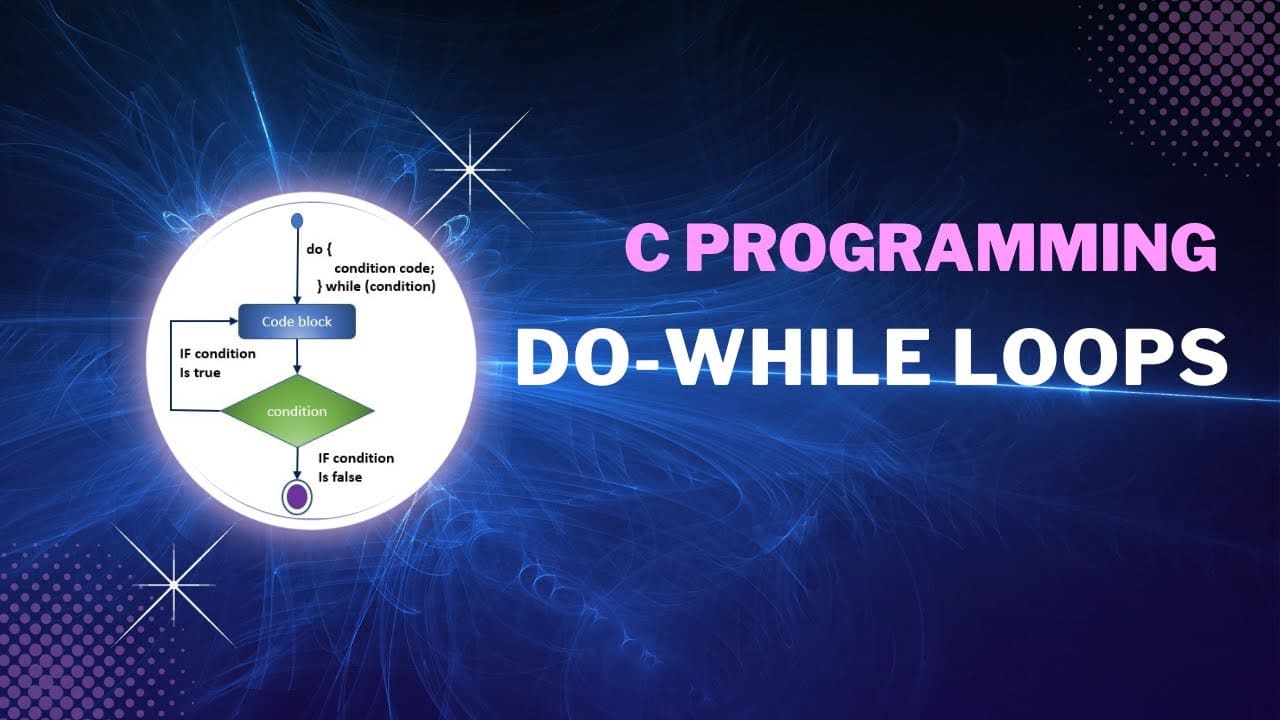
Understanding While Loop in C Programming with Syntax and Flowchart
In the journey of learning the C programming language, loops hold a crucial place. They allow programmers to write efficient code that repeats tasks, saving both time and effort. One of the most fundamental types of loops used in C programming is the while loop. Whether you're a complete beginner or currently enrolled in a C Programming Course in Noida, understanding how the while loop in C works is essential. This article aims to provide a comprehensive explanation of the while loop, including its syntax, how it functions, a detailed breakdown of its components, and how it can be visualised through flowcharts.
Understanding While Loop in C Programming with Syntax and Flowchart
Mr. Bambam Yadav / 1 days
0
4 min read
Introduction to Loops in C
Before we focus on the while loop, it's essential to understand what a loop is. In programming, a loop is a control structure that allows repeated execution of a block of code. This repetition continues until a specified condition is no longer true. Without loops, tasks that need to be repeated multiple times would have to be written out manually, which would not only increase the code size but also reduce efficiency and maintainability.
C supports three primary types of loops:
while loop
do-while loop
for loop
Each loop type serves different use cases, but the while loop in Cis often the go-to option when the number of iterations is not known beforehand.
What is a While Loop in C?
The while loop in Cis an entry-controlled loop, meaning that the condition is evaluated before entering the loop body. If the condition is true, the statements within the loop are executed. This process repeats until the condition becomes false. If the condition is false from the beginning, the loop body is never executed.
This behaviour makes the while loop particularly useful for cases where iteration should only happen if a certain condition is satisfied—such as reading a file until the end, accepting user input until a specific value is entered, or running a simulation until a threshold is reached.
Syntax of While Loop in C
Here is the general syntax of a while loop in C:
                           while (condition) {
                                // code block to be executed
                            }
Explanation of Syntax:
while: This is the keyword that tells the compiler that a loop is beginning.
condition:This is a logical or relational expression that is evaluated before every iteration. If it evaluates to true (non-zero), the code inside the loop executes.
code block: This contains the statements that are repeated as long as the condition remains true.
How the While Loop Works
To understand how the while loop in C functions, let’s take a real-world analogy. Suppose a student wants to keep checking his phone for a message every 5 minutes until the message arrives. The checking continues while the message has not arrived.
Translated to programming terms, the loop:
Checks if the condition (message not received) is true.
If true, executes the checking action.
Repeats steps 1 and 2 until the condition becomes false (message received).
Let’s examine a simple example of a while loop in C that prints numbers from 1 to 5:
                           #include

                            int main() {
                                int i = 1;
                                while (i <= 5) { printf("%d\n", i); i++; } return 0; < pre>
In this code:
i = 1 initializes the counter.
while (i<= 5) is the condition being tested.< li>
Inside the loop, the current value of i is printed.
i++ increments the counter.
The loop continues until i becomes greater than 5.
Flowchart Representation of While Loop
Visualising how a loop functions can help students understand the control flow more effectively. A flowchart simplifies the logical steps taken during execution.
Steps in Flowchart Form:
Start
Evaluate condition
If condition is true → execute loop body
After execution, go back to condition check
If condition is false → exit loop
End
Here’s a verbal representation of the flowchart for a while loop:
This representation can help students enrolled in a C Programming Course in Noidaunderstand how the condition controls the entire loop execution.
Common Use Cases of While Loop in C
While loops are used in a variety of programming scenarios. Here are some real-world examples:
Reading input until a specific value is entered
Example: Accept numbers until the user enters 0.
File reading operations
Reading contents until the end-of-file is reached.
Monitoring conditions
Running simulations until a goal is achieved or a limit is reached.
Repeating tasks with no fixed iteration count
For example, waiting for a sensor to reach a threshold in embedded systems.
Infinite Loops and How to Avoid Them
One of the most common pitfalls while using the while loop in Cis creating an infinite loop. This happens when the condition never becomes false, causing the loop to execute endlessly.
Example of an Infinite Loop:
                            int i = 1;
                            while (i <= 5) { printf("%d\n", i); missing increment of i } < pre>
Since i is never incremented, the condition i<= 5 always evaluates to true, and the program never exits loop. such infinite loops can crash or make it unresponsive.< p>
To avoid this:
Always ensure the loop contains a mechanism that will eventually make the condition false.
Debug loops by inserting printf() statements to track variable values.
Use loop counters or break statements where necessary.
Nested While Loops
A while loop can also be nested inside another while loop. This is useful in scenarios such as matrix processing or nested condition checks.
                            int i = 1;
                            while (i <= 3) { int j="1;" while (j <="2)" printf("i="%d," i, j); j++; } i++; pre>
In this example, for each value of i, the inner loop runs its complete set of iterations. Nested loops should be used cautiously as they can increase the time complexity of a program.
Comparison: While Loop vs For Loop
Students often ask whether to use a while loopor a for loop. Here’s a brief comparison to guide your choice:
Criteria
While Loop
For Loop
Initialization
Outside the loop
In the loop header
Condition check
At the beginning
At the beginning
Use case
When iterations depend on conditions
When the number of iterations is known
Readability
More flexible
More concise
In a C Programming Course in Noida, students are often taught to use while loopswhen the iteration count is uncertain, like reading from a file or accepting dynamic input.
Practical Applications of While Loop
User Authentication Systems
A while loop can prompt a user for credentials until they enter correct information.
Menu-Driven Programs
While loops are used to keep displaying a menu until the user chooses to exit.
Simulations
Simulating scenarios until a condition is fulfilled, such as resource usage within a budget or steps until convergence.
Polling and Waiting Mechanisms
Used in embedded systems or real-time software where you keep checking for a signal or hardware response.
These real-world applications show that the while loop in Cis not just a textbook topic, but a practical tool used in real-life software systems.
Conclusion
Learning how to effectively use the while loop in Cis a fundamental step for every aspiring programmer. It offers a simple yet powerful way to control the flow of a program through conditional repetition. Whether you are working on a simple number printing task or building a complex simulation model, the while loop can help make your code concise, efficient, and readable.
For students attending a C Programming Course in Noida, mastering the while loop equips them with problem-solving skills that extend far beyond academic learning. By combining theoretical understanding with practical coding, debugging, and visualising through flowcharts, one gains a holistic grasp of this important concept.
The journey through programming begins with such small but impactful constructs. And the while loop, simple as it may seem, lays a strong foundation for building larger and more complex applications.