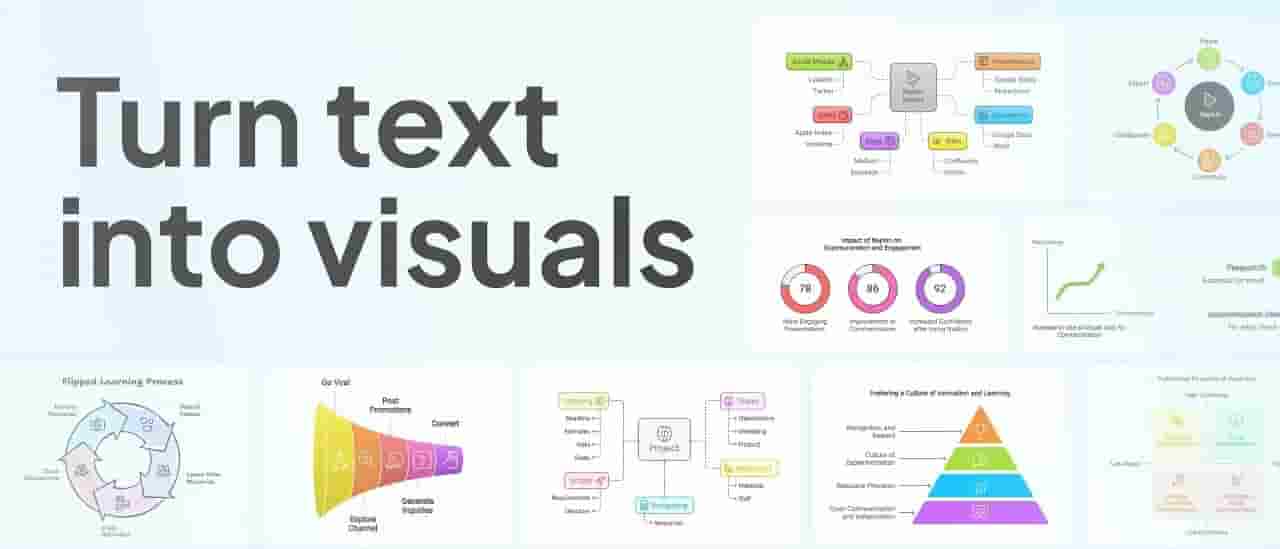
Machine learning and natural language processing can no longer leave you dependent on human designers or videographers. The smart algorithms will transform your words into visuals that speak louder and reach further.
Let’s dive into how this works, the tools making it happen, and why it's transforming everything from education and marketing to entertainment and journalism.
Why Visual Content Matters More Than Ever
Before exploring how AI turns text into visuals, it's important to understand why this transformation matters.
People perceive visuals 60,000 times quicker than words. Visuals assist people in remembering things for longer and increase message clarity. It is for this reason that platforms such as Instagram, YouTube, TikTok, and Pinterest lead the way in engagement metrics. In business, visuals create improved conversion rates, enhanced brand recognition, and better storytelling.
But visuals are time-consuming. Not everybody is creative enough to do them. That's where AI comes in, evening out the creative playing field for startups, educators, marketers, influencers, and even students.
Types of Visual Content AI Can Create from Text
AI does not merely limit itself to creating a static image. It is capable of creating a vast array of visual content types, including:
1. Infographics
AI software can read out lengthy paragraphs or bullet points and turn them into engaging infographics, with icons, charts, and branded design elements.
2. Animated Videos
You can enter a script, blog entry, or paragraph, and AI can turn it into a fully animated explainer video—with background music, voiceovers, and subtitles.
3. Social Media Posts
Tools such as Canva's Magic Write or Adobe's AI capabilities can scan your captions and automatically create corresponding graphics, carousels, or story structures.
4. Presentations and Slides
Software such as Beautiful.ai and Tome AI build entire presentations from draft content or subject outlines. Simply type your subject or bullet points, and AI handles the design.
5. Visual Summaries
Long research papers or articles may be summarized by AI into easy-to-scan visual abstracts that are shareable on websites or newsletters.
6. Comic Strips and Illustrated Stories
Educators and designers can make use of the fact that some AI models can draw scenes from story descriptions—appropriate for kids' books or training manuals.
How AI Translates Text into Visuals: The Process
The process is a collaboration among several AI capabilities:
Step 1: Natural Language Processing (NLP)
AI reads and gets to know your text through NLP. It identifies sentiment, major themes, keywords, tone, and structure. For instance, if you craft a product description, AI will be able to pick out product features, benefits, and action words.
Step 2: Visual Context Prediction
Then, AI employs a mix of visual databases and machine learning to project what type of image or design layout would go with the text. For example, if the text says "sunset by the beach," the model will understand to create warm colors, oceans, and skies.
Step 3: Design Generation
Now, the system employs layout engines or image generators to render the interpreted text into graphics. It selects colors, fonts, icons, or photos that are suitable for the mood, intent, and audience of the text.
Step 4: Customization and Interactivity
Most AI tools provide the user with the ability to make adjustments to results—whether to change the image, insert text boxes, or rearrange design elements—prior to final export.
Step 5: Export to Multiple Formats
The output can also be exported in image, video, GIF, PDF, PowerPoint, or even code snippets (for websites and apps).
Popular AI Tools for Text-to-Visual Conversion
There are numerous AI tools in various formats that are specifically designed to transform written content into visuals:
1. Canva Magic Design & Magic Write
Automatically generates design templates based on your content.
Recommends similar images, styles, and animations for social media, presentations, or posters.
2. Lumen5
Translates blog posts or articles into animated videos.
Integrates stock videos, voiceovers, and captions with little input.
3. Pictory
Transforms lengthy content such as articles and webinars into short, shareable video content.
4. DALL·E and Midjourney
Creates original images from detailed text descriptions.
Ideal for illustrations, custom thumbnails, product ideas, or storytelling images.
5. Tome
Creates a complete presentation deck from a brief paragraph or outline.
6. Animoto and Synthesia
Create video content and even natural-looking presenters from typed scripts.
Such tools enable non-designers to convey ideas visually with little effort.
Uses in Various Industries
1. Education
AI-created visuals aid in explaining complex ideas visually. Educators can translate lesson plans into slides, animations, or comics to assist students in understanding subjects quicker. Interactive infographics can make dry textbook paragraphs exciting study materials.
2. Marketing
Advertisers are able to make ad images, product explainers, and campaign narratives from written briefs in no time. AI reduces the duration it takes to design a carousel, banner ad, or explainer video.
3. Journalism
Media outlets are able to automate the conversion of lengthy reports into visual charts, timelines, and data graphics. The content is made more digestible and visually engaging for audiences.
4. eCommerce
Product descriptions can be converted into 3D mockups, lifestyle photos, or brief demo videos with AI. Sellers do not have to invest in costly shoots or creative groups anymore to create product images.
5. Social Media Influencers
Content creators can compose a caption or story, and AI will create backgrounds, character animations, or matching thumbnails to increase engagement.
6. Corporate Training
Training teams can transform lengthy policy documents or onboarding materials into rapid visual overviews, animated workflows, or scenario-based learning modules.
Advantages of Using AI for Visual Creation
The move to AI for visual content is not only about efficiency—it's about creating smarter, faster, and more scalable content. Here's why individuals are embracing it:
Speed
What once took hours—such as making a pitch deck or animated video—can be achieved in minutes.
Affordability
AI significantly lowers the costs of hiring graphic designers, video editors, or illustrators.
Consistency
Templates and AI-created style guides guarantee brand consistency across visual channels.
Scalability
Marketers and companies can create visual variations for various platforms, languages, or target audiences—without having to do it all over again from scratch.
Creativity Boost
AI presents ideas, layouts, and suggestions users may never have considered, thus improving the creative process.
Challenges and Limitations
AI for visual creation is amazing, but not flawless.
1. Absence of Human Emotion
At times, AI cannot understand emotional tone or cultural reference, and the results come out as generic or off-target.
2. Limited Flexibility
Not all software enables deep customization. You may feel limited by templates or pre-existing styles.
3. Copyright and Ownership
Based on AI-generated images, there are legal concerns regarding ownership, particularly if the images are trained off of open datasets.
4. Quality Flaws
AI-generated images can be short on detail or accuracy, particularly for specialized subjects or technical drawings.
Even so, the benefits generally outweigh the negatives—particularly where output is destined for digital consumption rather than print or broadcast.
The Future of AI in Visual Content Creation
As AI continues to develop, it is becoming more intuitive, contextual, and design-aware. What the future holds is:
AI avatars that can render your blogs like they were narrated by a human.
Voice-to-visuals, in which spoken words automatically generate design.
Multilingual visual content, automatically translated and localized by AI.
Hyper-personalized marketing visuals, created in real-time for each customer.
Eventually, creating content could become as simple as telling your AI assistant, “Make a 30-second video for my product launch,” and seeing the finished version in minutes.
Conclusion
AI is transforming how we communicate, how we teach, how we market, and how we tell stories—by enabling us to convert simple text into amazing visuals. Through an Artificial Intelligence Course, students, brands, bloggers, and businesses can learn how to use this technology to create engaging visual content and compete in a world where attention is driven by visuals.
You don't need sophisticated design skills or costly software anymore to make words come alive. You just need your ideas—and AI will take care of the rest. As this technology continues to advance, it is not replacing creativity but empowering it, helping people turn their imagination into powerful digital content.
Next time you need to make your words leap off the page, don't think paragraphs. Think images, videos, infographics, and animation—driven by the wizardry of artificial intelligence.