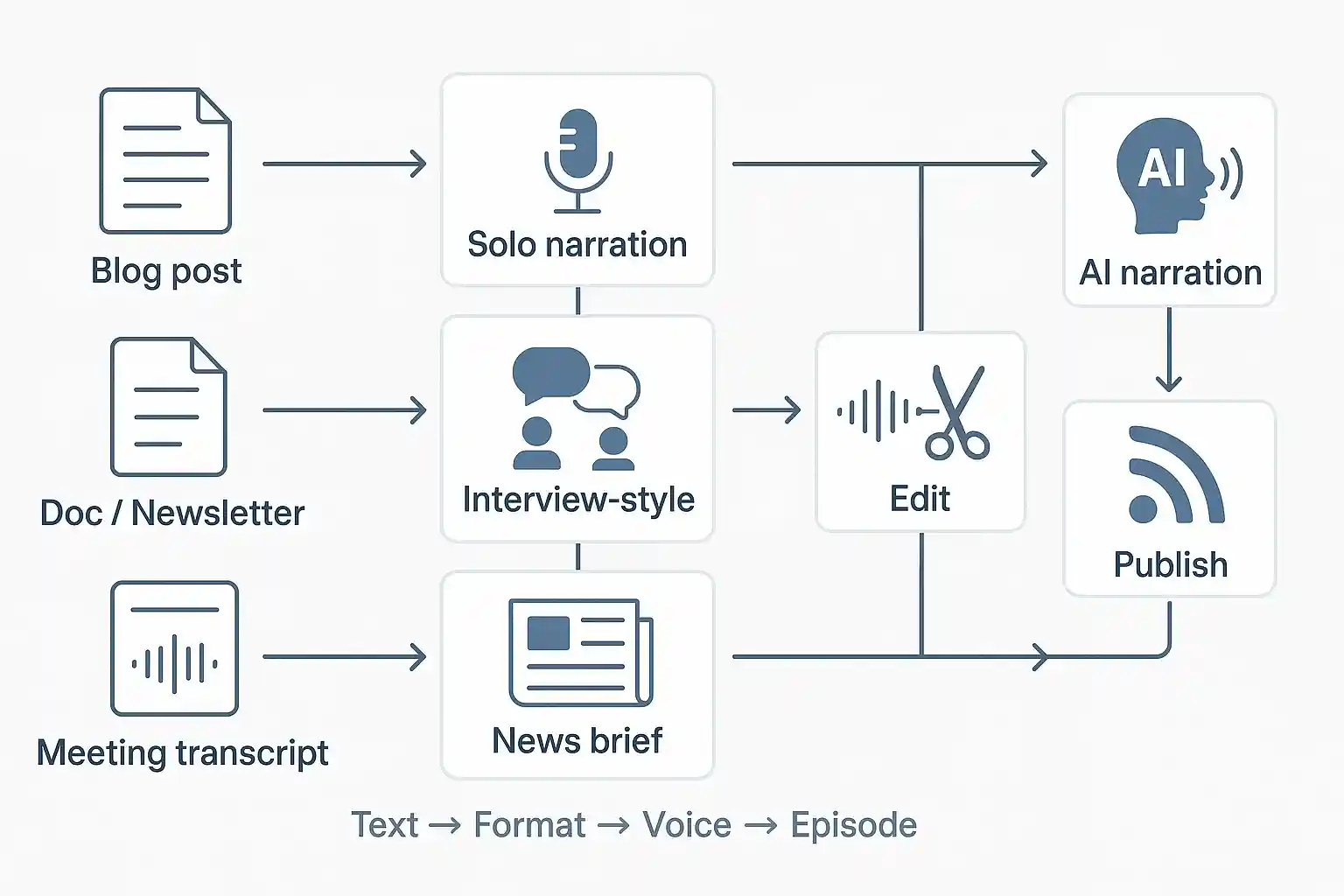
In this article, we will explore why converting video transcripts into blogs is important, how AI can simplify this process, the tools you can use, and a step-by-step guide to creating blog articles from video transcripts using AI. We will also discuss tips to make the final blog engaging and optimized for readers and search engines.
Why Turn Video Transcripts into Blog Articles?
Videos are fantastic for engagement, but they have some limitations. People with hearing impairments or those in quiet environments may not be able to watch videos with sound. Others may prefer reading over watching because reading is faster. Additionally, blog articles are easier to index by search engines compared to video content. This means when you turn your video content into blogs, you boost your chances of ranking higher in search results.
Another reason is accessibility. A blog article created from a video transcript ensures that your content reaches more people, regardless of how they prefer to consume it. Blogs also allow you to add internal links, images, and structured headings that make the content easy to navigate. In short, converting videos into blogs creates more opportunities to share knowledge, attract traffic, and improve brand visibility.
How AI Simplifies This Process
Traditionally, converting a video into a blog post required watching the video, writing the transcript, and then rewriting it into a well-structured article. This was time-consuming and required strong writing skills. AI changes this completely. Modern AI tools can automatically transcribe videos, summarize them, and even rewrite the content into a blog-friendly format.
For example, AI-powered transcription tools can generate highly accurate transcripts from videos in minutes. After that, AI writing assistants like ChatGPT can rewrite the transcript into a clear, concise, and engaging article. You can even instruct the AI to optimize the article for SEO, add headings, and ensure the tone matches your brand voice. This not only saves time but also ensures consistency and quality in your content.
Tools You Can Use
Several AI tools are available for transcription and blog creation. Here are some of the most popular ones:
1. Otter.ai – Great for generating accurate transcripts from video and audio files.
2. Descript – Allows transcription, video editing, and text repurposing.
3. Sonix – A transcription tool that supports multiple languages.
4. ChatGPT – Ideal for rewriting transcripts into structured blog posts.
5. Jasper AI – An AI writing assistant that can help you create SEO-friendly content.
6. Notion AI – Good for organizing content and drafting blog outlines.
7. Copy.ai – Helps in creating engaging text from raw transcripts.
Step-by-Step Guide to Turning Video Transcripts into Blog Articles Using AI
Step 1: Generate the Transcript
The first step is to extract the text from your video. Use a transcription tool like Otter.ai, Descript, or Sonix to generate the transcript. Upload your video file, and within a few minutes, you will have a full text version of your video. Ensure that the transcript is accurate by scanning for any errors in names, numbers, or specific terms.
Step 2: Clean the Transcript
Raw transcripts often contain filler words like “um,” “uh,” and repetitions. They also include speaker labels and timestamps. Before creating a blog post, remove these unnecessary elements. Some AI transcription tools can automatically clean up filler words, but if not, you can do a quick manual cleanup or ask AI to help with it.
Step 3: Summarize and Organize Key Points
A good blog post needs structure. Take the transcript and identify key points or topics discussed in the video. AI tools like ChatGPT can help summarize long transcripts and create an outline. For example, you can prompt ChatGPT with:
“Summarize this transcript into key sections and main ideas for a blog article.”
The AI will break the transcript into logical sections such as introduction, main points, and conclusion.
Step 4: Rewrite into a Blog Article
Once you have an outline, you can use AI to rewrite the transcript in an engaging way. Paste the transcript into ChatGPT and use a prompt like:
“Convert this transcript into a 1200-word blog post with an introduction, subheadings, and a conclusion. Make the tone friendly and informative.”
The AI will generate a blog that is easy to read, well-structured, and free from filler words.
Step 5: Add SEO Optimization
Blogs should be search-engine-friendly to attract organic traffic. You can ask AI to include relevant keywords naturally in the text. A good prompt would be:
“Rewrite this blog post and include the keywords: video transcription, AI blogging, and content repurposing. Maintain readability and natural flow.”
AI can also generate meta descriptions, titles, and tags for your blog.
Step 6: Edit and Personalize
While AI can do a great job, it’s essential to review the final draft. Add your personal insights, adjust the tone to fit your brand, and make sure facts are correct. Adding a human touch will make the article authentic and trustworthy.
Step 7: Publish and Promote
Finally, publish the blog on your website and promote it across social media channels, email newsletters, and relevant forums. You can also interlink it with other related blogs to improve SEO and user experience.
Best Practices for Creating Blog Articles from Video Transcripts
1. Keep the Reader in Mind
Videos often contain casual speech and long explanations. Blog readers want concise and clear information. Make sure your blog eliminates unnecessary details and focuses on value.
2. Use Clear Headings and Subheadings
Organize the content with descriptive headings. This makes the blog easy to skim and improves SEO.
3. Add Visual Elements
Include images, infographics, or even screenshots from the video to make the blog visually appealing.
4. Maintain Originality
Even though the blog is based on a transcript, rewrite it creatively to avoid sounding like a direct copy of the video.
5. Ensure Accuracy
Verify any data, names, or technical terms mentioned in the video before publishing.
Benefits of Using AI for This Process
- Time-Saving: AI tools can transcribe and rewrite content within minutes.
- Cost-Effective: No need to hire professional transcribers or writers for every video.
- Consistency: AI maintains a uniform style and tone across multiple blogs.
- SEO Advantage: AI can help integrate keywords naturally for better search rankings.
- Scalability: You can convert large volumes of video content into blogs quickly.
Challenges and How to Overcome Them
While AI offers many benefits, there are some challenges to consider. One major issue is accuracy in transcription for videos with heavy accents or poor audio quality. To fix this, use high-quality recordings and review the transcript manually. Another challenge is ensuring that the AI-generated blog sounds natural and not robotic. The solution is to edit and personalize the content after AI generates it. Finally, avoid over-reliance on AI—human creativity and judgment are still essential for producing engaging content.
Future of AI in Content Repurposing
The future looks promising for AI in content repurposing. Advanced AI systems will not only transcribe and rewrite content but also add multimedia elements, generate multiple versions of a blog for different audiences, and even publish them automatically. AI could also create summaries for social media, newsletters, and podcasts based on a single video, saving businesses even more time.
Additional Tips for Maximum Impact
- Add internal and external links for SEO.
- Create a call-to-action (CTA) in your blog, such as signing up for a newsletter or watching the full video.
- Monitor analytics to see how your repurposed content performs.
Before You Start
Before jumping into AI tools, make sure you have a clear strategy. Decide which videos to convert first based on popularity, relevance, and potential for SEO. Also, set a tone and style guide so the AI-generated content remains consistent with your brand.
Conclusion
Turning video transcripts into blog articles using AI is a game-changing strategy for content creators, marketers, and businesses. It saves time, enhances accessibility, improves SEO, and allows you to repurpose your content for different audiences. With the help of AI tools and practical knowledge gained through Uncodemy's Artificial Intelligence course in Greater Noida, what used to take hours or even days can now be done in minutes. However, the human touch is still important for adding personality, verifying accuracy, and ensuring the content aligns with your brand voice. Start small by converting your most popular videos into blogs, then gradually scale up as you get comfortable with the process. By applying the latest AI-powered content creation techniques taught in Uncodemy's Artificial Intelligence course in Greater Noida, you can make your content more versatile, attract more visitors to your website, improve search engine visibility, and maximize the value of every video you create.