Looking to learn backend development hands-on?
Check out Uncodemy’s Full-Stack Web Development Course from basics to deployment, it’s all in there.
Understanding Middleware: What It Actually Means
In simple terms, middleware functions are functions that have access to the request (req) and response (res) objects, and the next() function in the application’s request-response cycle.
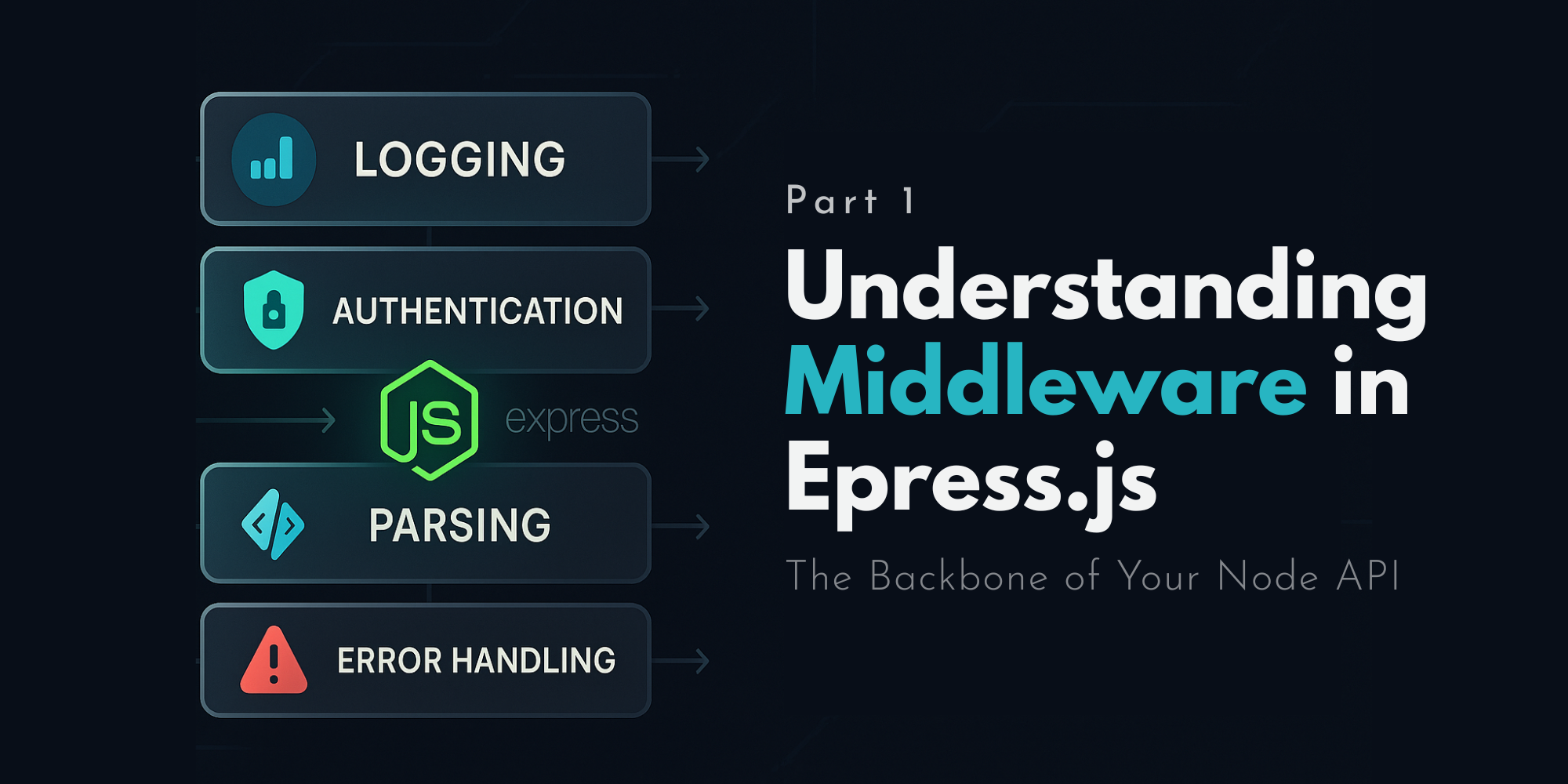
Think of middleware as traffic controllers. Every time a request is made to your server, it passes through a chain of these controllers. Each one decides whether to allow the request to move forward, modify it, or reject it altogether.
Syntax of Middleware Function in Express.js
Copy Code
function middlewareName(req, res, next) {

    // Logic goes here

    next(); // Moves to the next middleware or route

}
Let’s see this in action.
Simple Example of a Middleware
Copy Code
const express = require('express');

const app = express();

// Middleware function

function logRequest(req, res, next) {

    console.log(`${req.method} ${req.url}`);

    next(); // Pass control to the next handler

}

app.use(logRequest); // Registering middleware

app.get('/', (req, res) => {

    res.send('Hello World!');

});

app.listen(3000, () => {

    console.log('Server is running on port 3000');

});
Here, logRequest is a middleware that logs the HTTP method and URL of every incoming request.
How Middleware Works: Behind the Scenes
Whenever a request hits your server:
1. Express checks for registered middleware.
2. Executes them in order top to bottom.
3. Middleware either ends the request-response cycle or passes it to the next one using next().
This chain-like flow gives you complete control over how requests are handled.
Types of Middleware in Express.js
Let’s talk about the common types:
1. Application-Level Middleware
Defined using app.use() or app.METHOD() (like app.get()).
Copy Code
app.use((req, res, next) => {

    console.log('This runs for every route');

    next();

});
2. Router-Level Middleware
Works the same as application-level but is bound to an instance of express.Router().
Copy Code
const router = express.Router();

router.use((req, res, next) => {

    console.log('Router-level middleware');

    next();

});
3. Built-in Middleware
Express has some in-built middleware like:
Copy Code
express.json() – Parses incoming JSON

express.static() – Serves static files

app.use(express.json());

app.use(express.static('public'));
4. Error-Handling Middleware
Takes four arguments: err, req, res, next
Copy Code
app.use((err, req, res, next) => {

    console.error(err.stack);

    res.status(500).send('Something broke!');

});
This only executes when an error is passed to next(err).
5. Third-Party Middleware
Want to parse cookies or log HTTP requests? Use packages like:
- morgan
- cookie-parser
- body-parser
const morgan = require('morgan');
app.use(morgan('dev'));
Use Cases of Middleware
Middleware functions are used for:
- Logging requests
- Handling authentication
- Validating inputs
- Handling errors globally
- Redirecting users
- Serving static files
- Preventing unauthorized access
Basically, any cross-cutting concern that applies to multiple routes can be handled by middleware.
Chaining Multiple Middleware Functions
You can add multiple middleware in sequence. Each must call next().
Copy Code
app.get('/test',

    (req, res, next) => {

        console.log('First middleware');

        next();

    },

    (req, res) => {

        res.send('Response after two middlewares');

    }

);
Writing Your Own Custom Middleware
Let’s create a middleware that checks if a user is logged in (dummy example):
Copy Code
function checkAuth(req, res, next) {

    const loggedIn = true; // Assume it’s fetched from somewhere

    if (loggedIn) {

        next();

    } else {

        res.status(401).send('Unauthorized');

    }

}

app.use('/dashboard', checkAuth);
If loggedIn is true, the user proceeds. If not, they're blocked.
Middleware vs Route Handlers: The Difference
Middleware is more like a gatekeeper. It runs before a route handler and can decide whether the route handler should even execute.
Whereas route handlers are the ones that actually respond to the client.
Common Middleware Mistakes to Avoid
- Not calling next(): This will hang your app.
- Calling next() after sending a response: Causes errors.
- Forgetting err in error-handling middleware: It won’t be triggered on error.
- Overusing middleware in global scope: Leads to messy logic.
Conclusion
Middleware is one of the most powerful features of Express.js. Once you wrap your head around how it controls the flow of your app, you’ll find endless ways to make your server smarter, more secure, and easier to maintain.
Think of middleware as a layered cake each function adds something different before reaching the final serving.
Want to build scalable backend projects using Express.js and Node?
Explore Uncodemy’s Backend Development Course and take your skills to the next level.