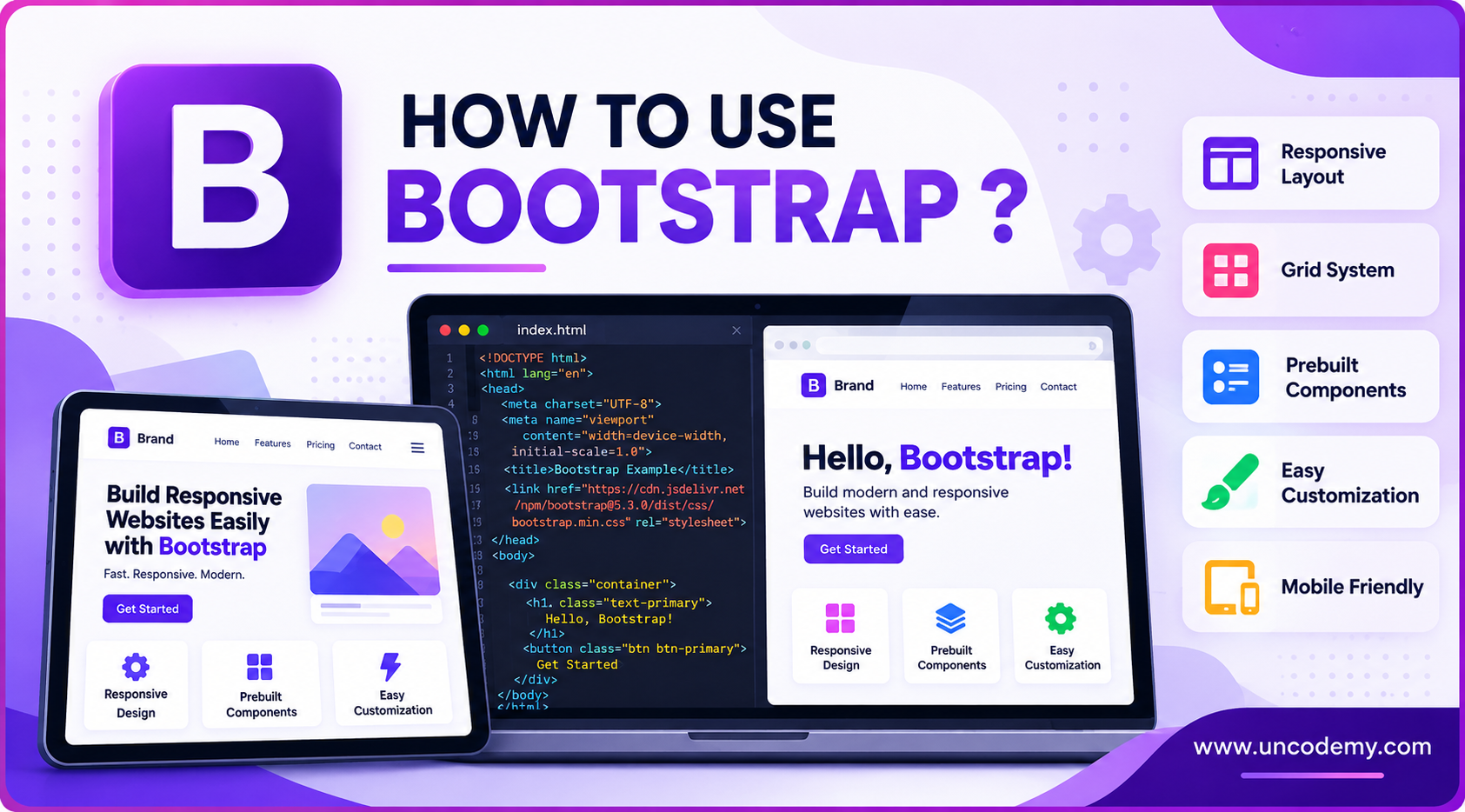
Do you want to build a website that looks good on phones, tablets, and
computers—all without starting from scratch? That’s where Bootstrap comes in! If you’re wondering what
Bootstrap is, here’s a simple answer: it’s a free tool that helps you build beautiful, mobile-friendly
websites faster and easier.
Let’s dive into the world of Bootstrap and see why every beginner web
developer should learn it.
Bootstrap is a free and open-source front-end
framework. It was created by Twitter developers to make websites easier to
design and manage. Today, it's one of the most popular tools in web development.
Think of it like a starter kit for web design. Instead of writing long
lines of CSS or designing every button and layout from scratch, Bootstrap gives you
ready-made blocks of code, such as:
Buttons
Forms
Grids
Navigation bars
Cards
Sliders
These blocks are responsive by default, which means they automatically
adjust to different screen sizes—saving you hours of coding.
According to BuiltWith, over 19 million websites use Bootstrap in 2024, making it one of the
top front-end frameworks globally.
Why Bootstrap Is So Popular
Beginners love Bootstrap. So do pros. Here's why:
1. Easy to Learn
If you know some HTML and CSS, you can start using Bootstrap right
away. It’s beginner-friendly and well-documented.
2. Mobile-First Design
Bootstrap follows a mobile-first approach, which means websites built
with it will look great on small screens first, then scale up to larger ones.
3. Time-Saving
Why write 100 lines of code when Bootstrap gives you clean, ready-to-use components?
4. Built-In Components
Bootstrap includes everything from modals
to dropdowns and sliders—no extra plugins
needed.
5. Massive Community Support
If you get stuck, you’ll find tons of tutorials, forums, and GitHub discussions. You're never
alone.
“Bootstrap helped reduce our front-end development time by 50%.” — Sarah H., Front-End
Developer at CodeSoft.
Key Features of Bootstrap
Here are some of the powerful tools that make Bootstrap stand out:
✔Responsive Grid System
Bootstrap uses a 12-column grid layout. You can easily align your
content using rows and columns that adjust to screen size.
✔ Pre-Styled Components
You get styled:
Alerts
Cards
Modals
Buttons
Tables
All you have to do is add a class name!
✔ JavaScript Plugins
Want interactivity? Bootstrap comes with built-in JavaScript plugins
like:
Carousel (for slideshows)
Modal (for pop-ups)
Collapse (for hide/show menus)
✔ Customizable
With Bootstrap 5, you can customize colors, font sizes, spacing, and more
using Sass variables or utility classes.
How Bootstrap Works (Made Simple)
Here’s how Bootstrap makes web design easier:
You add a CSS file that comes from Bootstrap.
You write HTML and use Bootstrap’s class names
like btn-primary, container, or row.
The Bootstrap styles automatically make your buttons blue, your
layout responsive, and your forms clean and modern.
So instead of writing 30 lines of CSS to style a button, just write this
Copy Code
<button class="btn btn-primary">Click Me</button>
And voila! You get a blue button that looks great on any device.
Installing Bootstrap: Your First Step
There are 3 simple ways to use Bootstrap:
1. Using a CDN (Quickest)
Just add these links to your HTML file inside <head>:
You can download Bootstrap from getbootstrap.com and include the files in your project.
3. Install via Package Managers
If you're using tools like npm or Yarn, install Bootstrap like this:
Copy Code
npm install bootstrap
This is best for larger projects using build tools like Webpack or Vite.
Building a Simple Page with Bootstrap
Here’s an example of a basic webpage layout using Bootstrap:
Copy Code
<!DOCTYPE html>

<html lang="en">

  <head>

    <title>My Bootstrap Page</title>

    <link href="https://cdn.jsdelivr.net/npm/bootstrap@5.3.2/dist/css/bootstrap.min.css" rel="stylesheet">

  </head>

  <body>

    <div class="container mt-5">

      <h1 class="text-center">Welcome to Bootstrap!</h1>

      <p class="lead text-center">This is a sample layout made using Bootstrap 5.</p>

      <button class="btn btn-success d-block mx-auto">Click Me</button>

    </div>

  </body>

</html>
In just a few lines, you created:
A centered heading
A paragraph
A styled button
That’s the Bootstrap power: quick, responsive, and beautiful.
Snippet for Featured Snippets (50–60 words):
Bootstrap is a free front-end framework that helps you build responsive websites using
ready-made design components. It includes a grid system, pre-styled buttons, forms, and
JavaScript plugins. With Bootstrap, you don’t need to write CSS from scratch. Just add
classes to your HTML, and your website looks great on all devices.
Using Bootstrap Grid in Detail
The Bootstrap Grid System is one of its most powerful tools. It helps
you place content in rows and columns. This layout changes based on screen size, so your
site works on mobile, tablet, and desktop.
If you're building large projects, you can install Bootstrap with Sass and change variables
like:
Primary colors
Button sizes
Font family
This gives full control over design without writing too much custom CSS.
Real-World Use Cases of Bootstrap
Let’s look at where and how Bootstrap is used in real life:
1. Portfolio Websites
Freelancers and students use Bootstrap to create quick, mobile-friendly portfolios with ready
components.
2. Corporate Landing Pages
Businesses save time using Bootstrap for their main product or service pages.
3. Admin Dashboards
Bootstrap is used to design dashboards with cards, tables, and forms—all with minimal effort.
4. E-commerce Sites
Even e-commerce brands use Bootstrap for their checkout pages, forms, and responsive product
listings.
Bootstrap is used by top websites like NASA, Vogue, and Spotify for specific modules or UI
parts.
Bootstrap vs Tailwind: Which One Is Better?
A common question is: “Should I use Bootstrap or Tailwind?”
Let’s do a simple comparison:
Feature
Bootstrap
Tailwind
Setup
Easy, quick
Needs configuration
Components
Pre-styled components
Utility-first (build from scratch)
Customization
Good, needs overrides
Highly customizable
Learning Curve
Beginner-friendly
Needs CSS knowledge
Use Bootstrap if:
You want speed and a ready-made design
You're a beginner or building something fast
Use Tailwind if:
You want full design control
You’re comfortable writing your own style
Conclusion
So, what is Bootstrap and how to use it? It’s your front-end
superpower. Whether you're a student building your first website or a startup creating a new
product, Bootstrap helps you do it faster, cleaner, and better.
By learning Bootstrap, you're not just speeding up your web design—you’re joining a global
community of developers using a powerful tool that continues to grow and improve every year.
“Bootstrap is the first thing I teach in my web design classes. It’s that important.” — John
D., Web Development Trainer at CodeCamp.
Quick Summary (Featured Snippet Format)
Bootstrap is a front-end framework that makes web development fast and easy. It includes a
grid system, pre-made components, and responsive tools for all screen sizes. You can use it
via CDN, download, or package managers. It's perfect for students, startups, and developers
who want clean designs without writing tons of CSS.
FAQs: What People Often Ask
1. Is Bootstrap good for beginners?
Yes! Bootstrap is perfect for beginners. If you know basic HTML and CSS, you can start
creating great websites quickly.
2. Can I use Bootstrap with other frameworks?
Yes, Bootstrap can work with frameworks like React, Angular, and Vue. Many use Bootstrap as a
UI layer.
3. What is the latest version of Bootstrap?
As of 2026, the latest stable version is Bootstrap 5.3. It has better
customization and no jQuery dependency.
4. Is Bootstrap free?
Yes, Bootstrap is completely free and open-source. You can use it in
personal or commercial projects.
5. Do professional developers use Bootstrap?
Absolutely. Many professionals and large companies use Bootstrap to build fast, responsive,
and clean user interfaces.
Ready to build beautiful, responsive websites without getting lost in lines of
CSS? Start learning Bootstrap today and level up your web design
game. Whether you're a beginner or a budding developer, Bootstrap is your shortcut to
real results.