Learning about Google Lighthouse
Google Lighthouse is an automated open-source program to improve web page quality. It carries out a cyclic number of audits on a specified URL and produces a report showing how well a page performs. The types of audits that we cover differ, and include performance, accessibility, SEO, and progressive web apps (PWAs). The tool also gives pointers on improvement based on failed audits, each audit includes a reference explaining the importance of that audit and the way to correct the issues identified. Lighthouse may also be applied in the framework of the continuous integration (CI) management to avoid the regressions on websites.
Critical Audit Types
The Google Lighthouse will divide its audits into categories to ensure that the quality of a web page is appraised as well as possible.
Performance Audits:these Audits monitor the page loading speed and where you can make the necessary adjustments to the page loading.
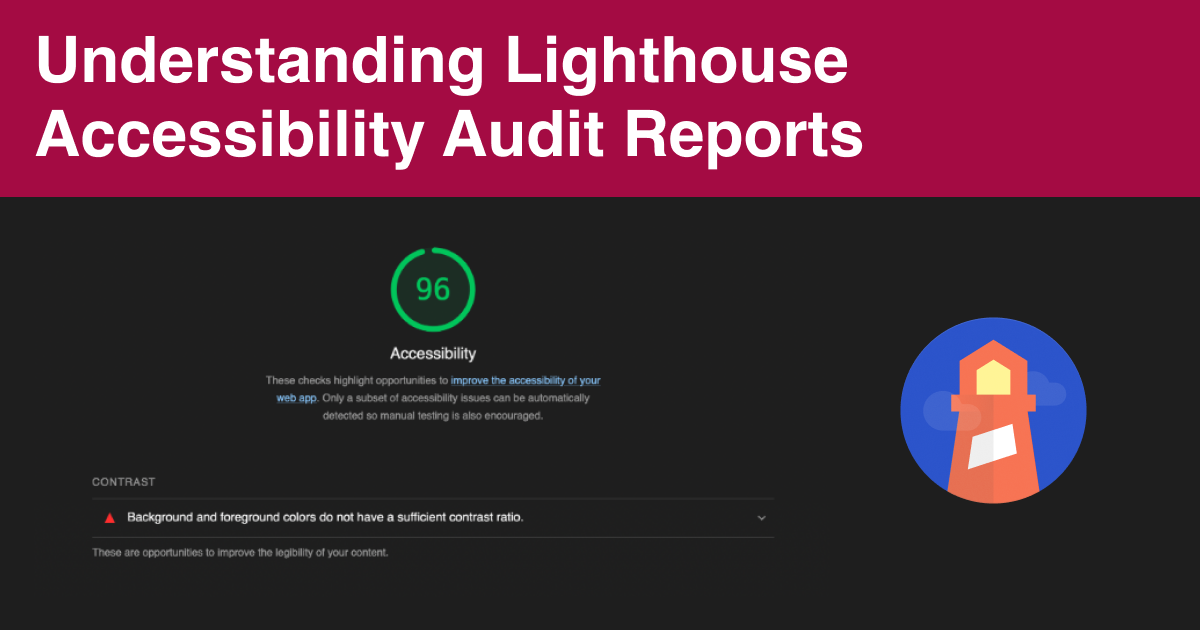
Accessibility Audits:Lighthouse determines whether or not people of all user-types can navigate through the content efficiently and throughout the site.
Best Practices Audits:Similarly, the type of audits is used to assist in making the web page code healthier in general through best-practices recommendations.
SEO Audits:SEO audits make sure that a page has successful search engine ranking in the results.
Progressive Web App (PWA) Audits:Lighthouse runs the checks whether a site qualifies to be a Progressive Web App based on several other factors such as reliability, speed, and installability.
Auditing of your Site with Google Lighthouse
The Lighthouse audit has several methods of running on your site, which adds flexibility according to the needs.
Chrome DevTools:Lighthouse Lighthouse is built directly into Chrome DevTools and has a simple interface to audit pages, including those which require authentication. To use a report, open the Chrome browser, go to the page you want, open the Chrome Developer Tools (typically using the Control + Shift + J / Command + Option + J shortcut on Mac), and tap the Lighthouse tab then tap on "Analyze page load" or "Run audit". The use of audits in Incognito mode is advised to avoid the interference of browsers and extensions as well as the use of services or cached information that might distort performance rates.
Command Line Interface (CLI):To run Lighthouse using shell scripts or as a part of continuous integration the node command-line tool should be used. Once Google Chrome and the latest long-term support version of node are installed, lighthouse can be installed worldwide with the command line of npm install -g lighthouse. It is then run through an audit using lighthouse <url>.
Node Module Programmatically:To support more complex automation, Lighthouse can be included programmatically as a Node module.
PageSpeed Insights: Access to Lighthouse: Access to Lighthouse audits is provided via the PageSpeed Insights web site, available at https://search.google.com/speed/pagespeed/insights/. You can speed test a web page by entering its URL.
Chrome Extension:Lighthouse Chrome Extension enables one to do a rapid audit within a browser. Once the extension is installed by following the link below, a user is to visit the page they want to audit, open the Lighthouse icon in the address bar, and click "Generate report".
Reports Sharing and Viewing
Lighthouse reports can both be shared and viewed on the web through the Lighthouse Viewer. The Viewer needs a JSON output of a Lighthouse report that may be supplied directly by the report or through the command-line. In order to open a report, you can drag the JSON file into the Viewer or open it in your file navigator.
One can also share reports as secret GitHub gists with free version control.
Contribution and Extensibility
Lighthouse is an extensible framework that will enable developers to customize it to needs. Stack packs allow Lighthouse to identify the platform that a site is built on and give corresponding stack-specific suggestions tailored by experts in the community. Further, Lighthouse also has a plugin, which enables domain experts to add functionality to it through the development of new audits using Lighthouse gathered data. Lighthouse is free and is accepting contributions to bug fixes, new audits and improvements.
Azure Lighthouse and Microsoft 365 Lighthouse
In addition to the web auditing tool, lighthouse further entails services of Microsoft in multi-tenant management.
Azure Lighthouse
Multitenant management with Azure Lighthouse Azure Lighthouse enables service providers to manage multiple customer subscriptions at scale, with greater automation and governance of Azure resources. It enables the service providers to provide capabilities through managed services implemented with integrated tooling on the Azure platform with the customer maintaining very fine control over control of their tenant, resources, and activities. Its prime advantages come with being able to manage at scale and have more customer visibility and control and who use complete tooling unified platforms that integrate with existing Azure tools and APIs. Azure Lighthouse features are said to include: Azure delegated resource management, new Azure portal experiences to view cross-tenant information, Azure Resource Manager templates used to create Azure Marketplace Onboarding offers, and Azure Marketplace Managed Service offers. No premiums apply to the use of Azure Lighthouse to administer Azure resources, and the service is nonregional, permitting the administration of delegated resources in more than one region (but not across national clouds).
Microsoft 365 Lighthouse
The Microsoft 365 Lighthouse aims at helping the Managed Service Providers (MSPs) expand their enterprise and provide services to their clients at scale via a single portal. It enables the MSPs to standardize configurations, mitigate risk, apply AI-driven opportunities in the selling process and offer more proactive engagement with customers. Lighthouse reduces the effort needed to onboard customer tenants by suggesting security configuration baselines that are designed around small and medium-sized businesses (SMBs) and multi-tenant views of customer environments. Lighthouse can help Service Engineers scale customer administration, explore risks and position customers in a safe condition. AI-derived customer acquisition, retention and business growth insights are useful to account managers. Similarly to the Azure Lighthouse, using Microsoft 365 Lighthouse does not imply any other expenses, and it is offered to partners that participate in the Cloud Solution Provider (CSP) program.
Other Lighthouse organizations
Lighthouse on Hospitality
Lighthouse is also a business intelligence and pricing solution which can assist to transform complexity into confidence by offering actionable insight to maximize hotel revenue. It allows them to predict demand accurately, utilises a trusted pricing database to compete on prices, monitors and optimises performance across their portfolio. It has real-time dashboards to convert data into decisions and provides a global customer base.
Opengear Lighthouse
Opengear Lighthouse describes a network management tool that enables a user to centrally access, manage and monitor an Opengear network of devices also called nodes.
Physical Lighthouses
A lighthouse Historically a lighthouse is an artificial structure, usually a tower, located either on land or on the seabed and which is used to provide light, as a beacon, to guide mariners. These pillars are used to indicate dangerous coasts, hazardous shoals, reefs and safe harbor entrance. Early lighthouses such as the Pharos of Alexandria were mainly kind of entry point markers to ports. The 18th century saw a rise in construction of lighthouses with the onset of the modern period with lighthouses being used to warn of shipping disasters instead of communication. Improved structural engineering and lighting aids (i.e. the Argand lamp and the Fresnel lens) increased their effectiveness considerably. Even though the scenario has been demoted by electronic navigational aids such as Recent Development GPS, traditional lighthouses continue to be in use with regular automatic LED lights that are solar within the panels. Different jurisdictions all over the world maintain lighthouses, including the United States, United States Coast Guard, Canadian Coast Guard and Trinity House in the United Kingdom. Preservation: A good number of historic lighthouses are being preserved by acts and societies of the preservation of lighthouses.
Getting to know Lighthouse via uncodemy and other sites
Although Uncodemy is a training institute and offers courses in multiple IT subjects on a variety of areas, including Data Science, Full Stack Development, Python, Java, Software Testing, Data Analytics and Digital Marketing, the search results do not tell explicitly that Uncodemy can offer courses, programs or training specifically on Google Lighthouse, Azure Lighthouse, Microsoft 365 Lighthouse or other Lighthouse products.However, other websites such as Lighthouse Labs provide a list of programs and courses which deal with coding and data skills. These are foundation, part-time programmes and intensive courses. Other free resources offered at Lighthouse Labs include crash course SQL, Cybersecurity, HTML and CSS and JavaScript. They as well provide resume writing and job interview workshops to their admitted and paid students.The official Chrome for Developers documentation is extensive in regard to learning about Google Lighthouse. It includes step by step instructions on running Lighthouse in both Chrome DevTools and the Chrome Extension, as well as the command line, and then as a Node module. More continues to be written on the topic of auditing websites with the use of Lighthouse and can be found at a variety of sites.