#1 India's Top IT Training Institute
×

About Uncodemy

Know more about who we are and what we stand for.

About Us

About Us

Discover our mission to equip individuals with essential IT skills and industry expertise.

Read More →
UnCodeMy Gallery

UnCodeMy Gallery

Explore highlights from our IT training sessions and success stories.

Read More →
Mentors

Mentors

Meet the industry experts who train and guide you through your course.

Read More →
Free Resources

Free Resources

Free tutorials, interview questions, tools and calculators to help you learn.

Explore →
×

Free Resources

Learn, practice and plan your career — bilkul free.

Tutorials

Tutorials

Step-by-step written tutorials to learn any technology at your own pace.

Read More →
Free Counselling

Free Counselling

Book a free video counselling session and pick the right course for you.

Read More →
Online Compiler

Online Compiler

Write, run and test your code online — no setup required.

Read More →

Speciality
Prof_Trained

15000+ Professionals Trained

Batch-every

3+ Batches every month

Prof_Trained

50+ Industry expert trainers

Corporate

2500+ Corporate Served

What Is Advance Excel, Why You Should Do It From Uncodemy?

Advanced Excel refers to the more complex and sophisticated features and functionalities of Microsoft Excel, a widely-used spreadsheet software. These advanced features allow users to perform more intricate data analysis, automate processes, and create more sophisticated reports and visualizations. Some of the key components of Advanced Excel include:

  • Advanced formulas and functions: Utilizing complex formulas like VLOOKUP, INDEX-MATCH, and array formulas, as well as exploring the wide range of built-in functions for financial analysis, data manipulation, and more.

  • PivotTables and PivotCharts: Analyzing large datasets efficiently with PivotTables, which allow users to summarize, filter, and arrange data in various ways. PivotCharts enable the creation of interactive visual representations of PivotTable data.
  • Macros and VBA: Automating repetitive tasks and creating custom functions using Visual Basic for Applications (VBA), the programming language built into Excel.
  • Data validation and data cleaning: Ensuring data accuracy and consistency by implementing data validation rules, using functions to clean and standardize data, and using techniques to find and remove errors.
  • External data connections: Importing data from external sources, such as databases or web pages, and using features like Power Query to transform and merge data from different sources.
  • Data visualization: Creating advanced charts and graphs, such as waterfall charts, histograms, and box and whisker plots, to effectively communicate data insights.

By mastering Advanced Excel, users can become more efficient in managing, analyzing, and presenting complex data, making it a valuable skill in various professional contexts.

Uncodemy's reputation as one of the premier Advance Excel training institutes in Faridabad, located in Noida, India, is well-earned. The institute's partnerships with Fortune 100 companies and renowned MNCs guarantee that students are taught by the best and brightest industry experts, who not only possess expert teaching abilities, but also have the real-world experience necessary to guide students in developing the confidence and skills needed to thrive in the competitive IT industry.

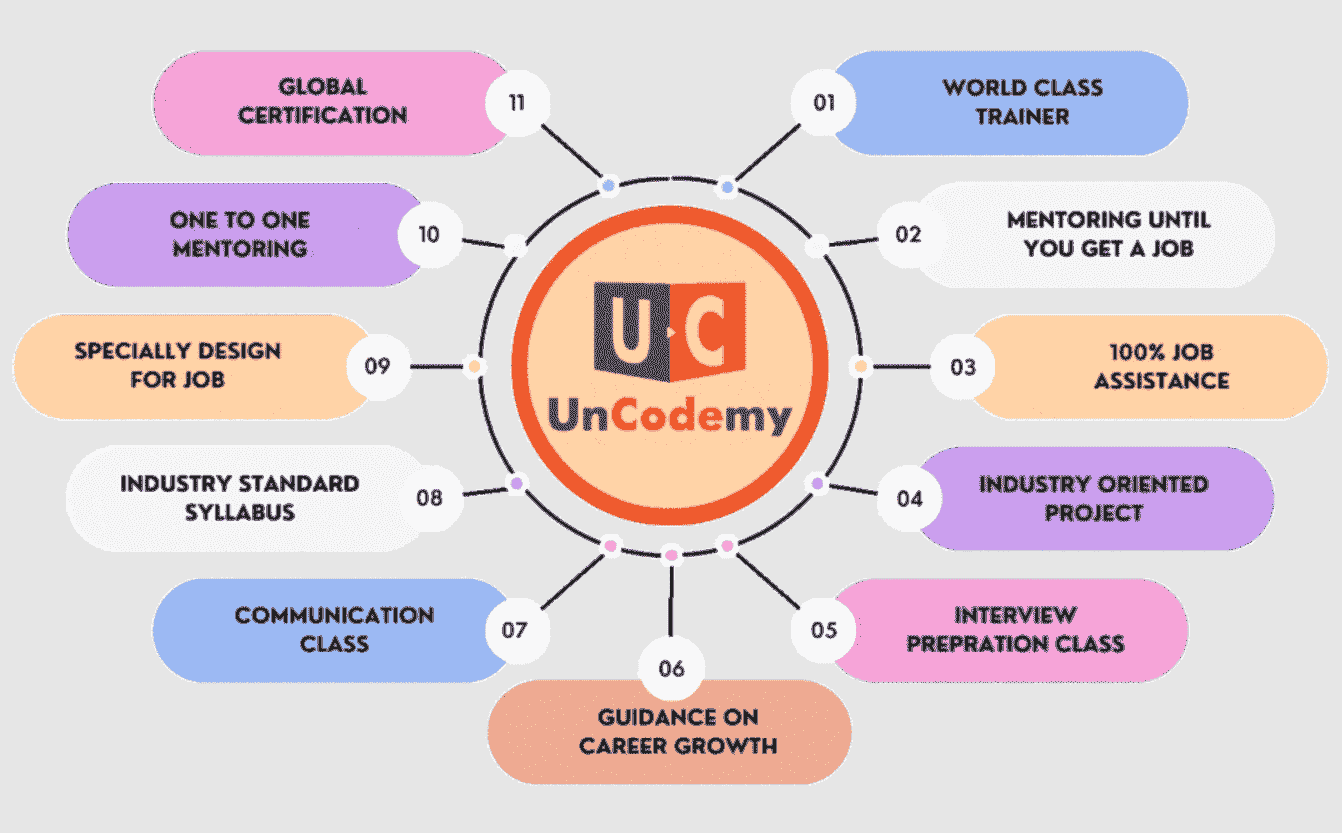
Uncodemy provides a well-rounded learning experience with numerous Advance Excel course benefits in Faridabad designed to help you develop the skills and confidence necessary to succeed as a Advance Excel professional-

  • State-of-the-art facilities
  • Comprehensive resources
  • Regular webinars
  • Dedicated support
  • Flexible learning options
  • Affordable bootcamps
  • Dedicated Placement Support
  • Industry-recognized certifications
  • Expert guidance
  • Real-world projects
  • Professional experience

Curriculums for Advance Excel Training Course in Faridabad

Advance Excel Curriculum

The curriculum has been designed by faculty from IITs, and Expert Industry Professionals.

time
150+

Hours of Content

live1-removebg-preview
90+

Live Sessions

tools
15+

Tools and Software

Set the Basics Right

Advance Excel is the domain of study that deals with vast volumes of data using modern tools and techniques to find unseen patterns, derive meaningful information, and make business decisions. For example, finance companies can use a customer's banking and bill-paying history to assess creditworthiness and loan risk.

Advance Excel course provider of Faridabad called Uncodemy offers a curriculum that contains following courses to strengthen your skill in Advance Excel -

1. Excel

  • Input data & handling large spreadsheets
  • Tricks to get your work done faster
  • Automating data analysis (Excel VLOOKUP, IF Function, ROUND and more)
  • Transforming messy data into shape
  • Cleaning, Processing and Organizing large data
  • Spreadsheet design principles
  • Drop-down lists in Excel and adding data validation to the cells.
  • Creating Charts & Interactive reports with Excel Pivot Tables, PivotCharts, Slicers and Timelines
  • Functions like: - COUNTIFS, COUNT, SUMIFS, AVERAGE and many more.
  • Excel features: - Sort, Filter, Search & Replace Go to Special etc...
  • Importing and Transforming data (with Power Query)
  • Customize the Microsoft Excel interface
  • Formatting correctly for professional reports.
  • Commenting on cells.
  • Automate data entry with Autofill and Flash-fill.
  • Writing Excel formulas & referencing to other workbooks / worksheets.
  • Printing options
  • Charts beyond column and bar charts: - Pareto chart, Histogram, Treemap, Sunburst
  • charts & more
  • 2. Advance Excel Primer and Statistics

  • What is Advance Excel ?
  • What does Advance Excel involve?
  • Era of Advance Excel
  • Business Intelligence vs Advance Excel
  • Life cycle of Advance Excel
  • Tools of Advance Excel
  • Application of Advance Excel
  • Introduction
  • Stages of Analytics
  • CRISP DM Data Life Cycle
  • Data Types
  • Introduction to EDA
  • First Business Moment Decision
  • Second Business Moment Decision
  • Third Business Moment Decision
  • Fourth Business Moment Decision
  • Correlation
  • What is Feature
  • Feature Engineering
  • Feature Engineering Process
  • Benefit
  • Feature Engineering Techniques
  • Get cosmopolitan certifications with Uncodemy

    Uncodemy's collaborations with respected industry partners enable the institute to offer students an exceptional opportunity to learn from some of the most distinguished trainers in the Advance Excel field. Uncodemy awards an Uncodemy Certificate, an Uncodemy Agile Certificate and a Module Completion Certificate on completing the course.

    Ace Your Interview With Uncodemy-

    In addition to exceptional Advance Excel training in Faridabad, Uncodemy supports students in their job search by offering:

    animate
    Uncodemy

    Access unparalleled learning with live sessions, recordings, assignments, and live projects led by a top-tier mentor and industry expert trainer. Elevate your skills with the best-in-class educational content.

    Young-male-holding-laptop-408w
    Uncodemy

    We Provide EMI Facility for You

    Nothing Stops you from Learning

    Young-male-holding-laptop-408w

    Become a Advance Excel Expert - Talk to Expert Counselor

    Awards
    c3
    c4
    Faridabad guide

    Advanced Excel for Faridabad's plant offices and MIS desks

    In a Faridabad factory, Excel is not a side tool — it is where the production plan, the stock position, the dispatch list and the rejection log actually live. MIS executives, store keepers, planning engineers and accounts assistants spend hours each day copying ERP exports into workbooks and fixing them by hand. This page looks at the Advanced Excel course from that desk: which parts save time in a plant office, what to build as practice, and how to attend from Faridabad.

    Plant reports

    The reports a Faridabad MIS desk makes every day

    Production

    Shift-wise output against plan, machine downtime, and line efficiency, usually from a separate sheet per shift or per line.

    Stores and dispatch

    Stock statements, material shortages against the production plan, and daily dispatch to each customer with vehicle and invoice details.

    Quality

    Rejection and rework by part, defect type and customer, often reviewed in a weekly quality meeting.

    Read moreRead less

    All three share the same pain: many small files, inconsistent formatting, and someone combining them by hand before a meeting. The course's strongest parts — lookups, SUMIFS/COUNTIFS, data validation, PivotTables and Power Query — map directly onto that work.

    Shift files

    Combining shift files with Power Query instead of copy-paste

    Power Query is listed in the course under importing and transforming data, and for a plant office it is the single most useful topic. Point it at a folder of daily shift sheets once, set the cleaning steps — remove blank rows, fix dates, split codes, rename columns — and every new file is added with one Refresh.

    Read moreRead less

    Typical Faridabad uses: merging three shifts' output into one table, combining dispatch registers from two units, and cleaning an ERP export whose column order changes every time the vendor updates the software. Learn to check the applied steps after each refresh; a silent change in the source file is the most common reason a Power Query report goes wrong.

    Formulas

    Formulas that matter most for stock and dispatch sheets

    • VLOOKUP to pull part descriptions, rates or customer names from a master sheet. Learn what happens when a code is missing and how to catch it.
    • SUMIFS and COUNTIFS for quantities by part, customer and date range — the backbone of most daily MIS sheets.
    • IF and ROUND for status flags and clean numbers in reports that go to management.
    Read moreRead less
    • Drop-down lists and data validation so supervisors entering rejection reasons choose from a fixed list instead of typing ten spellings of the same defect.
    • Flash Fill and Autofill to split part codes and batch numbers quickly.
    • Formulas across workbooks, used carefully — a link to a file on someone's desktop breaks the day they rename it.
    Attending

    How to attend from Faridabad

    There is no Uncodemy classroom in Faridabad; the centres are in Noida (Sector 1) and Delhi (Shakarpur Extension, Laxmi Nagar). From Faridabad the Violet Line reaches Mandi House for the Blue Line to Laxmi Nagar, or Kalkaji Mandir for the Magenta Line towards Noida — both long trips after a factory shift, longer from Ballabhgarh.

    Read moreRead less

    Most Faridabad learners therefore choose live online classes on a weekend or in the late evening. You need Excel on your own laptop — check that your version has Power Query (Get & Transform), as some older or stripped-down installations do not. Attend a free demo session first if you are unsure about the level.

    • Durationabout a month
    • Content150+ hours of content
    • Live classes90+ live sessions
    • Fee₹8000
    • EMIEMI options available (ask the counsellor for the monthly plan)
    Practice build

    Build this: a weekly rejection dashboard with a Pareto chart

    The course covers Pareto charts, histograms, PivotCharts, slicers and timelines. Put them together in one workbook based on a scenario you know from the shop floor.

    1. Create a rejection log with date, shift, line, part, defect type, quantity and customer, using drop-downs for defect type and line.
    2. Build a PivotTable of rejected quantity by defect type and a Pareto chart showing which few defects cause most of the rejections.
    3. Add slicers for line and customer, and a timeline for the date, so a manager can filter the whole page in two clicks.
    4. Use conditional formatting to flag parts whose rejection rate crossed a limit you set.
    Read moreRead less

    Use made-up numbers, never your employer's data. A dashboard like this is easy to explain in an interview, and it is the same thing a quality head in a Faridabad auto-component plant looks at every Monday.

    Accounts desk

    For the accounts team: purchase and vendor reconciliations

    Accounts staff in Faridabad's component units spend a big part of each month matching their purchase register against what suppliers have reported for GST, and matching vendor statements against their own ledger. The rules come from tax and accounting, but the work itself is pure Excel.

    Read moreRead less

    The course does not teach GST law, but it teaches the tools that make such matching fast: a clean key column built from supplier GSTIN and invoice number, VLOOKUP or COUNTIFS to find invoices present on one side and missing on the other, SUMIFS to compare tax amounts supplier by supplier, and a PivotTable to list differences for follow-up. Learners who bring a real (anonymised) problem like this to class usually understand lookups far faster than those working only on textbook examples.

    Weekly rhythm

    A study rhythm that survives shift work

    Plant schedules in Faridabad are not predictable — month-end dispatch pressure, audits and breakdowns all eat into evenings. Plan for it rather than hoping it will not happen.

    Read moreRead less
    • Keep two fixed practice slots a week of about 45 minutes, plus the live classes. Short and regular beats one long Sunday session.
    • After each class, redo the trainer's example once on your own data before moving on.
    • If you miss a class during a busy week, tell the batch coordinator early and ask how to catch up.
    Who joins

    Who takes Advanced Excel in Faridabad

    Mostly people already in jobs: MIS executives and coordinators in manufacturing units, store and purchase staff, planning and quality engineers, and accounts assistants who prepare vendor and GST reconciliations. Some are B.Com and BBA graduates looking for their first office role, where an Excel test is a standard part of hiring.

    Read moreRead less

    Be aware that the course's second block is a statistics primer (exploratory data analysis, correlation, feature engineering). It is useful background if you plan to move towards analytics, but someone who only needs day-to-day MIS skills will get most value from the first block.

    Pay

    Indicative pay for Excel-heavy roles in and around Faridabad

    RoleWhereIndicative range
    Data entry / MIS assistantFaridabad units₹1.8–3 LPA
    MIS executiveFaridabad manufacturers₹2.4–4.5 LPA
    Senior MIS / planning analystFaridabad, Gurugram₹4–7 LPA
    Read moreRead less

    Indicative only, and based on general market levels rather than any Uncodemy data. Offers depend on the company, your experience and what else you bring, such as ERP knowledge or SQL.

    Explore

    More for Faridabad learners

    Other data and reporting courses for Faridabad learners

    Advance Excel course in nearby cities

    Frequently Asked Questions

    Uncodemy has no Faridabad centre. You can attend in Noida (Sector 1) and Delhi (Shakarpur Extension, Laxmi Nagar), or join a live online batch — the choice most Faridabad learners make because of travel time.

    The listed fee is ₹8000 in every city. Payment in parts: EMI options available (ask the counsellor for the monthly plan).

    It runs for about a month with 150+ hours of content and 90+ live sessions, in 2 curriculum blocks: Excel for analysing and visualising data (lookups, cleaning, validation, PivotTables, slicers, Power Query, advanced charts) and a statistics primer.

    Probably Power Query, slicers and timelines, data validation for shared sheets and charts like Pareto and treemap. If those are already familiar too, discuss it at the demo session before enrolling.

    The course description mentions macros and VBA, but the listed curriculum blocks focus on formulas, Power Query, PivotTables and charts. Ask at the demo how much macro work your batch includes.

    Only if your company allows it. Many plant offices lock installations and block meeting software, so a personal laptop with a recent Excel version is safer.

    Excel tests are common in MIS, stores and accounts hiring, and this course prepares you for them. Uncodemy offers resume reviews, mock interviews and job-application support (placement assistance, not a job guarantee); there is no job guarantee.

    No coding is needed to start. Basic familiarity with Excel helps you keep pace in the first sessions.

    Become a Advance Excel Expert - Talk to Expert Counselor